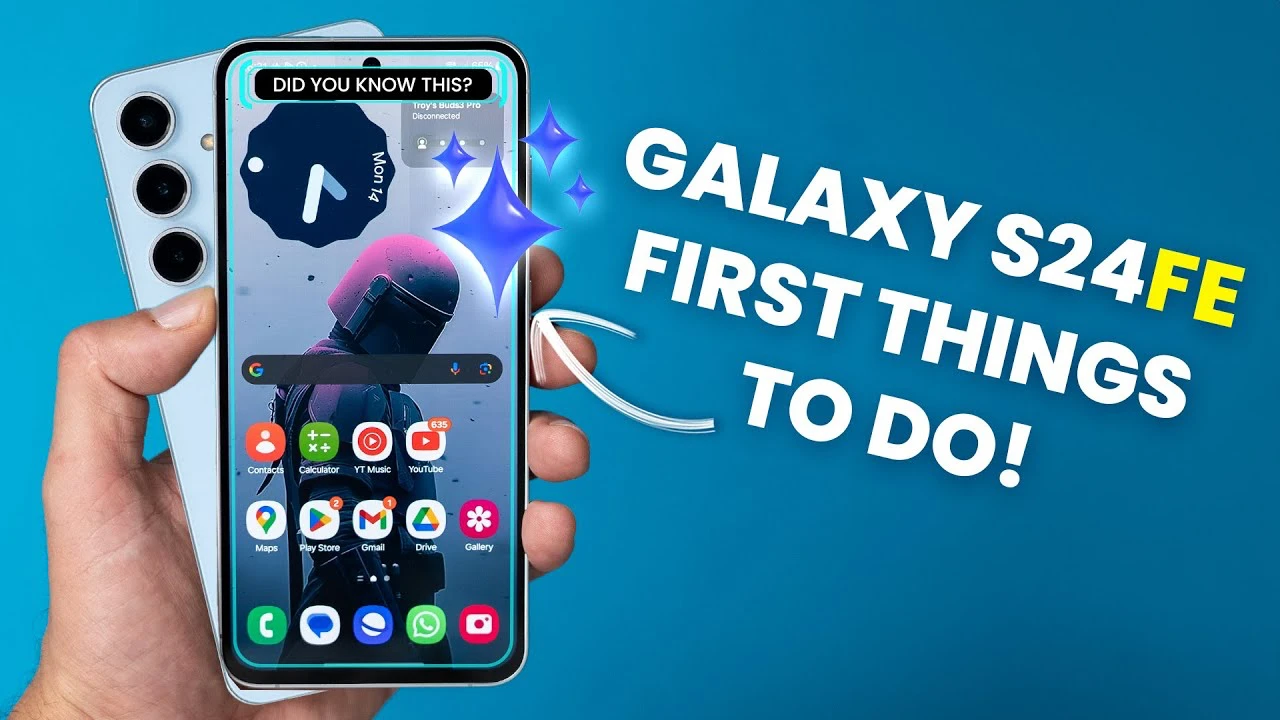
The Samsung Galaxy S24 FE is a powerful and feature-rich smartphone that offers a wide range of capabilities to enhance your mobile experience. By following these essential tips and tricks, you can unlock the full potential of your device, from setting up advanced security features to exploring innovative AI tools. The video below will help you make the most of your Galaxy S24 FE through smart customization and optimization, ensuring that your device is tailored to your specific needs and preferences.

Setting Up Robust Security Measures
To safeguard your personal information and protect your device from unauthorized access, it is crucial to set up robust security measures from the start. Begin by configuring biometric security features, such as face recognition, which provide quick and secure access to your device. These advanced security options not only offer an extra layer of protection but also add convenience to your daily interactions with your Galaxy S24 FE.
- Enable face recognition for fast and secure device unlocking
- Set up a strong password or PIN as a backup security measure
- Utilize the built-in app security features to protect sensitive data
Personalizing Your Galaxy S24 FE Experience
One of the key advantages of the Samsung Galaxy S24 FE is its high degree of customization, allowing you to make your device truly yours. Start by exploring the AI-generated wallpapers that adapt to your style and preferences, creating a unique and visually appealing home screen. Adjust the home screen grid size to organize your apps in a way that suits your needs, making it easier to navigate and access your favorite tools.
Customizing your lock screen is another way to personalize your device. Choose the information and shortcuts that you want to have readily available, such as weather updates, calendar events, or quick access to your most-used apps. Additionally, take advantage of widgets and create widget stacks to enhance the functionality of your home screen, putting important information and controls at your fingertips.
Keeping Your Device Up to Date
To ensure that your Samsung Galaxy S24 FE operates at its best and remains secure, it is essential to keep your device and apps up to date with the latest software updates. These updates often include new features, performance improvements, and critical security patches that protect your device from potential vulnerabilities. By regularly checking for and installing updates, you can maintain optimal device performance and enjoy the latest enhancements offered by Samsung.
Enhancing Navigation and Accessibility
The Galaxy S24 FE offers several ways to streamline your navigation experience and make your device more accessible. Consider switching from traditional button controls to intuitive swipe gestures, which allow you to navigate your device with simple and fluid motions. Additionally, you can customize the side button to quickly access your favorite apps or features, saving you time and effort in your daily interactions.
Optimizing your quick settings is another way to improve your device’s efficiency and convenience. By tailoring your quick settings panel to include the features you use most often, you can access important controls with just a swipe and a tap. This customization ensures that your Galaxy S24 FE is aligned with your specific needs and preferences, making it an even more powerful tool in your daily life.
Prioritizing Security and Privacy
In addition to setting up biometric security, there are several other measures you can take to enhance the security and privacy of your Samsung Galaxy S24 FE. Enable app security features to protect sensitive data within individual apps, and always use a secure Wi-Fi connection when accessing online services or transmitting personal information. It is also wise to set up emergency contacts and familiarize yourself with the device’s SOS features, which can prove invaluable in critical situations.
To safeguard your device against loss or theft, make sure to activate Samsung Find, a powerful device tracking tool that allows you to locate, lock, or even erase your Galaxy S24 FE remotely. By taking these proactive steps to prioritize security and privacy, you can enjoy peace of mind while using your device to its fullest potential.
Harnessing the Power of AI
The Samsung Galaxy S24 FE is equipped with advanced AI capabilities that can greatly enhance your user experience and productivity. Take advantage of the built-in voice assistance features to control your device hands-free, allowing you to multitask or access information quickly and easily. Explore the AI-powered image editing tools to enhance your photos and create stunning visuals with minimal effort.
Another powerful AI feature is text generation, which can help you compose emails, messages, or documents more efficiently. Additionally, you can use AI tools to summarize web pages or articles, saving you time and helping you stay informed on the go. By leveraging these AI capabilities, you can unlock new possibilities and streamline your daily tasks, making your Galaxy S24 FE an even more valuable asset in your personal and professional life.
Optimizing Device Performance
To ensure that your Samsung Galaxy S24 FE continues to run smoothly and efficiently, it is important to take proactive steps to maintain and optimize its performance. Enable auto-optimization features to automatically manage background processes, memory usage, and battery life, keeping your device running at its best. Utilize device care widgets to monitor and manage memory and storage usage, identifying and addressing potential issues before they impact your user experience.
- Regularly clear cached data and unused files to free up storage space
- Monitor battery usage and adjust settings to extend battery life
- Use built-in optimization tools to keep your device running smoothly
By following these tips and tricks, you can unlock the full potential of your Samsung Galaxy S24 FE, transforming it into a powerful, personalized, and secure tool that enhances your daily life. Through smart customization, regular updates, and proactive maintenance, you can ensure that your device continues to deliver a seamless and optimized user experience, allowing you to stay connected, productive, and entertained wherever your day takes you.
Source & Image Credit: WhatGear
Filed Under: Android News, Top News
Latest Geeky Gadgets Deals
Disclosure: Some of our articles include affiliate links. If you buy something through one of these links, Geeky Gadgets may earn an affiliate commission. Learn about our Disclosure Policy.
Credit: Source link