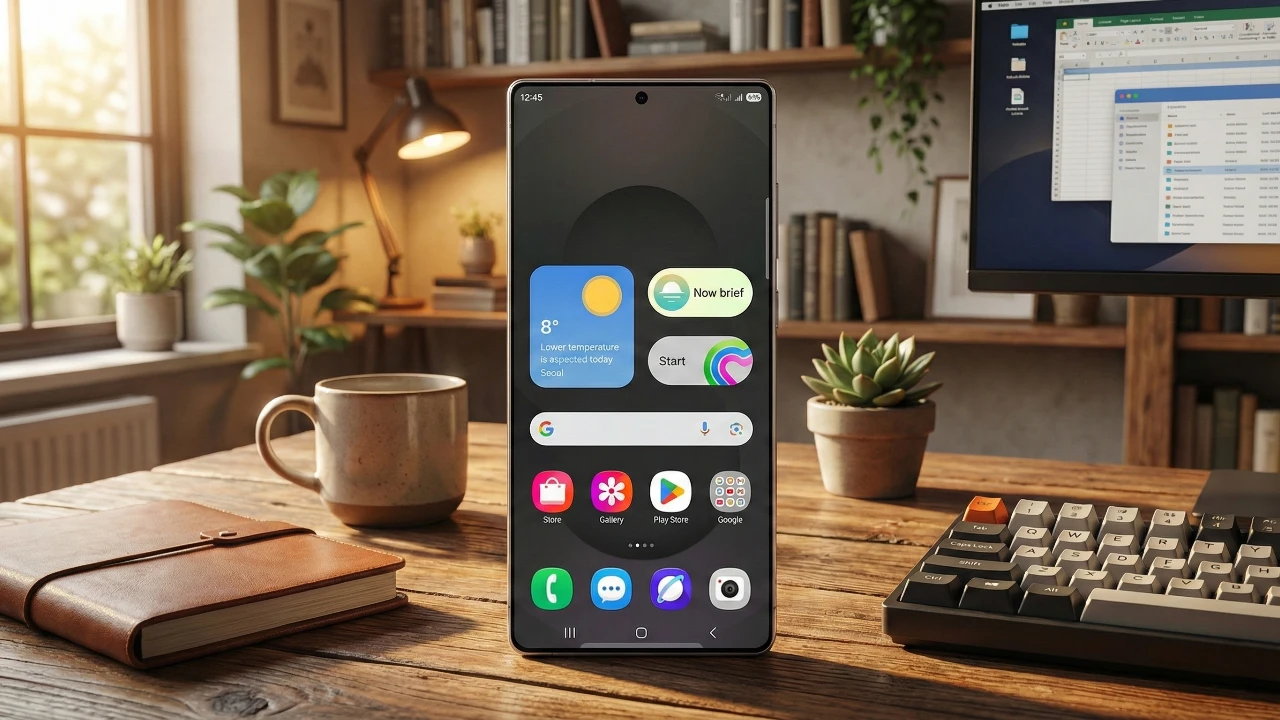
Samsung’s One UI 8.5 Beta 1 introduces a range of updates designed to enhance usability, customization, and functionality. While the visual changes are subtle, the focus remains on practical tools and refined features that improve your daily interactions. In the video below, Beebom explores the most notable updates to help you understand the value this new version brings to your device.

Quick Settings: Enhanced Control and Personalization
The Quick Settings panel has been redesigned to provide greater flexibility and personalization, ensuring a more seamless user experience. Key improvements include:
- Customizable tiles: Reorder, resize, and orient tiles to match your preferences, giving you full control over the layout.
- Separate sliders: Adjust volume and brightness independently for more precise control over your device’s settings.
- Expanded shortcuts: Add and position additional tools, allowing quicker access to frequently used features.
These updates streamline your interactions with essential settings, making everyday tasks faster and more intuitive.
Refined Visual Elements
One UI 8.5 introduces subtle yet impactful visual refinements that enhance the overall aesthetic without overwhelming the user. The lock screen and home screen now feature updated design elements, such as pill-shaped search bars and refreshed icons. These changes contribute to a cleaner, more modern interface while maintaining familiarity for existing users.
Photo Editing: Improved Workflow and Flexibility
Photo editing receives significant enhancements, making it more seamless and user-friendly. The introduction of continuous editing eliminates the need to save after every adjustment, allowing for a smoother workflow. Additionally, a full edit history lets you revisit and modify previous changes, giving you greater control over your edits. These updates are designed to simplify the editing process while offering advanced functionality for creative users.
Innovative Features for Enhanced Functionality
One UI 8.5 brings several new tools that expand your device’s capabilities and improve its overall functionality. Notable additions include:
- Partial Screen Recording: Record specific sections of your screen, ideal for creating focused tutorials or demonstrations.
- OraCast Audio Broadcast: Share audio with multiple compatible devices, such as headphones, for synchronized listening experiences.
- Theft Protection: Enhanced security features automatically lock your device after repeated incorrect password attempts, safeguarding your data.
- Storage Sharing: Seamlessly share storage between Samsung phones and tablets, optimizing space and accessibility for your files.
These features are designed to enhance both functionality and security, making your device more versatile and reliable for everyday use.
Redesigned Settings and Core App Updates
The settings app has been overhauled to provide a cleaner, more intuitive layout. One of the most notable changes is the default display of battery percentage, offering instant insights into your device’s power status. Updates to core apps further enhance usability, including:
- Phone App: A minimal call screen and larger incoming call pop-up improve navigation and readability during calls.
- Clock App: New features like a time zone converter and snooze timer display add convenience for managing your schedule.
- Voice Recorder, File Manager, and Calculator: Redesigned interfaces make these apps more intuitive and efficient for everyday tasks.
- Math Solver: Integrated into the Notes app, this tool allows you to solve equations directly within your notes, streamlining productivity.
These updates ensure that both the settings and core apps are better aligned with your needs, offering a more user-friendly experience.
Gallery and Sharing: Smarter Tools for Creativity
The gallery app introduces advanced features to improve photo and video management. Key updates include:
- Private albums: Enhanced access to private albums makes it easier to organize and secure sensitive content.
- Advanced video editing: New tools for editing long videos provide greater creative control and flexibility.
- Photo-based filters: Use images as references to create custom filters, adding a personal touch to your edits.
Additionally, Quick Share now suggests contact names based on detected faces, simplifying the sharing process and saving you time.
Device Care and AI-Driven Enhancements
Device management is further refined with AI-powered features that improve efficiency and security. Enhanced spam detection filters out unwanted notifications, reducing distractions and ensuring a smoother user experience. Improved app management tools also contribute to better performance, helping your device run efficiently and securely.
Availability and Compatibility
Samsung One UI 8.5 Beta 1 is expected to transition to a stable release alongside the launch of the Samsung S26 series. This update focuses on delivering practical enhancements that prioritize usability, customization, and convenience, making it a valuable upgrade for Samsung users. Whether you’re exploring new features or enjoying subtle visual refinements, One UI 8.5 offers a comprehensive upgrade tailored to meet your everyday needs.
Browse through more resources below from our in-depth content covering more areas on Samsung One UI 8.5.
Source & Image Credit: Beebom
Filed Under: Android News, Mobile Phone News, Top News
Latest Geeky Gadgets Deals
Disclosure: Some of our articles include affiliate links. If you buy something through one of these links, Geeky Gadgets may earn an affiliate commission. Learn about our Disclosure Policy.
Credit: Source link