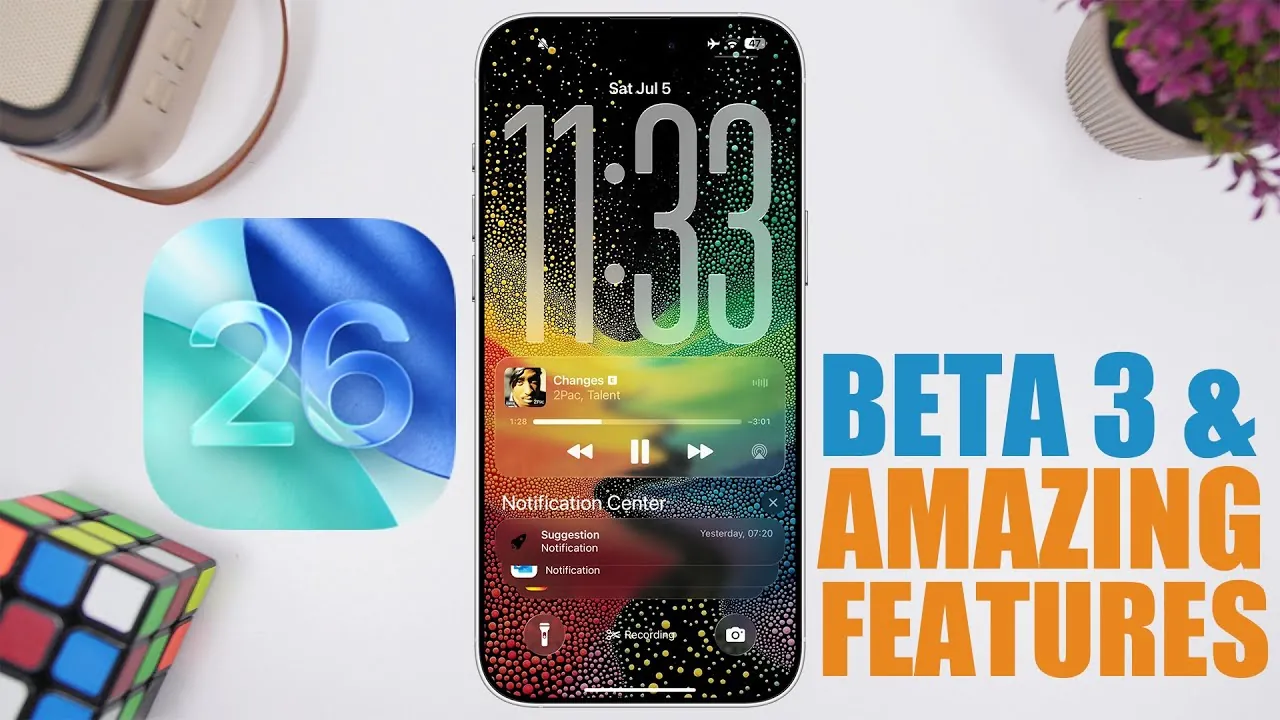
Apple has unveiled iOS 26 Beta 3, a release that combines new features with performance adjustments aimed at refining the user experience. While the update introduces exciting enhancements, it also carries the inherent risks of beta software, particularly for those considering installing it on their primary devices. Below is an in-depth exploration of the update’s features, performance highlights, and practical advice for users in a new video from iReviews.

What’s New in iOS 26 Beta 3?
The latest iteration of iOS 26 Beta introduces a range of features designed to enhance functionality, usability, and safety. These updates focus on delivering a more seamless and interactive experience for users.
- Dynamic Island Integration: The Dynamic Island now supports background file transfer monitoring, allowing users to track progress without interrupting other tasks. This feature enhances multitasking by providing real-time updates in a non-intrusive manner.
- HDR Support in Markup Tools: Markup tools now include HDR support, allowing users to adjust brightness and contrast with greater precision. The addition of a liquid glass animation offers a visually appealing and polished editing experience.
- Haptic Feedback Enhancements: A new tactile alert system notifies users when the ringer volume reaches its maximum level. This feature provides more precise control over audio settings and enhances the overall interactivity of the device.
- FaceTime Safety Feature: A built-in safety mechanism automatically freezes video content if inappropriate or sensitive material is detected in the background. This feature promotes safer and more secure video calls, particularly in professional or family settings.
Performance and Stability: The Pros and Cons
While iOS 26 Beta 3 introduces several compelling features, its performance has elicited mixed reactions from early adopters. The update showcases both improvements and challenges that users should consider.
- Improved Benchmark Scores: Initial performance tests indicate that iOS 26 Beta 3 delivers better optimization compared to earlier versions, such as iOS 18. This improvement is reflected in higher benchmark scores, suggesting smoother operation and faster processing speeds.
- Device Overheating: Despite the performance gains, overheating remains an issue during resource-intensive activities like gaming or prolonged video streaming. This could affect the device’s long-term usability and comfort during extended use.
- Battery Drainage: Battery efficiency continues to be a concern, with some users reporting accelerated power depletion. This issue may impact the practicality of using the beta on a primary device.
- App Library Freezing: Occasional freezing in the app library has been noted, which can disrupt navigation and reduce productivity. This issue highlights the potential instability of beta software.
Beta Release Timeline and Installation Tips
Apple has outlined a structured rollout plan for iOS 26 Beta 3, providing users with a clear timeline to manage their updates effectively.
- Developer Beta Availability: The developer beta is scheduled for release on July 7 at 10:00 a.m. Pacific Time, offering early access to developers for testing and feedback.
- Public Beta Release: The public beta is expected to become available between July 14 and July 15, allowing a broader audience to explore the update.
- Weekly Updates: Starting in August, Apple is likely to roll out weekly updates to address bugs, refine features, and incorporate user feedback. These updates aim to improve the overall stability and performance of the beta.
For those considering installation, it is advisable to avoid using a primary device. Beta software is inherently unstable, and waiting for feedback from other users can help you make a more informed decision about whether to proceed.
How to Approach iOS 26 Beta 3 Responsibly
While the new features in iOS 26 Beta 3 are undoubtedly appealing, it is crucial to approach the update with caution. Balancing the benefits of early access with the potential risks can help you make the most of the beta experience.
- Prioritize stability and reliability over the excitement of accessing new features immediately.
- Install the beta on a secondary device to minimize disruptions to your daily workflow and ensure that your primary device remains functional.
- Monitor feedback from the developer and public beta communities to gauge the update’s stability, performance, and potential issues.
- Regularly back up your device to protect your data in case of unexpected crashes or malfunctions.
Key Takeaways
iOS 26 Beta 3 offers a glimpse into Apple’s evolving vision, with features like Dynamic Island enhancements, HDR support in markup tools, and FaceTime safety measures leading the way. However, challenges such as overheating, battery inefficiencies, and occasional app library freezing underscore the importance of approaching beta software with care. By staying informed, using a secondary device, and prioritizing stability, you can enjoy the benefits of this update while minimizing potential drawbacks.
Dive deeper into iOS 26 Beta 3 with other articles and guides we have written below.
Source & Image Credit: iReviews
Filed Under: Apple, Apple iPhone, Top News
Latest Geeky Gadgets Deals
Disclosure: Some of our articles include affiliate links. If you buy something through one of these links, Geeky Gadgets may earn an affiliate commission. Learn about our Disclosure Policy.
Credit: Source link