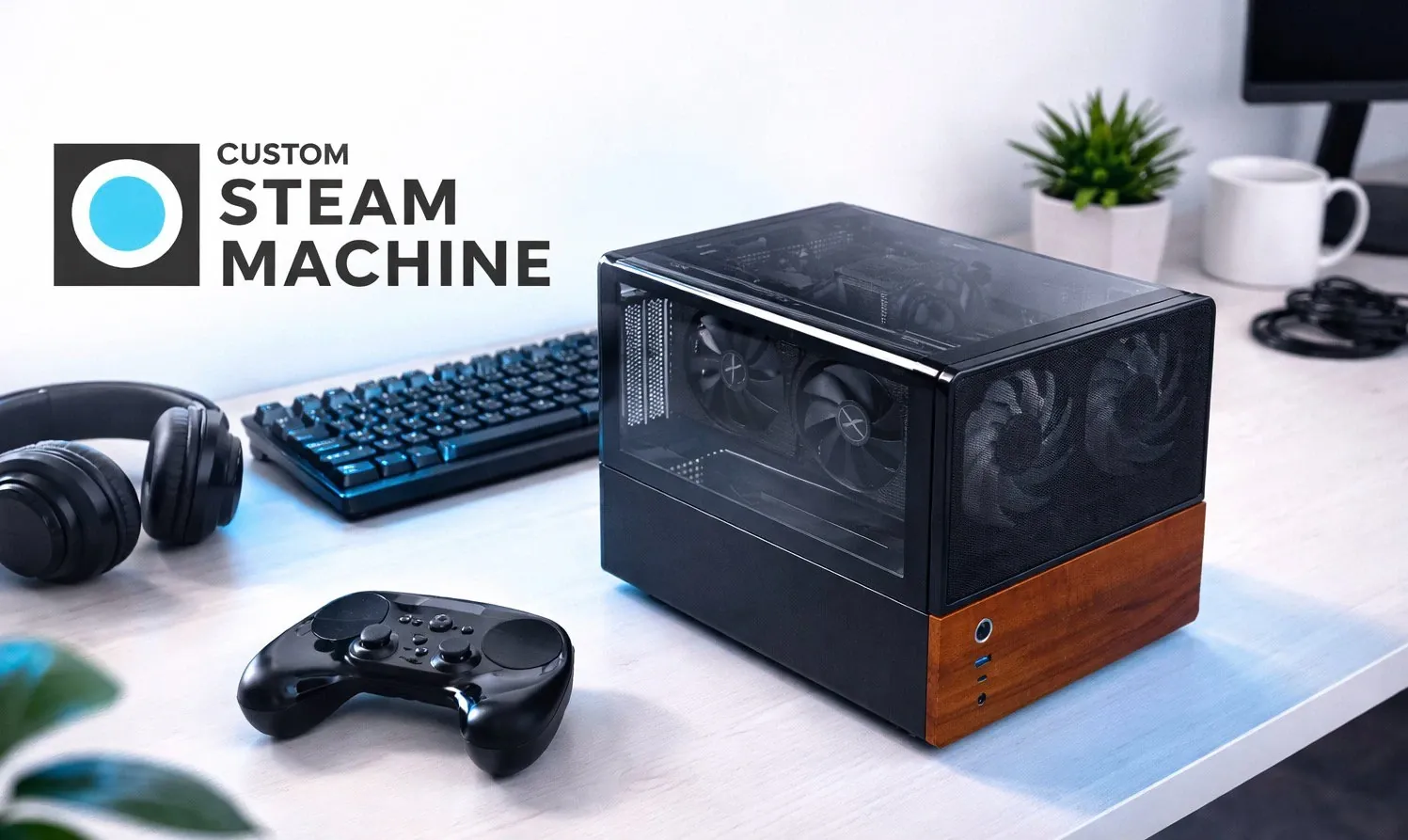
What if you could build a gaming system that doesn’t just match the performance of Valve’s Steam Machine but completely redefines it? ETA Pime takes a closer look at how you can craft your own high-performance Steam Machine using off-the-shelf components, blending innovative hardware with the versatility of a custom build. This isn’t just about assembling a PC, it’s about creating a gaming powerhouse tailored to your needs, capable of running Steam OS, Windows, or Linux with ease. Whether you’re chasing ultra-smooth frame rates at 1440p or future-proofing for the next wave of demanding titles, this DIY project promises to deliver an experience that’s as rewarding as it is powerful.
In this DIY guide, you’ll uncover the essential components and strategies to build a system that rivals pre-built options while offering unmatched flexibility. From the blazing speed of DDR5 RAM to the immersive graphics of the AMD Radeon RX7600, every detail is designed to maximize performance without breaking the bank. Along the way, you’ll also learn how to navigate challenges like compact case limitations and BIOS tweaks, making sure your system is both efficient and upgrade-ready. If you’ve ever dreamed of building a gaming rig that’s truly your own, this guide will show you how to make it happen, and why it’s worth the effort.
Build Your Own Steam Machine Now
TL;DR Key Takeaways :
- The guide outlines a step-by-step process to build a high-performance gaming PC that surpasses Valve’s Steam Machine, with compatibility for Steam OS, Windows, and Linux.
- Key hardware includes the Intel Core Ultra 245K processor, AMD Radeon RX7600 GPU, 32GB DDR5 RAM, and a 2TB M.2 SSD, making sure exceptional gaming performance at 1440p resolution.
- Performance testing demonstrated smooth gameplay across demanding titles like Cyberpunk 2077 and Spider-Man 2, with minor issues easily resolved through BIOS adjustments.
- The build supports multi-OS functionality, advanced connectivity (Wi-Fi 7 and Bluetooth), and efficient cable management, offering versatility for gaming and multitasking.
- Limitations include the compact case restricting larger GPU upgrades and the need for manual BIOS configurations, but the system is designed with future upgrade potential in mind.
Essential Hardware Components
To achieve optimal performance, it is crucial to select components that balance power, efficiency, and upgrade potential. Below is a breakdown of the core hardware used in this build:
- Motherboard: The ROG Strix B860i Gaming Wi-Fi motherboard serves as the backbone of this system, offering robust support for the Intel Core Ultra 245K processor and advanced connectivity options.
- Processor: The Intel Core Ultra 245K, a 14-core CPU with a maximum clock speed of 5.3 GHz, ensures smooth and responsive performance for demanding games and multitasking applications.
- Memory: Equipped with 32GB of DDR5 Kingston Fury Beast RAM clocked at 6,000 MT/s, this build provides ample bandwidth for modern gaming and resource-intensive tasks.
- Storage: A 2TB Crucial M.2 SSD delivers lightning-fast load times and sufficient space for an extensive game library.
- Graphics Card: The AMD Radeon RX7600 GPU, featuring 8GB of VRAM and a 130W power draw, ensures high frame rates at 1440p resolution, making it ideal for immersive gaming experiences.
- Cooling: The John’s CR1400 air cooler, with four copper heat pipes and a 90mm fan, provides efficient thermal management to keep the system running at optimal temperatures.
- Case: The Jonbo NV12 tempered glass case combines sleek aesthetics with functionality, featuring customizable RGB fans and a compact design.
- Power Supply: A Thermaltake Smart BX1 550W ATX power supply ensures reliable energy delivery with enough headroom for future upgrades.
This carefully selected combination of components guarantees a balance of performance, efficiency, and scalability, making it suitable for both gaming and multitasking.
Performance Testing: Real-World Results
To assess the system’s capabilities, it was tested with several popular games at 1440p resolution using high or ultra settings. The results highlight the system’s ability to handle demanding titles with ease:
- Cyberpunk 2077: Achieved an average of 70 FPS with FidelityFX Super Resolution (FSR) enabled, delivering smooth gameplay and stunning visuals.
- Spider-Man 2: Maintained a consistent 80 FPS using frame generation technology, making sure fluid motion and responsiveness.
- Elden Ring, The Witcher 3, and Borderlands 4: Delivered high frame rates and seamless gameplay, even during graphically intensive scenes.
While the system performed exceptionally well overall, minor challenges were encountered. For example, Borderlands 4 exhibited slight ghosting during frame generation, which required adjustments in the BIOS and software settings. These minor issues were easily resolved, demonstrating the system’s adaptability and reliability.
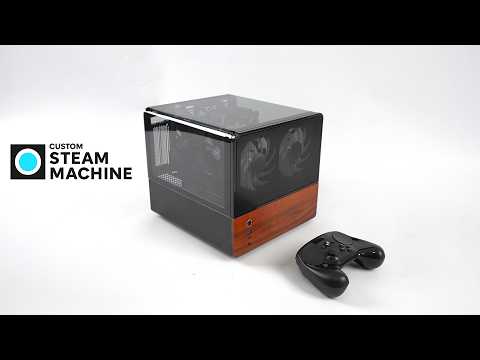
DIY Steam Machine Build : Radeon RX 7600 for 1440p Gaming
Below are more guides on Valve’s new Steam Machine from our extensive range of articles.
Features and Versatility
This custom-built PC is designed to offer flexibility and adaptability, making it suitable for a wide range of use cases. Key features include:
- Multi-OS Support: The system supports Steam OS, Windows, and Linux distributions, with dual-boot functionality that allows seamless switching between platforms based on your needs.
- Connectivity: The ROG Strix motherboard is equipped with Wi-Fi 7 and Bluetooth capabilities, making sure fast and stable connections for online gaming, streaming, and peripheral integration.
- Efficient Cable Management: The Jonbo NV12 case simplifies cable routing, making maintenance and upgrades straightforward while showcasing the RGB-lit interior through its tempered glass panel.
Although the included RGB fans may not align with everyone’s aesthetic preferences, they can be easily replaced with quieter or more visually appealing options to suit individual tastes.
Limitations and Upgrade Potential
While this build delivers impressive performance, there are certain limitations to consider. Understanding these constraints will help you plan for potential upgrades:
- Compact Case: The Jonbo NV12 case’s compact design restricts the installation of larger GPUs, which may limit future upgrade options for graphics performance.
- Manual Configuration: Adjusting GPU clock speeds and thermal design power (TDP) requires manual configuration in the BIOS, which may be challenging for less experienced users.
- Integrated GPU Limitations: The Intel integrated GPU was tested but proved unsuitable for gaming on Steam OS, underscoring the importance of the dedicated AMD Radeon RX7600 for optimal performance.
Despite these limitations, the system is built with upgrade potential in mind. Components such as the GPU, cooling system, and power supply can be replaced or enhanced to meet evolving performance demands.
Crafting Your Ideal Gaming Experience
This custom-built PC offers a powerful and versatile alternative to Valve’s Steam Machine. By using high-performance desktop components and optimizing for Steam OS compatibility, it delivers a seamless gaming experience at 1440p resolution. Whether you are an experienced PC builder or embarking on your first custom project, this guide provides the knowledge and tools to create a system tailored to your gaming and multitasking needs. With its balance of performance, flexibility, and upgrade potential, this build ensures you are prepared for the demands of modern gaming and beyond.
Media Credit: ETA PRIME
Filed Under: Gaming News, Guides, Hardware
Latest Geeky Gadgets Deals
Disclosure: Some of our articles include affiliate links. If you buy something through one of these links, Geeky Gadgets may earn an affiliate commission. Learn about our Disclosure Policy.
Credit: Source link