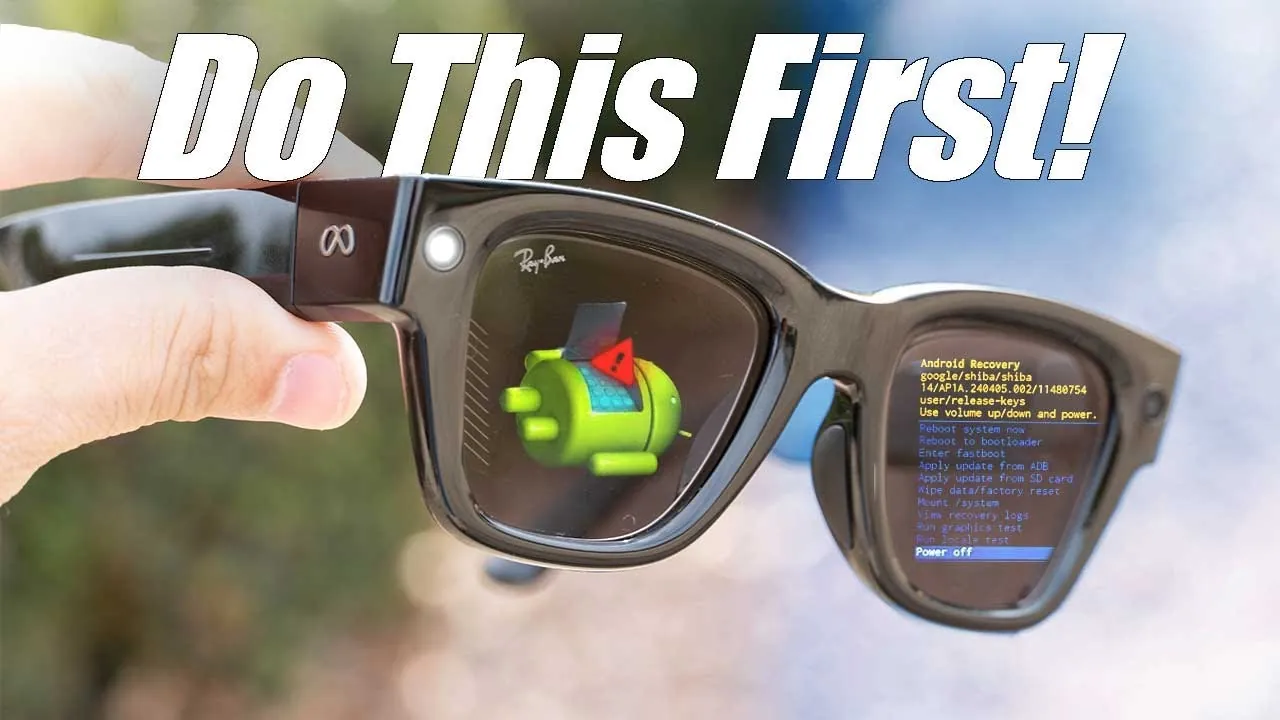
Meta Ray-Ban smart glasses combine innovative technology with everyday convenience, offering a range of features designed to enhance your lifestyle. To make the most of these innovative glasses, it’s essential to configure the right settings. From improving video recording and gesture controls to integrating apps and accessibility tools, these adjustments can significantly enhance your experience. Below is a detailed video from HotshotTek to help you unlock the full potential of your smart glasses.

1. Fine-Tune Video Recording Settings
The video recording feature is one of the most practical aspects of Meta Ray-Ban smart glasses. By optimizing the settings, you can ensure that you’re always ready to capture important moments. Extend the recording duration to up to three minutes to avoid interruptions during key events. Enable the auto-review option to instantly check your recordings or activate auto-import to seamlessly transfer videos and photos to your connected device. These settings not only simplify content management but also ensure you never miss a moment worth preserving.
2. Enable Communication Notifications
Stay effortlessly connected by configuring communication notifications on your smart glasses. Once linked to your smartphone, the glasses can deliver call and message alerts directly to you. Activate verbal announcements to receive hands-free updates about incoming calls or messages, allowing you to stay informed without reaching for your phone. Integration with popular apps like WhatsApp, Facebook Messenger, and Instagram ensures you’re always in sync with your social and professional networks. This feature is particularly useful for multitasking or when you’re on the go.
3. Customize Gesture Controls
Gesture controls are a standout feature of Meta Ray-Ban smart glasses, offering a highly intuitive way to interact with your device. Personalize gestures to suit your preferences, whether it’s activating Meta AI, skipping music tracks, or adjusting the volume. Fine-tuning these gestures can help prevent accidental triggers, especially when using other devices like smartwatches. For example, you can assign a specific swipe to activate voice commands or control playback, making sure a smoother and more efficient user experience.
4. Enhance App Connectivity
Integrating your smart glasses with various apps can streamline your daily activities and improve productivity. Connect to music streaming platforms to control playback directly from your glasses or sync with calendar tools like Google Calendar or Outlook to receive reminders and updates. Additionally, enable live translation and closed captioning tools to enhance accessibility. These features are particularly useful for travelers navigating foreign languages or professionals taking notes during meetings. By using app connectivity, you can transform your smart glasses into a versatile tool for both work and leisure.
5. Activate Driving Mode
Driving mode is a crucial safety feature that minimizes distractions while you’re on the road. When activated, this setting disables notifications, allowing you to focus entirely on driving. This is especially beneficial during long commutes or road trips, where even minor distractions can compromise safety. By prioritizing driving mode, you can ensure a safer and more focused driving experience.
6. Use Translation and Accessibility Features
Meta Ray-Ban smart glasses are equipped with advanced translation and accessibility tools that cater to a wide range of users. The live translation feature supports multiple languages, including French, Italian, and Spanish, making it an invaluable tool for travelers or multilingual individuals. Additionally, allowing closed captions during conversations or media playback ensures you can follow along even in noisy environments. These features not only enhance usability but also make the glasses more inclusive for users with diverse needs.
7. Manage Battery Life Effectively
Battery life is a critical factor in making sure uninterrupted use of your smart glasses. To extend usage, consider allowing power-saving modes or adjusting settings like brightness and notification frequency. In emergencies, you can charge the glasses using your phone’s battery, a feature that’s particularly useful during extended outings or when access to a charging station is limited. By managing battery life effectively, you can ensure your glasses are always ready when you need them.
8. Adjust Camera and Media Controls
The camera functionality of Meta Ray-Ban smart glasses can be customized to suit your photography and videography needs. Use gestures to zoom in or out while recording videos or taking photos, giving you greater control over your shots. These intuitive controls can be tailored to your preferences, making it easier to capture high-quality content. Whether you’re documenting a special event or simply experimenting with creative angles, these settings enhance the overall media experience.
9. Stay Updated for Future Features
Meta is continuously improving its smart glasses with new features and updates. Upcoming enhancements, such as handwriting input and advanced message monitoring, are expected to further expand the glasses’ capabilities. By staying informed about software updates, you can ensure you’re among the first to access these new functionalities. Regular updates not only improve performance but also introduce innovative tools that keep your device ahead of the curve.
10. Use On-Device Tutorials
To maximize the potential of your Meta Ray-Ban smart glasses, take advantage of the on-device tutorials. These step-by-step guides provide clear instructions on how to use various features, from adjusting volume and activating apps to mastering gesture controls. For instance, you can quickly learn how to perform tasks like skipping tracks or allowing voice commands with simple swipes or taps. These tutorials are an excellent resource for both new and experienced users, making sure you get the most out of your device.
By configuring these essential settings, you can unlock the full range of features offered by Meta Ray-Ban smart glasses. From optimizing video recording and customizing gestures to enhancing app connectivity and accessibility, these adjustments help create a seamless and productive user experience. Whether you’re capturing memories, staying connected, or improving daily efficiency, these glasses are designed to adapt to your needs, making them an indispensable tool for modern living.
Here are more detailed guides and articles that you may find helpful on Meta Ray-Ban Smart Glasses.
Source & Image Credit: HotshotTek
Filed Under: Gadgets News, Guides, Top News
Latest Geeky Gadgets Deals
Disclosure: Some of our articles include affiliate links. If you buy something through one of these links, Geeky Gadgets may earn an affiliate commission. Learn about our Disclosure Policy.
Credit: Source link