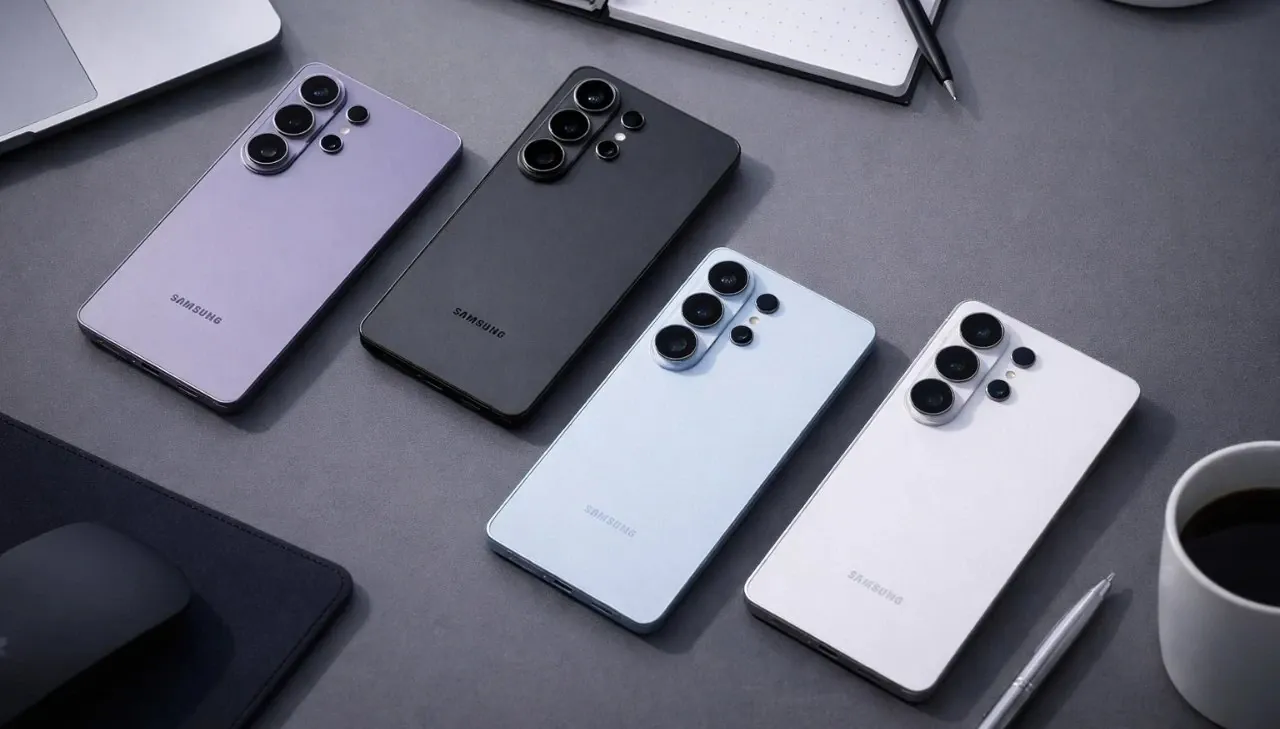
Samsung has officially launched the One UI 9 beta program for Galaxy S26 series users, offering a preview of its latest advancements in usability, customization and security. Built on the foundation of Android 17, this update provides early access to a suite of tools and enhancements that redefine the mobile experience. Currently, the beta program is available in select markets, giving you the opportunity to explore and influence the next evolution of Samsung’s mobile interface.
Key Features of One UI 9
One UI 9 introduces a range of features designed to elevate productivity, personalization, accessibility and security. These updates aim to provide a seamless and intuitive experience for users. Here are the standout features:
- Creative Tools: Enhanced functionality in Samsung Notes and the Contacts app allows for greater personalization and creative expression.
- Customization: Expanded interface controls, including an upgraded Quick Panel, enable a more tailored user experience.
- Accessibility: New features like adjustable Mouse Key speed and Text Spotlight improve usability for a wider range of users.
- Security: Advanced protections against high-risk apps ensure a safer and more secure device environment.
Creative Tools: Boosting Productivity and Personalization
One UI 9 introduces creative tools that seamlessly combine functionality with personalization. Samsung Notes now includes decorative tape options and a variety of pen line styles, allowing you to customize your notes with ease. These features are particularly useful for students, professionals and anyone who relies on digital note-taking. Additionally, the Contacts app now integrates with Creative Studio, allowing you to design unique profile cards. This integration not only enhances personalization but also adds a creative touch to everyday interactions.
Customization: A User Interface That Adapts to You
Customization is a core focus of One UI 9, giving you greater control over your device’s interface. The updated Quick Panel introduces independent controls for brightness, sound and media player settings, making navigation more intuitive and efficient. You can now adjust these elements without navigating through multiple menus, saving time and effort. Furthermore, layout customization options have been expanded, allowing you to rearrange and resize interface elements to suit your preferences. These updates empower you to create a mobile experience that aligns with your unique needs and habits.
Accessibility: Enhancing Usability for All
Samsung continues to prioritize inclusivity with several accessibility improvements in One UI 9. The adjustable Mouse Key speed feature ensures smoother and more precise cursor control, catering to users with mobility challenges. The new Text Spotlight feature displays highlighted text in a floating window, making it easier to read and interact with content. This is particularly beneficial for users with visual impairments or reading difficulties. Additionally, the integrated TalkBack package combines Google and Samsung’s accessibility features, providing a seamless screen reader experience. These enhancements reflect Samsung’s commitment to making technology accessible to everyone.
Security: Keeping Your Data Safe
Security remains a cornerstone of One UI 9, with advanced measures designed to protect your device and personal information. The update introduces enhanced safeguards against high-risk apps, including real-time warnings, blocking options and deletion recommendations. These features are aimed at preventing unauthorized access and making sure that your data remains secure. Samsung’s proactive approach to security gives you peace of mind, allowing you to use your device with confidence in an increasingly digital world.
How to Join the Beta Program
The One UI 9 beta program is currently available in select markets, including Germany, India, Korea, Poland, the U.K., and the U.S. If you own a Galaxy S26 device, you can participate in the beta program by downloading the Samsung Members app. Once registered, you’ll gain early access to the latest features and updates. This program not only allows you to explore the new interface but also provides an opportunity to share feedback that could shape the final release. By participating, you become an active contributor to the development of Samsung’s next-generation mobile experience.
Shaping the Future of Mobile Technology
Samsung’s One UI 9 beta program for the Galaxy S26 series represents a significant step forward in mobile innovation. With its focus on creative tools, enhanced customization, improved accessibility and robust security, this update is designed to meet the diverse needs of users. Built on Android 17, One UI 9 offers a glimpse into the future of Samsung’s mobile ecosystem. By joining the beta program, you can experience these advancements firsthand and play a role in shaping the evolution of mobile interfaces. This initiative underscores Samsung’s commitment to delivering innovative technology that adapts to the needs of its users.
Source: Samsung
Filed Under: Android News
Disclosure: Some of our articles include affiliate links. If you buy something through one of these links, Geeky Gadgets may earn an affiliate commission. Learn about our Disclosure Policy.
Credit: Source link