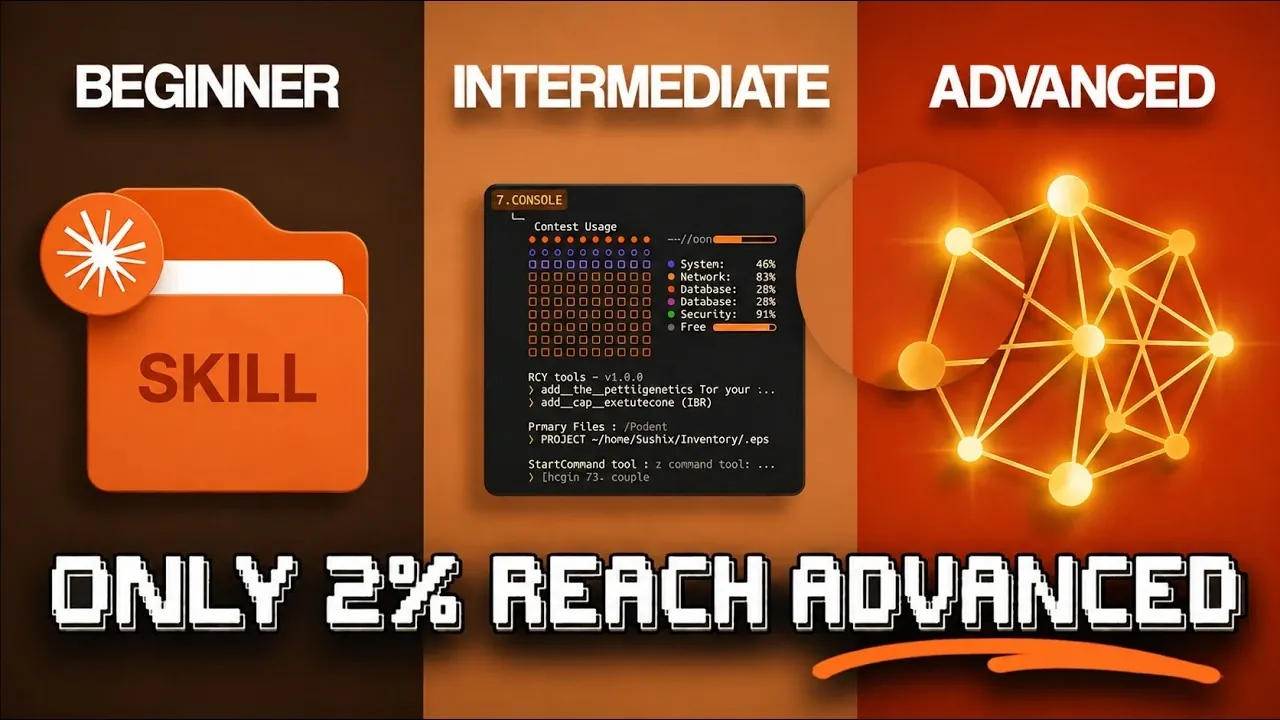
Claude offers a range of capabilities designed to support users at different skill levels, from drafting simple emails to managing complex autonomous systems. According to Nate Herk, one notable feature is context retention across conversations, which allows beginners to maintain relevance across tasks while organizing projects more effectively. Advanced users, on the other hand, can use features like Markdown project files and sub-agents to integrate Claude with external systems for managing intricate workflows.
Explore how to create reusable workflows that streamline your tasks, implement verification loops to ensure quality control and set up cloud-based routines for automation. This breakdown provides clear steps for using Claude’s features, whether you’re new to the platform or seeking advanced integrations.
Claude Skill Levels
TL;DR Key Takeaways :
- Claude AI is designed to enhance productivity and streamline workflows, offering five progressive skill levels to cater to users from beginners to experts.
- At the Enthusiast and Beginner levels, users can explore basic features like contextual understanding, project organization and integrations with tools like Slack and Google Drive.
- Intermediate users can use advanced features such as automation, reusable workflows and creative tools like Claude Design for branded prototypes.
- Advanced users gain access to powerful tools like Markdown project files, sub-agents and the Model Context Protocol (MCP) for managing complex projects and technical tasks.
- The Architect level enables infrastructure-level integration, allowing for complete automation through features like cloud routines, lifecycle event hooks and the Agent SDK for custom applications.
Level 1: Enthusiast
At the Enthusiast level, you are likely exploring Claude’s fundamental features, such as answering questions, drafting emails, or generating scripts. While these tasks may seem straightforward, many users underestimate Claude’s potential by treating it as a simple search engine. To maximize its capabilities, focus on Claude’s ability to retain context across conversations. For example:
- Upload screenshots or detailed prompts to guide its responses more effectively.
- Ask follow-up questions to refine outputs and ensure relevance.
This stage is about familiarizing yourself with Claude’s core functionalities. By experimenting with its contextual understanding, you lay the foundation for more structured and efficient usage in the future.
Level 2: Beginner
As a Beginner, you move beyond basic tasks to structured workflows. Claude’s memory and past chat search features allow you to track ongoing projects, while integrations with tools like Slack and Google Drive enhance collaboration. Additionally, Claude can generate files such as Excel sheets, PowerPoint presentations and Word documents, complete with inline visuals to support your work. Here’s how you can optimize your experience at this level:
- Organize projects into categories to maintain context and relevance across tasks.
- Use Claude’s suggestions to streamline repetitive processes, such as email templates or meeting agendas.
This stage is about transitioning from ad-hoc usage to creating workflows that keep your work organized, accessible and efficient.

Enhance your knowledge on Claude AI by exploring a selection of articles and guides on the subject.
Level 3: Intermediate
Intermediate users unlock more advanced features, such as Claude Co-work, which integrates with desktop file systems for seamless collaboration. This level emphasizes automation and efficiency through reusable workflows, scheduled tasks and mobile control. Creative professionals can also use Claude Design to create branded prototypes and designs tailored to their needs. Practical applications at this level include:
- Automating repetitive tasks, such as generating weekly reports or managing project timelines.
- Setting up reusable workflows to save time and reduce manual effort.
This stage is ideal for embedding Claude into your daily routines, allowing you to manage tasks more effectively while focusing on higher-priority objectives.
Level 4: Advanced
At the Advanced level, Claude becomes a powerful tool for managing complex projects. Features like Markdown project files (Claude.md), plan mode and sub-agents for specialized tasks enable parallel productivity. Work trees for isolated Git branches and the Model Context Protocol (MCP) further enhance integration with external tools and systems, making Claude a versatile solution for technical and managerial challenges. Key strategies for this level include:
- Creating custom commands to streamline specific workflows and improve efficiency.
- Using verification loops to maintain quality control and ensure accuracy in outputs.
For instance, developers can manage code repositories with ease, while project managers can optimize token usage to reduce costs. This level focuses on precision, scalability and the ability to handle complex, multi-faceted tasks.
Level 5: Architect
The Architect level represents the pinnacle of Claude’s capabilities, allowing infrastructure-level integration for complete automation and customization. Features such as cloud routines, lifecycle event hooks, external control channels, headless mode and the Agent SDK allow users to build scalable, autonomous systems tailored to their specific needs. At this stage, you can:
- Set up cloud routines to handle recurring tasks without manual intervention, improving efficiency.
- Develop custom applications using the Agent SDK to address unique organizational requirements.
This level is ideal for organizations and individuals aiming to create robust, scalable systems. However, it requires careful planning and a strong understanding of automation principles to ensure responsible and effective implementation.
Tips for Maximizing Claude’s Potential
To fully use Claude’s capabilities, consider these best practices:
- Focus on structured workflows and memory management to maintain efficiency and consistency in your tasks.
- Optimize token usage to reduce costs while making sure high-quality outputs for complex projects.
- Explore community resources, pre-built skills and plugins to customize Claude’s functionalities and troubleshoot challenges effectively.
As you progress through the skill levels, adopt advanced features gradually. Building trust in autonomous systems and maintaining quality control are critical for scaling productivity responsibly. By doing so, you can ensure that Claude becomes an indispensable tool in your workflow.
Unlocking New Levels of Productivity
Claude offers a versatile suite of tools designed to meet the needs of users at every skill level. From handling basic tasks to creating complex, automated solutions, this guide provides a roadmap to help you navigate its features effectively. By understanding and applying the right strategies, you can transform the way you work, achieving new levels of productivity and efficiency with confidence.
Media Credit: Nate Herk | AI Automation
Filed Under: AI, Guides
Disclosure: Some of our articles include affiliate links. If you buy something through one of these links, Geeky Gadgets may earn an affiliate commission. Learn about our Disclosure Policy.
Credit: Source link