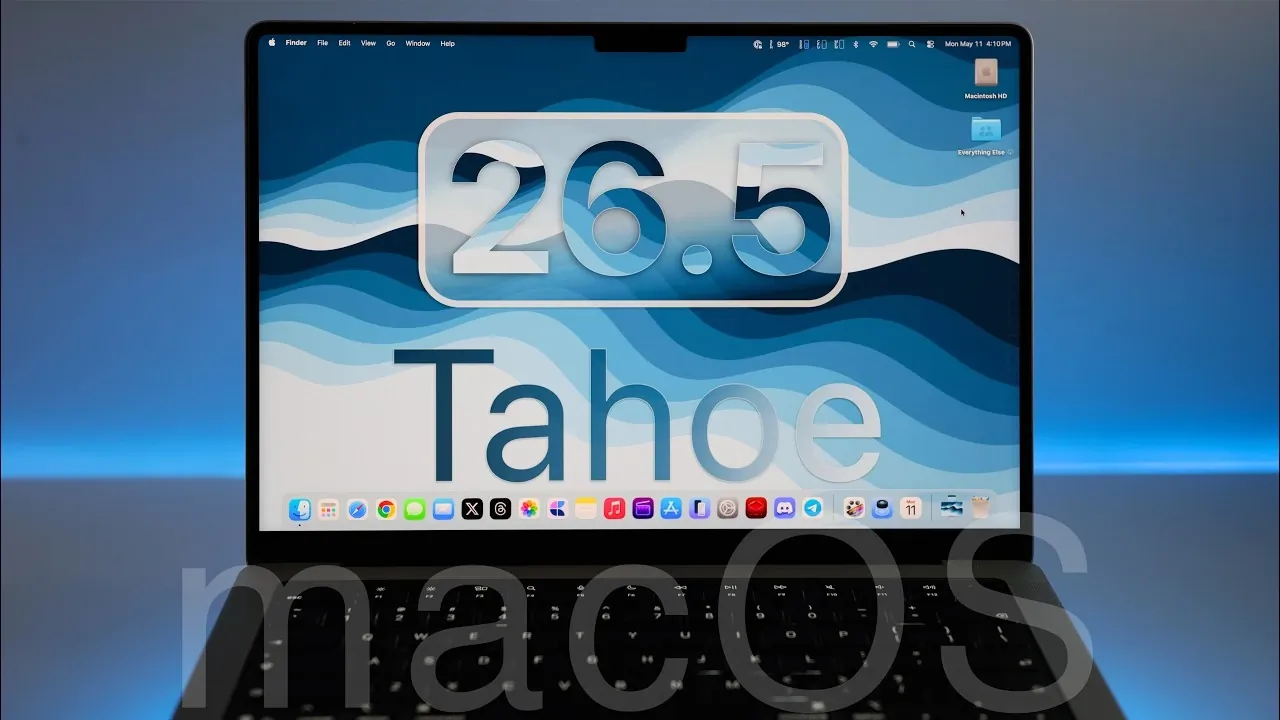
Apple has officially launched macOS 26.5 Tahoe, a noteworthy update aimed at enhancing functionality, security, and performance for all devices compatible with macOS 26. This release introduces a range of new features, addresses critical security vulnerabilities, and resolves persistent bugs, ensuring a more seamless and secure user experience. Below is an in-depth exploration of what macOS 26.5 Tahoe offers. The video below from Zollotech gives us more details on the latest macOS software update.

Key Features in macOS 26.5 Tahoe
macOS 26.5 Tahoe brings a variety of features designed to improve productivity and usability. These updates cater to both individual users and enterprise environments, offering practical enhancements across multiple applications and system functionalities.
- Messages: The update introduces end-to-end encryption for RCS messages, available in supported regions and carriers. This ensures that your conversations remain private and protected from unauthorized access.
- Maps: Enhanced search functionality now provides more intuitive results, including tailored suggestions for nearby restaurants, gas stations and other points of interest. Updated icons improve navigation clarity, though users may notice ads integrated into search results.
- System Settings: In compliance with EU regulations, users in the region can now send notifications and live activities to third-party devices, expanding cross-platform compatibility.
- Reminders: Task management is more precise with the ability to set reminders for specific times, such as “Remind me at 6:00 p.m.,” offering greater control over daily schedules.
- Desktop Macs: Select desktop Mac models now feature an auto-power-on capability, allowing devices to start automatically when connected to a power source, streamlining workflows for users who rely on consistent uptime.
- Subscriptions: Developers can now offer more flexible annual subscription plans with improved payment and cancellation terms, giving users enhanced control over their subscriptions.
Bug Fixes
macOS 26.5 Tahoe addresses several longstanding issues, significantly improving system reliability and user experience. These fixes resolve problems that have affected both individual users and enterprise environments.
- Resolved an issue where typing a period or space while saving files caused unintended text deletion, making sure smoother file management.
- Fixed errors in AirDrop, Continuity and Notifications settings that previously disrupted functionality.
- Addressed issues with SMB shares, Time Machine backups and unexpected restarts on specific Mac models, enhancing overall system stability.
- Corrected problems with smart card logins, Safari autofill settings and resizing windows in the XQuartz app, making sure smoother usability.
Enterprise Improvements
macOS 26.5 Tahoe introduces updates specifically tailored for enterprise users, focusing on device management and operational reliability. These enhancements aim to streamline workflows and reduce disruptions in professional environments.
- Fixed blank screen startup issues that occurred after system updates, making sure smoother boot processes for enterprise devices.
- Resolved problems with certificate renewals and content filter extensions, improving compatibility with enterprise security protocols and tools.
Enhanced Security
Security remains a cornerstone of macOS 26.5 Tahoe, with over 50 vulnerabilities addressed across various system components. These updates reinforce Apple’s commitment to protecting user data and maintaining system integrity.
- Patches for networking vulnerabilities reduce the risk of potential exploits, safeguarding data transmitted over networks.
- GPU driver updates enhance both system stability and security, making sure reliable performance during intensive tasks.
- App framework improvements prevent unauthorized access and mitigate data breach risks, bolstering overall system security.
- Enhanced IP tracking protections minimize online tracking risks, providing users with greater privacy during web browsing and app usage.
Performance and Battery Life
macOS 26.5 Tahoe delivers smoother performance across all supported devices. Testing has shown consistent battery life, with no significant drain reported after the update. These optimizations ensure a more efficient and reliable user experience, particularly for users who rely on their devices for extended periods.
Known Issues
Despite its extensive improvements, macOS 26.5 Tahoe is not without minor flaws. Some users may encounter occasional black spaces in notification settings. This issue can be resolved with a simple reboot and Apple is expected to address it in future updates.
Looking Ahead: macOS 27
Apple has confirmed that macOS 27 will be unveiled at the Worldwide Developers Conference (WWDC) on June 8, 2026. This upcoming release is anticipated to introduce significant advancements and new features. Until then, macOS 26.5 Tahoe remains the final update for the macOS 26 series, offering a stable and secure platform for users.
Source & Image Credit: zollotech
Filed Under: Apple, Guides, Laptops
Disclosure: Some of our articles include affiliate links. If you buy something through one of these links, Geeky Gadgets may earn an affiliate commission. Learn about our Disclosure Policy.
Credit: Source link