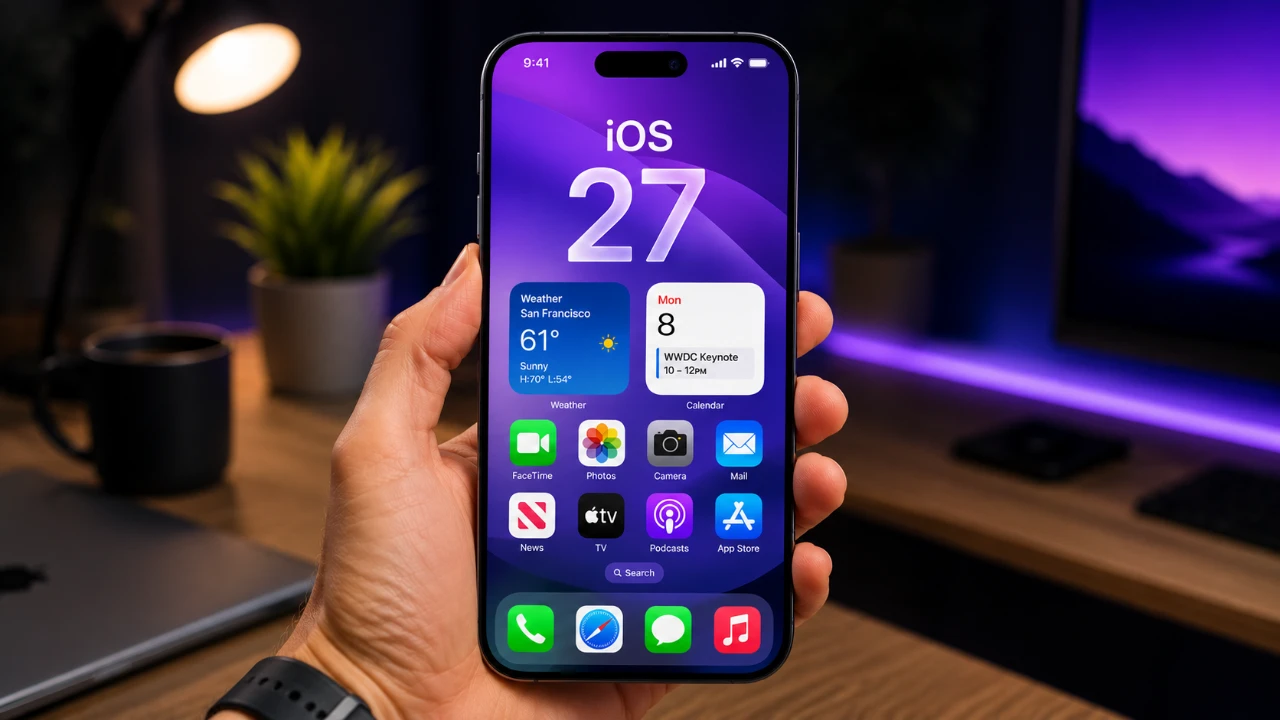
Apple is preparing to redefine how you interact with your iPhone. Leaked screenshots of iOS 27 reveal substantial updates to Siri and search functionality, pointing to a more advanced and seamless user experience. These updates, expected to debut at the Worldwide Developers Conference (WWDC), include a dedicated Siri app, a new “search or ask” feature, and deeper AI integration. Together, they signal Apple’s commitment to positioning Siri as a leading AI assistant while enhancing its usability across devices. The video below from MacRumors gives us more details on the design changes coming to iOS 27.

Standalone Siri App: A Centralized Hub for Interaction
For the first time, Siri will have its own dedicated app in iOS 27, creating a centralized hub for all your interactions with Apple’s virtual assistant. This app is designed to make Siri more accessible and versatile, offering a streamlined interface that organizes past conversations in a visually appealing grid layout. A built-in search bar enables you to quickly locate specific interactions, while options to start new conversations are readily available.
The app supports both voice and text input, giving you the flexibility to communicate with Siri in the way that suits you best. Additionally, you can upload images and documents, allowing Siri to assist with a broader range of tasks. Whether you’re managing your schedule, seeking detailed information, or editing content, this app consolidates Siri’s capabilities into one intuitive platform. By integrating these features, Apple aims to make Siri an indispensable part of your daily routine.
“Search or Ask”: A Fusion of Search and AI
The new “search or ask” feature reimagines Apple’s Spotlight search by merging traditional device search with AI-powered chatbot functionality. This hybrid tool allows you to either search your iPhone for files, apps, or contacts or ask Siri questions in a conversational format. For example, you could locate a specific document or request a detailed summary of a topic, all within the same interface.
This feature also integrates web-based results, presenting them in a clean, user-friendly format that includes summaries, bullet points, and relevant images. By combining local search and AI, Apple simplifies how you find information, whether it’s stored on your device or sourced from the web. This innovation enhances productivity and ensures that the information you need is always within reach.
Dynamic Island Integration: Enhanced Accessibility
Siri’s functionality in iOS 27 extends to the Dynamic Island, Apple’s pill-shaped notification area. Interactions with Siri will now appear here, accompanied by sleek animations that enhance the user experience. Results are displayed on transparent cards that can expand into a full conversation mode, resembling iMessage threads. This integration ensures Siri remains accessible without disrupting your workflow, allowing you to multitask seamlessly while engaging with the assistant.
The Dynamic Island integration not only streamlines interactions but also reinforces Apple’s focus on creating a cohesive and intuitive user interface. By embedding Siri into this feature, Apple ensures that assistance is always just a tap away, whether you’re responding to a query or managing tasks on the go.
Third-Party AI Integration: Expanding User Options
In a significant move, Apple is opening its ecosystem to third-party AI chatbots. With iOS 27, you’ll have the option to set external AI services, such as ChatGPT or Google’s Gemini, as defaults for specific tasks. This flexibility allows you to choose the AI tools that best meet your needs, whether for drafting emails, editing images, or performing other specialized functions.
By embracing third-party integration, Apple acknowledges the growing demand for diverse AI capabilities. This approach not only enhances user choice but also positions Apple as a more inclusive platform, catering to a wide range of preferences and requirements. It’s a step that underscores Apple’s commitment to personalization and adaptability in the evolving AI landscape.
Image Playground: Smarter and Simpler Editing
The Image Playground in iOS 27 has been redesigned with a focus on simplicity and functionality. A standout addition is the “describe a change” feature, which allows you to request specific edits to your images using natural language. For instance, you could ask Siri to “brighten the background” or “remove an object,” and the assistant will apply the changes with precision.
These updates use improved image models, delivering more realistic and accurate results. Whether you’re a casual user looking to enhance personal photos or a creative professional working on detailed projects, these enhancements make image editing faster, more intuitive, and more accessible. The redesigned Image Playground reflects Apple’s dedication to empowering users with tools that are both powerful and easy to use.
Siri’s Evolution: Competing in the AI Landscape
The updates in iOS 27 highlight Apple’s determination to modernize Siri and position it as a competitive AI assistant. After years of criticism for lagging behind rivals like ChatGPT, Apple appears focused on closing the gap. The introduction of a standalone app, conversational search, and third-party integration reflects a broader effort to make Siri more versatile, intuitive, and user-friendly.
These changes are not just about catching up; they represent a strategic shift in how Apple approaches AI. By integrating advanced capabilities while maintaining a focus on user experience, Apple is setting the stage for Siri to become a central part of its ecosystem. This evolution underscores Apple’s commitment to innovation and its vision for the future of AI on its devices.
Anticipation Builds for WWDC
The timing of these leaks aligns with the upcoming WWDC event, where Apple is expected to unveil more details about iOS 27 and its vision for Siri. These updates mark a pivotal moment for Apple as it redefines its approach to AI and search functionality.
With a focus on personalization, seamless integration, and advanced capabilities, iOS 27 represents a significant leap forward for Siri and AI on Apple devices. Whether you’re exploring the new standalone app, using conversational search, or experimenting with enhanced image editing, these features promise to elevate how you interact with your iPhone. As anticipation builds for WWDC, it’s clear that Apple is poised to make a lasting impact in the AI space.
Unlock more potential in Siri AI Chatbot by reading the previous articles we have written.
Source & Image Credit: MacRumors
Filed Under: Apple, Apple iPhone, Technology News, Top News
Disclosure: Some of our articles include affiliate links. If you buy something through one of these links, Geeky Gadgets may earn an affiliate commission. Learn about our Disclosure Policy.
Credit: Source link