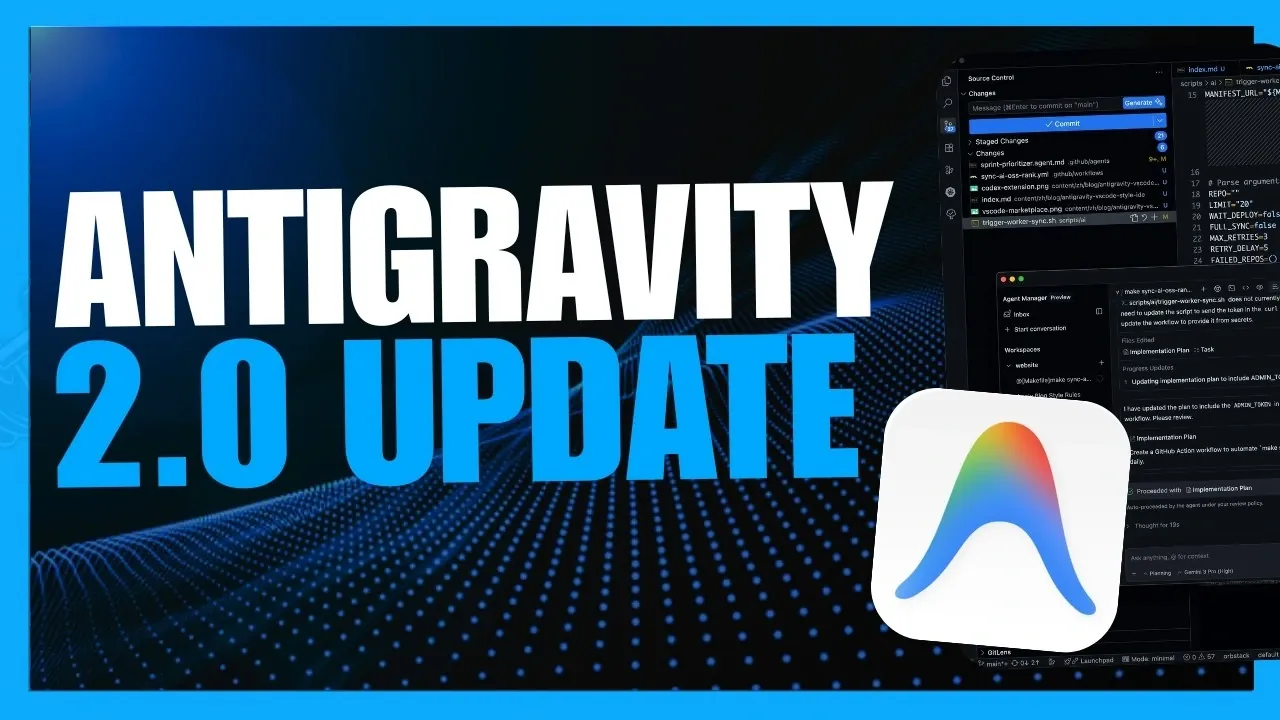
Google’s latest update to its AI ecosystem, Antigravity 2.0, introduces a modular architecture that separates its features into two distinct applications: a VS Code-inspired Integrated Development Environment (IDE) and a chat-based agent interface. This shift is designed to cater to specialized workflows, offering enhanced customization and productivity. One standout feature is the inclusion of dynamic sub-agents, which can manage multiple tasks simultaneously, making them particularly useful for automating repetitive processes or handling complex projects. As highlighted by World of AI, this update represents a significant departure from the unified interface of previous versions, sparking discussions about its impact on usability and accessibility.
In this deep dive, you’ll gain insight into the practical applications of Antigravity 2.0’s new features, such as asynchronous task execution for uninterrupted workflows and customizable JSON hooks for tailored integrations. Explore how the Gemini desktop app complements the platform by streamlining collaboration through improved artifact review flows and multi-folder project management. Additionally, discover how developers can use the updated Antigravity SDK and CLI to build and deploy AI-driven applications with greater control. This breakdown offers a closer look at how these advancements can enhance both individual and team productivity across diverse use cases.
What is Antigravity 2.0?
TL;DR Key Takeaways :
- Google’s Antigravity 2.0 introduces a modular architecture with separate applications for an IDE and a chat-based agent interface, focusing on productivity, customization and workflow efficiency.
- Dynamic sub-agents enable multitasking and automation, making it easier to manage complex projects and repetitive tasks, particularly benefiting developers and project managers.
- Key features include asynchronous tasks, enhanced project management, task automation commands, live voice transcription and customizable integrations for diverse use cases.
- Developer tools like the Antigravity SDK and CLI provide advanced capabilities for building, deploying and customizing AI-driven applications with greater control and flexibility.
- User feedback highlights mixed reactions to the separation of the IDE and agent interface, with concerns about usability and reduced usage limits, prompting Google to explore potential refinements in future updates.
Antigravity 2.0 represents a significant shift from its predecessor by dividing its functionality into two distinct applications: a VS Code-inspired Integrated Development Environment (IDE) and a chat-based agent interface. This modular approach is tailored to meet the needs of specialized workflows, offering tools that are purpose-built for specific tasks.
One of the most notable innovations is the introduction of dynamic sub-agents. These autonomous agents can perform multiple tasks simultaneously, allowing you to manage complex projects or automate repetitive processes with minimal manual intervention. This feature is particularly advantageous for developers, project managers and AI enthusiasts who seek to optimize their workflows and improve overall efficiency.
Key Features and Enhancements
Antigravity 2.0 introduces a range of new features aimed at streamlining operations and enhancing the user experience. Key highlights include:
- Asynchronous and Scheduled Tasks: Execute background operations without interrupting your primary activities, allowing for uninterrupted focus on critical tasks.
- Enhanced Project Management: Features such as multi-folder support, customizable permissions and predefined workflows simplify team collaboration and improve organizational efficiency.
- Task Automation Commands: Use commands like
/goal,/drill me, and/browserto automate complex or repetitive tasks effortlessly. - Live Voice Transcription: Input commands or notes directly through voice, allowing hands-free operation and faster task execution.
- Customizable Skills and JSON Hooks: Adapt integrations to meet your specific needs, offering a high degree of flexibility for diverse use cases.
- Improved Artifact Review Flows: Assist smoother collaboration and feedback cycles, making sure projects progress efficiently from start to finish.
These features are designed to enhance both individual and team productivity, providing the tools needed to manage tasks with greater precision and flexibility across various domains.

Gain further expertise in Antigravity by checking out these recommendations.
Developer Tools: SDK and CLI
For developers, Google has expanded its toolkit with significant updates to the Antigravity SDK and CLI, empowering users to build and deploy AI-driven applications with greater control.
- Antigravity SDK: Offers programmatic access to Google’s agent infrastructure, allowing the creation of custom autonomous systems and seamless integration into existing workflows. This tool is ideal for developers looking to design tailored solutions for specific challenges.
- Antigravity CLI: Provides terminal-based access to agent models and workflows. With customizable key bindings and themes, the CLI adapts to individual preferences, delivering an intuitive and efficient user experience.
These tools are essential for developers aiming to streamline their processes, test innovative ideas and deploy robust AI solutions with minimal friction.
Integration and Ecosystem Expansion
Google has taken steps to unify its branding across the Antigravity ecosystem, which now includes desktop applications, the IDE, AI Studio and the CLI. The new agent model, “Antigravity Preview0526,” is optimized for autonomous operations in remote Linux environments, making it a versatile tool for cross-platform development.
Additional integrations, such as Chrome DevTools and modern web guidance plugins, provide real-time insights and debugging capabilities. These enhancements are particularly beneficial for developers working on web-based applications, offering a more streamlined and efficient development experience. By incorporating these tools, users can gain deeper insights into their projects and resolve issues more effectively.
User Feedback: Praise and Criticism
While Antigravity 2.0 introduces several advancements, user feedback has been mixed. The decision to separate the IDE and agent interface has drawn criticism from users who preferred the unified approach of earlier versions. Additionally, the update’s reduced usage limits have raised concerns among power users who rely heavily on the platform for their daily operations.
Some users have expressed a desire for the reintegration of the IDE and agent interface to restore the cohesive experience offered by previous iterations. Google has acknowledged this feedback and is reportedly exploring ways to address these concerns in future updates, signaling a commitment to refining the platform based on user needs.
Maximizing Antigravity 2.0
To fully harness the capabilities of Antigravity 2.0, Google recommends installing complementary tools such as Chrome DevTools and the Antigravity SDK. These tools enhance the platform’s functionality, providing additional resources for debugging, customization and workflow optimization. AI Ultra subscribers can also access extra AI credits, extending their use of premium features and allowing more extensive experimentation with the platform’s advanced capabilities.
Antigravity 2.0 positions itself as a comprehensive agent operating system, supporting both desktop and terminal environments. Whether you’re a developer seeking to streamline your coding processes, a project manager aiming to improve team collaboration, or an AI enthusiast exploring new possibilities, the platform offers a robust set of tools to enhance workflows and drive innovation.
Media Credit: WorldofAI
Filed Under: AI, Top News
Disclosure: Some of our articles include affiliate links. If you buy something through one of these links, Geeky Gadgets may earn an affiliate commission. Learn about our Disclosure Policy.
Credit: Source link