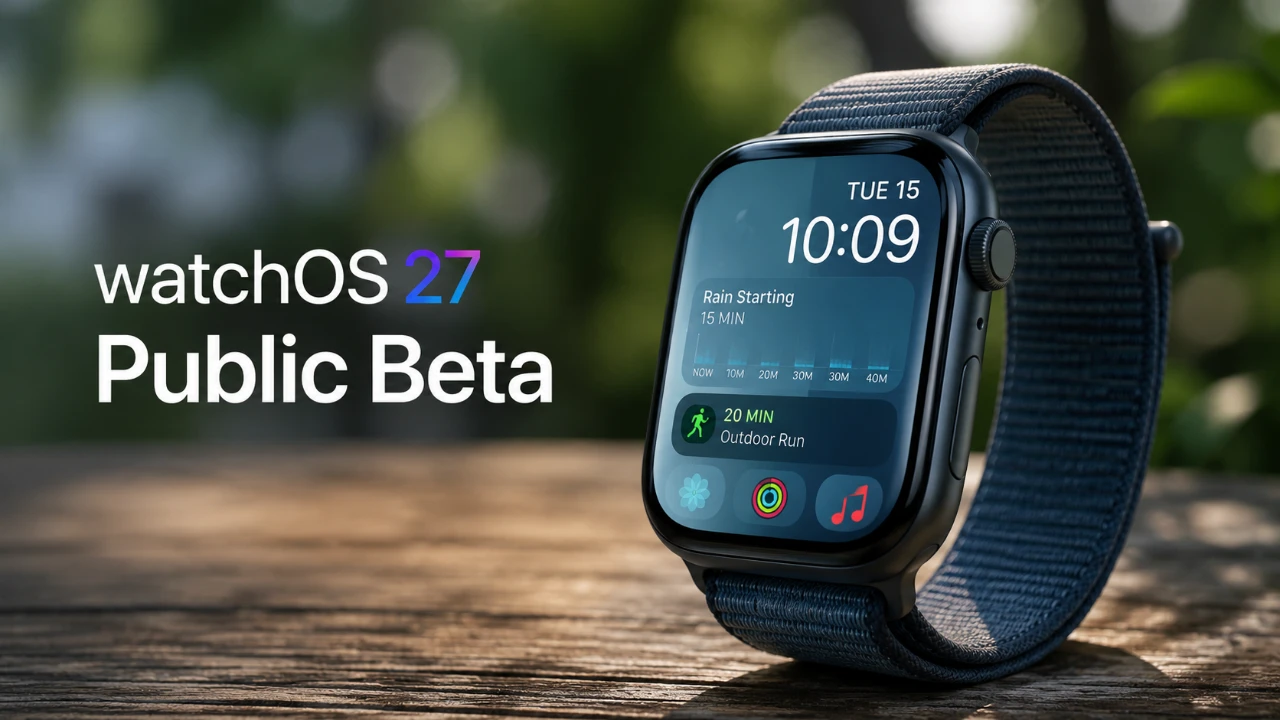
Apple has unveiled the public beta of watchOS 27, bringing a host of new features, design enhancements, and compatibility changes to the Apple Watch ecosystem. This update introduces exciting improvements while also phasing out support for older devices and retiring certain functionalities. Below is an in-depth exploration of what this update offers and how it impacts users.

Device Compatibility: Focus on Modern Hardware
The watchOS 27 public beta is compatible with the Apple Watch Series 9 and newer models, including the 3rd-generation Apple Watch SE. However, support for older devices, such as the Series 6 and earlier models, has been discontinued. This shift underscores Apple’s commitment to optimizing performance and delivering a more seamless experience on its latest hardware. By focusing on newer devices, Apple ensures that users benefit from enhanced speed, functionality, and integration with the latest technologies.
Enhanced Siri Functionality and Usability
Siri has received a significant upgrade in watchOS 27, making it smarter and more intuitive. The updated interface now features a sleek animation that aligns with the design language of iPhones, creating a more cohesive user experience across devices. One of the standout additions is Siri’s ability to log past conversations, allowing for more context-aware and personalized interactions. Additionally, a dedicated Siri app has been introduced, allowing users to manage voice commands directly from their Apple Watch. This enhancement simplifies tasks and makes Siri a more integral part of daily interactions.
Revamped Navigation and Interface Improvements
Apple has overhauled the navigation system in watchOS 27, replacing the traditional app switcher with a dynamic menu that prioritizes frequently used apps. This change streamlines multitasking and enhances usability, making it easier to access essential tools. The Smart Stack has also been upgraded with new features, including birthday reminders, transit card suggestions, and parked car location tracking. These updates aim to create a more intuitive and personalized interface, making sure that users can quickly access relevant information when needed.
Workout App Updates for Fitness Enthusiasts
The Workout app in watchOS 27 has been refined to cater to fitness enthusiasts with improved accuracy and functionality. Tracking metrics such as steps, calories burned, distance, and heart rate zones has been enhanced for more precise monitoring. The Workout Buddy feature now supports offline use, making it a versatile tool for users who prefer to exercise without constant connectivity. Additionally, AirPods integration allows the Apple Watch to sync seamlessly with compatible fitness equipment, creating a more connected and immersive workout experience.
Find My App: Unified Tracking Made Simple
The Find My app has been redesigned to consolidate tracking for people, devices, and items into a single, streamlined view. This update simplifies location tracking and improves usability, making it easier to keep tabs on what matters most. A new icon has also been introduced, aligning with the app’s updated design language and enhancing its visual appeal.
Design and Notification Enhancements
watchOS 27 introduces a liquid glass design that improves the visual aesthetics of the interface. Notifications have also been improved with the addition of a red X button, allowing for quick and easy dismissal. These updates strike a balance between form and function, making sure that the interface remains both visually appealing and highly practical.
Additional Features to Explore
The update includes several other enhancements aimed at improving performance and usability:
- Faster performance in the Music app, making sure smoother playback and navigation.
- Battery optimization suggestions tailored to individual usage patterns, helping users extend battery life.
- Updates to the Wallet app, allowing users to create and manage membership barcodes directly on their Apple Watch.
Removed Features: Streamlining the Experience
While watchOS 27 introduces numerous improvements, some features have been retired. The Walkie-Talkie app has been discontinued and the double-tap gesture for app switching is no longer available. These changes reflect Apple’s focus on streamlining the user experience and prioritizing newer functionalities that align with evolving user needs.
Installing the Beta: Key Considerations
To install the watchOS 27 public beta, your paired iPhone must be running iOS 17. Before proceeding, it is essential to verify compatibility and understand the potential risks associated with beta software, such as bugs or incomplete features. Backing up your data is highly recommended to safeguard against any potential issues during installation.
watchOS 27: A Balanced Evolution
watchOS 27 represents a significant step forward for the Apple Watch, offering a blend of enhanced usability, refined design, and improved functionality. While it introduces exciting new capabilities, it also marks the end of support for older devices and the removal of certain features. Whether you’re eager to explore its innovations or cautious about the changes, this update highlights Apple’s ongoing dedication to delivering an innovative user experience.
Source & Image Credit: HotshotTek
Filed Under: Apple, Gadgets News, Top News
Disclosure: Some of our articles include affiliate links. If you buy something through one of these links, Geeky Gadgets may earn an affiliate commission. Learn about our Disclosure Policy.
Credit: Source link