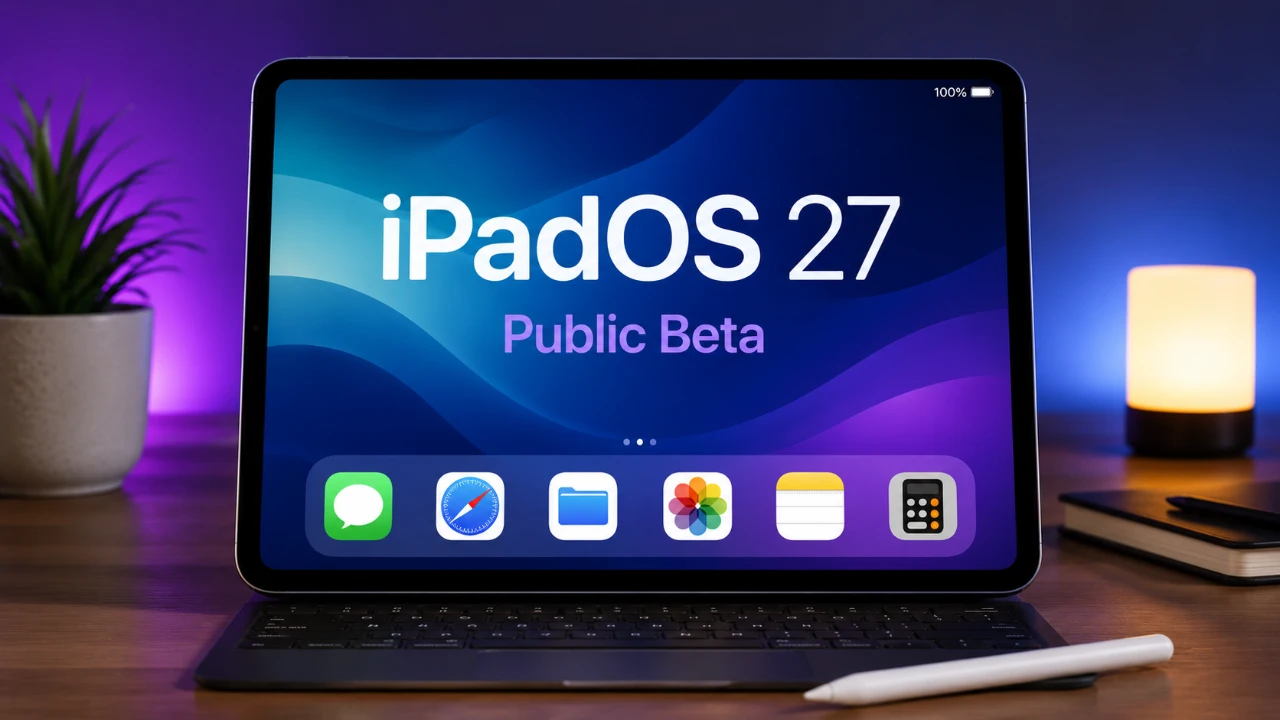
The iPadOS 27 public beta introduces a significant update, bringing the iPad closer to functioning as a full-fledged computer. With a focus on productivity enhancements, customization options, and deeper integration within Apple’s ecosystem, this update caters to professionals, students, and casual users alike. Below is a detailed look at the most notable features and improvements that make iPadOS 27 a compelling upgrade. The video below from HotshotTek gives us a look at the new Public Beta of iPadOS 27.

Compatibility and Performance: Optimized for Modern Devices
iPadOS 27 supports a wide range of devices, starting with the iPad Pro featuring M4 chips and extending to the iPad Mini 6th generation. This ensures that users with relatively recent hardware can access the latest features. The update emphasizes performance improvements, delivering faster app launches, reduced lag and smoother multitasking. Even in its beta stage, the system feels more stable and responsive, allowing both everyday tasks and complex workflows to be handled with greater efficiency.
For users with older devices, the update ensures backward compatibility while maintaining a focus on optimizing performance for the latest hardware. This balance allows a broader audience to experience the benefits of iPadOS 27 without compromising usability.
Siri Gets Smarter: AI Enhancements
Siri in iPadOS 27 has been enhanced with advanced artificial intelligence capabilities, making it more intuitive and versatile. A new gesture allows you to activate Siri Spotlight Search from any app, streamlining workflows and reducing interruptions. Enhanced visual intelligence enables object recognition and reverse searches, allowing you to identify items in photos or quickly gather information.
These updates position Siri as a more capable assistant, whether you’re managing professional tasks, conducting research, or handling daily activities. The integration of AI-driven features ensures that Siri remains a valuable tool for improving productivity and convenience.
Safari: A More Powerful Browsing Experience
Safari has been upgraded to better support both professional and personal use. Key features include:
- Automatic tab organization by topic, helping you maintain a clutter-free workspace.
- The “Notify Me” feature, powered by Apple AI, which alerts you to price drops or stock updates.
These improvements make Safari a more efficient tool for research, shopping and everyday browsing. The browser’s enhanced performance and organizational tools ensure a seamless experience, whether you’re managing multiple projects or simply exploring the web.
Multitasking and Gesture Controls: Streamlined Workflows
Multitasking in iPadOS 27 has been reimagined to provide a more streamlined and intuitive experience. Adaptive menu bars and automatic visibility adjustments allow for smoother transitions between apps, reducing friction during complex workflows. New gesture controls further enhance usability, offering quicker access to multitasking tools and Siri.
These updates make the iPad feel more like a traditional computer, allowing users to handle tasks such as document editing, video conferencing and creative projects with ease. The improved multitasking capabilities are particularly beneficial for professionals and students who rely on the iPad for productivity.
Customization: Personalize Your iPad
iPadOS 27 introduces new ways to make your device uniquely yours:
- A paintbrush icon simplifies widget editing, making customization more intuitive.
- Extra-large widgets and additional wallpapers offer more personalization options.
- The liquid glass appearance slider lets you adjust display aesthetics for a modern, polished look.
These features ensure that your iPad reflects your style and preferences, allowing for a more personalized and engaging user experience.
Apple Pencil and Sidecar: Enhanced Creativity and Collaboration
The Apple Pencil becomes even more versatile with iPadOS 27. You can now draw directly in messages, adding a personal touch to your communications. Sidecar integration has also been refined, allowing smoother interactions with Mac displays. Whether you’re sketching, annotating, or extending your workspace, these updates make the Apple Pencil an indispensable tool for creative and collaborative tasks.
For artists, designers, and students, the enhanced Apple Pencil functionality offers greater precision and flexibility, making it easier to bring ideas to life.
Keyboard Automation: Streamline Your Workflow
For Magic Keyboard users, iPadOS 27 introduces automation shortcuts that trigger actions when attaching or detaching the keyboard. This feature is particularly useful for professionals who frequently switch between tablet and laptop modes. By automating repetitive tasks, this update saves time and improves overall efficiency.
The seamless integration of keyboard automation highlights Apple’s commitment to enhancing the iPad’s versatility as both a tablet and a productivity tool.
News+ Audio: Stay Informed on the Go
The News app now supports audio for News+ subscribers, allowing you to listen to articles while multitasking. Whether you’re commuting, exercising, or working on other tasks, this feature makes it easier to stay informed without being tied to a screen. The addition of audio content enhances the app’s usability, catering to users who prefer a hands-free approach to consuming news.
Apple Cash and Payment Features: Simplified Finances
Managing finances becomes more convenient with new Apple Cash features. You can now:
- Split bills directly within the app, simplifying shared expenses.
- Scan receipts for easier expense tracking and organization.
These updates make the iPad a practical tool for handling everyday financial tasks, from budgeting to managing group payments. The integration of these features into the Apple ecosystem ensures a seamless and user-friendly experience.
Bridging the Gap Between Tablet and Computer
iPadOS 27 represents a significant step forward in transforming the iPad into a device that rivals traditional computers. With smarter Siri capabilities, enhanced multitasking, deeper customization, and improved tools like the Apple Pencil and Magic Keyboard, this update enables users to work, create and manage tasks more efficiently. Whether you’re organizing tabs in Safari, automating workflows, or personalizing your device, iPadOS 27 delivers a versatile and seamless experience.
As Apple continues to refine its ecosystem, the iPad evolves into an indispensable tool for productivity, creativity and everyday use. This update underscores Apple’s commitment to bridging the gap between tablets and computers, offering users the best of both worlds.
Unlock more potential in iPadOS 27 by reading the previous articles we have written.
Source: HotshotTek
Filed Under: Apple, Apple iPad, Top News
Disclosure: Some of our articles include affiliate links. If you buy something through one of these links, Geeky Gadgets may earn an affiliate commission. Learn about our Disclosure Policy.
Credit: Source link