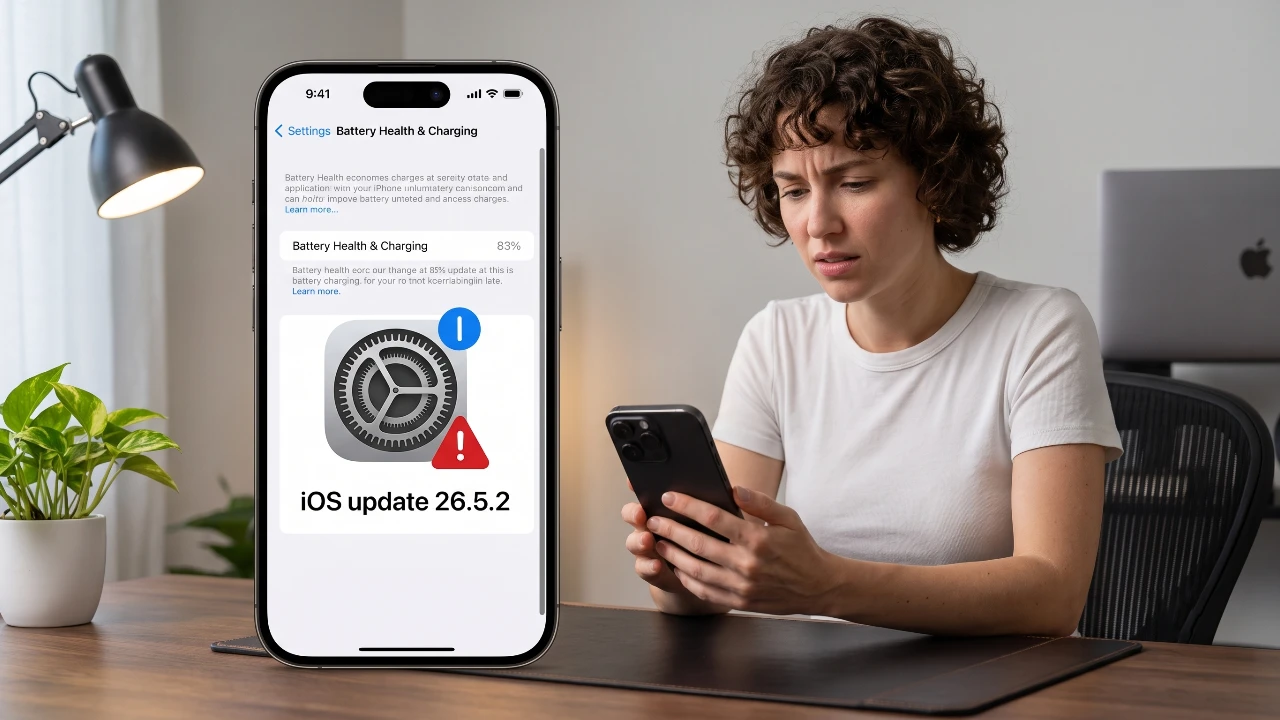
The release of iOS 26.5.2 has brought a mix of improvements and challenges for users. Among the most pressing concerns are persistent battery drain and overheating problems, which have persisted longer than the typical adjustment period following an update. While it’s common for devices to recalibrate and run background tasks after a major update, these issues have raised questions about software optimization and compatibility. If you’re experiencing these challenges, there are practical steps you can take to restore your device’s performance and maintain its longevity. The video below from Daniel About Tech gives us more details about how to fix battery drain on iOS 26.5.2.

Key Issues with iOS 26.5.2
Following the update, users have reported two primary concerns:
- Excessive battery drain, even during light or minimal usage.
- Overheating devices, sometimes reaching uncomfortable or alarming temperatures.
These issues are not uncommon after major updates, as the system often requires time to recalibrate and complete background processes. However, the persistence of these problems weeks after the update suggests deeper software-related concerns that may require user intervention or further updates from Apple.
How to Troubleshoot and Resolve These Issues
If your device is affected by battery drain or overheating, the following steps can help you identify and address the root causes effectively.
1. Analyze Battery Usage by App
A good starting point is to identify which apps are consuming the most power. Navigate to Settings > Battery > Battery Usage by App to view a detailed breakdown of power consumption. If you notice an app using an unusually high percentage of your battery, it may not be optimized for iOS 26.5.2. In such cases:
- Update the app to its latest version via the App Store.
- If the issue persists, consider uninstalling the app temporarily to determine if performance improves.
2. Update All Apps
Outdated apps can exacerbate performance issues, including battery drain and overheating. Open the App Store and check for updates to ensure all your apps are running their latest versions. Developers often release updates to address compatibility issues with new iOS versions, which can help reduce resource usage and improve overall stability.
3. Restart Your Device
A simple restart can often resolve minor glitches that contribute to overheating or excessive battery consumption. To restart your iPhone:
- Press and hold the power button until the slider appears.
- Slide to power off and wait a few seconds before turning the device back on.
This basic step can clear temporary software conflicts and improve performance.
4. Reset Your Device as a Last Resort
If the above steps fail to resolve the issues, performing a system reset may be necessary. Before proceeding, back up your data using iCloud or iTunes to avoid losing important information. To reset your device:
- Go to Settings > General > Reset > Erase All Content and Settings.
- Follow the on-screen instructions to restore your iPhone to factory settings.
This process can eliminate persistent software conflicts, but should only be used as a last resort.
Long-Term Solutions and Alternatives
While it may be tempting to join the iOS 27 beta program in hopes of resolving these issues, beta versions often introduce new bugs and instability. Instead, it’s advisable to wait for the stable release of iOS 27, which is expected in the coming months. This version is likely to include fixes for the current problems and provide a more reliable user experience.
In the meantime, consider these general tips to maintain your device’s performance:
- Allow a few days after any update for background processes to stabilize.
- Regularly monitor battery usage and optimize app settings as needed.
- Restart your device periodically to clear minor glitches and improve responsiveness.
These proactive measures can help mitigate the impact of software issues and keep your device running smoothly.
Proactive Steps for Future Updates
To minimize the risk of encountering similar issues with future iOS updates, adopt these best practices:
- Back up your device before installing any major update to safeguard your data.
- Ensure all apps are updated to their latest versions before upgrading your iOS.
- Wait a few days after a new iOS release to monitor user feedback and identify any widespread issues.
By following these steps, you can reduce the likelihood of performance problems and ensure a smoother transition to new software versions.
Maintaining Device Health Amidst Software Challenges
While iOS 26.5.2 has introduced some challenges, they are manageable with the right approach. By monitoring battery usage, keeping apps updated and performing resets when necessary, you can address these issues effectively. Avoid beta updates for now and focus on maintaining your device’s health until a more stable iOS release becomes available. With these strategies, you can ensure your iPhone continues to perform reliably, even in the face of software-related challenges.
Take a look at other insightful guides from our broad collection that might capture your interest in iOS 26.5.2 battery drain.
Source & Image Credit: Daniel About Tech
Filed Under: Apple, Apple iPhone, Guides
Disclosure: Some of our articles include affiliate links. If you buy something through one of these links, Geeky Gadgets may earn an affiliate commission. Learn about our Disclosure Policy.
Credit: Source link