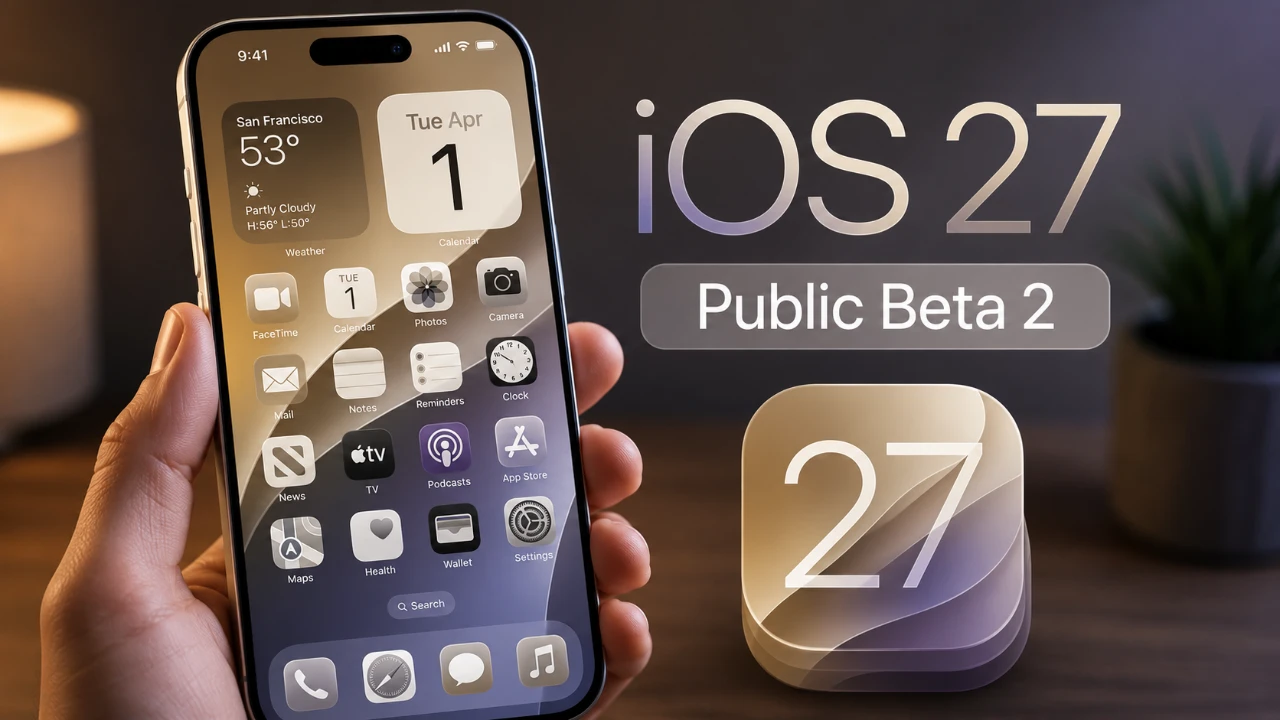
Apple has officially released iOS 27 Public Beta 2, bringing a host of updates designed to refine the user experience. This latest beta focuses on enhancing interface design, improving functionality, and addressing bugs from the previous version. Whether you’re customizing settings, interacting with Siri, or exploring new features, this update introduces subtle yet meaningful changes that aim to make your device more intuitive and enjoyable to use. Below is a detailed look at the key updates and their significance in a great new video from HotshotTek.

Lock Screen: A Cleaner, More Consistent Look
The lock screen has received a notable update with the standardization of icon colors. Regardless of whether you’re using light or dark mode, all icons now appear in white, creating a cleaner and more uniform aesthetic. This adjustment not only enhances readability but also reinforces Apple’s focus on delivering a visually cohesive interface. By simplifying the design, Apple ensures that the lock screen remains functional while maintaining its sleek appearance.
Enhanced Visual and Functional Features
Apple has introduced several updates that improve both the visual appeal and functionality of iOS 27. These changes, while subtle, collectively enhance the overall user experience.
- Smoother Volume Rocker Animation: The volume rocker now features a refined “liquid glass” animation, making volume adjustments feel more responsive and visually polished. This small but impactful change contributes to a more seamless interaction with your device.
- Spotlight Search Improvements: Spotlight search has been updated with minor yet effective tweaks. A new splash screen greets users when opening the feature, and the microphone icon now includes a circular outline for improved visibility. These adjustments make Spotlight more intuitive and accessible.
- Keyboard Layout Optimization: The keyboard has been subtly redesigned with better spacing between keys, enhancing typing accuracy. This tweak ensures a smoother and more efficient typing experience.
AirPods and Control Center Enhancements
Managing AirPods has become more intuitive with the addition of a new adaptive mode slider in the Control Center. This feature allows users to seamlessly switch between noise cancellation and transparency modes without navigating through multiple menus. By streamlining this process, Apple has made it easier to customize audio settings on the go.
Additionally, the Control Center now displays cellular signal strength more accurately. Previous bugs that caused inconsistencies in signal indicators have been resolved, making sure a more reliable representation of your network connectivity. These updates highlight Apple’s commitment to improving both functionality and user convenience.
Siri and Personalization Updates
Siri has become more inclusive with expanded voice customization options. Users can now choose from a wider range of accents, including South African, Irish, Indian, British and Australian. While some accents are still marked as “coming soon,” this update underscores Apple’s effort to make Siri more adaptable to diverse user preferences. These enhancements not only personalize the Siri experience but also reflect Apple’s dedication to inclusivity.
Refinements to Core Apps
Several core apps have received updates aimed at improving usability and visual clarity:
- Health App: The Health app has undergone slight formatting changes, making it easier to navigate and locate key features. These adjustments ensure that users can access important health data more efficiently.
- Find My App: The Find My app now features a new splash screen and updated icon backgrounds. These visual changes improve contrast and make the app more user-friendly, whether you’re locating a device or sharing your location.
Fixing Long-Standing Issues
Apple has addressed several bugs and glitches that previously affected the user experience. One significant fix resolves an issue where notifications caused wallpaper glitches on the lock screen and home screen. With this update, your device’s visuals remain consistent and free from disruptions, even when notifications are active. These fixes demonstrate Apple’s commitment to resolving user-reported issues and delivering a more stable operating system.
Why These Updates Are Important
The updates introduced in iOS 27 Public Beta 2 reflect Apple’s ongoing efforts to refine its mobile operating system. From lock screen adjustments to Siri customization and AirPods integration, these changes are designed to enhance usability while addressing prior inconsistencies. Each update, whether visual or functional, contributes to a more seamless and enjoyable user experience. While some features remain in development, this beta release offers a clear indication of Apple’s dedication to improving its ecosystem.
Looking Ahead
For developers and early adopters, iOS 27 Public Beta 2 provides an exciting preview of what’s to come in Apple’s mobile operating system. As Apple continues to fine-tune features and incorporate user feedback, this update serves as a critical step toward a more intuitive and polished iOS experience. Whether you’re exploring new features or testing improvements, this beta release highlights Apple’s focus on innovation and user satisfaction.
Take a look at other insightful guides from our broad collection that might capture your interest in iOS 27.
Source: HotshotTek
Filed Under: Apple, Apple iPhone, Top News
Disclosure: Some of our articles include affiliate links. If you buy something through one of these links, Geeky Gadgets may earn an affiliate commission. Learn about our Disclosure Policy.
Credit: Source link