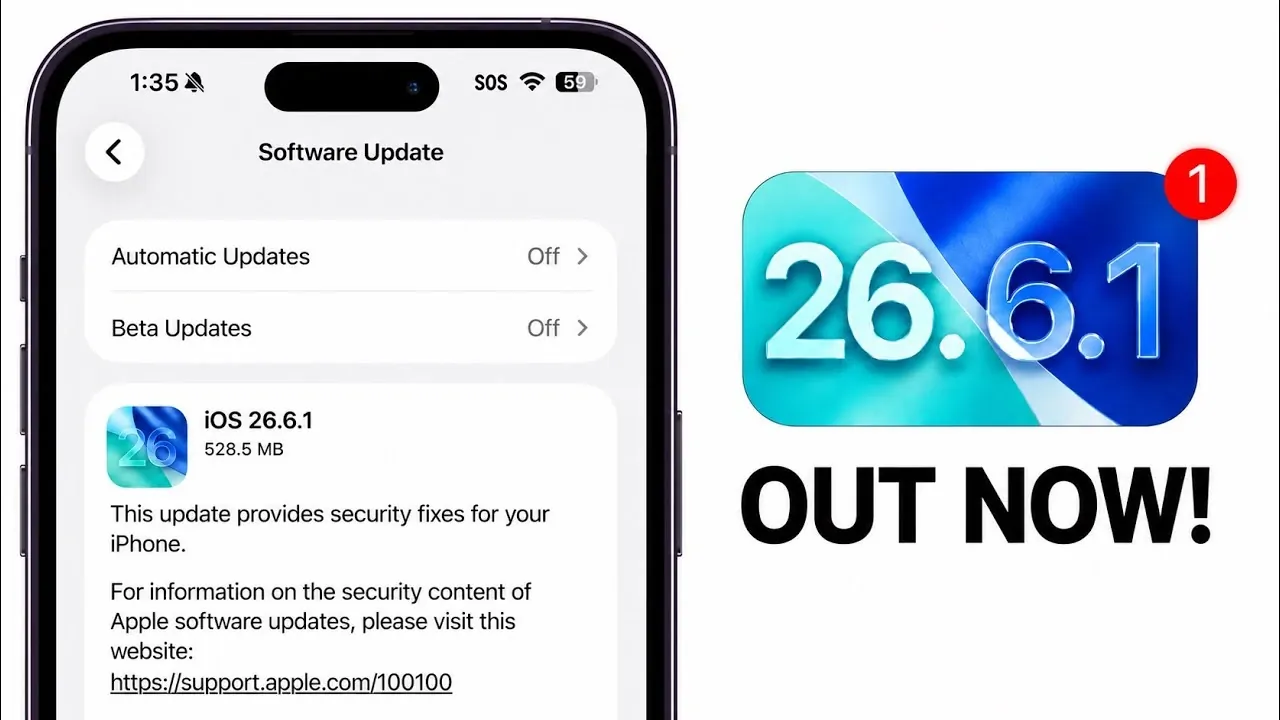
Apple has officially rolled out iOS 26.6.1, iPadOS 26.6.1, and iOS 18.7.10, alongside updates for macOS (26.6.2) and VisionOS (26.6.1). These updates are primarily focused on critical security enhancements and bug fixes, addressing vulnerabilities that could compromise your devices. While they do not introduce major new features, they are essential for maintaining the security, stability, and reliability of your Apple ecosystem. The video below from iDeviceHelp gives us more details about the new iOS 26.6.1 software update.

What’s New in iOS and iPadOS Updates?
The iOS 26.6.1 and iPadOS 26.6.1 updates are tailored for devices running iOS 26, while iOS 18.7.10 is designed for older devices still operating on iOS 18. These updates bring significant improvements, particularly in security. Here’s what they include:
- Over 20 security vulnerabilities have been patched, safeguarding your device from potential exploits and unauthorized access.
- Unlisted fixes, such as resolving animation glitches in the Shortcuts app, have been quietly addressed to improve user experience.
By installing these updates, you reinforce your device’s defenses against potential threats that could compromise sensitive data or disrupt functionality. Apple’s consistent focus on security demonstrates the importance of keeping your devices updated to ensure they remain protected.
macOS and VisionOS: Security and Stability Updates
For macOS users, version 26.6.2 delivers a similar suite of security patches, addressing vulnerabilities that could affect system integrity and performance. VisionOS 26.6.1, designed for Apple’s immersive devices, also receives critical updates aimed at enhancing security and stability.
Although these updates do not introduce new features, they are vital for making sure that your devices remain reliable and secure. Apple’s commitment to addressing vulnerabilities across its platforms highlights the importance of these updates in maintaining a seamless and safe user experience.
Performance Remains Unchanged
For those concerned about performance, benchmark tests reveal that the transition from iOS 26.6 to iOS 26.6.1 results in minimal differences. Any variations in performance scores are negligible and have no noticeable impact on speed, responsiveness, or overall functionality. This means you can update your device without worrying about performance degradation, making sure that your device continues to operate smoothly.
Why Updating is Crucial
Updating your device is not just a routine task, it is a critical step in protecting your digital life. Security vulnerabilities can leave your device exposed to malicious attacks, risking both your personal data and the functionality of your device. By installing these updates, you:
- Shield your device from known vulnerabilities that could be exploited by attackers.
- Ensure system stability and prevent unexpected crashes or glitches.
- Stay aligned with Apple’s ongoing efforts to enhance security and reliability.
Apple’s proactive approach to addressing vulnerabilities underscores the importance of staying current with software updates. Failing to update could leave your device at risk, making it essential to act promptly.
What’s Next: iOS 27 in Development
While iOS 26.6.1 and its counterparts focus on security and stability, Apple is already working on its next major release, iOS 27. Currently in beta testing, iOS 27 is expected to introduce new features and enhancements that will further refine the Apple experience. Although details remain limited, this upcoming release promises to build on Apple’s tradition of innovation and user-focused improvements. For now, however, the priority is making sure that your current devices are secure and up to date.
Key Takeaways
- iOS 26.6.1, iPadOS 26.6.1 and iOS 18.7.10 address critical security vulnerabilities and minor bugs, making sure your devices remain protected.
- macOS 26.6.2 and VisionOS 26.6.1 focus on enhancing security and system stability across Apple’s platforms.
- Performance remains consistent, with no significant changes observed in benchmarks, making sure a smooth user experience.
- Updating your devices promptly is essential to safeguard against potential threats and maintain system reliability.
By updating your Apple devices today, you ensure they remain secure, stable and ready for future advancements. Taking action now not only protects your digital experience but also aligns your devices with Apple’s ongoing commitment to security and innovation.
Enhance your knowledge on iOS 26.6.1 by exploring a selection of articles and guides on the subject.
Source & Image Credit: iDeviceHelp
Filed Under: Apple, Apple iPhone, Guides
Disclosure: Some of our articles include affiliate links. If you buy something through one of these links, Geeky Gadgets may earn an affiliate commission. Learn about our Disclosure Policy.
Credit: Source link