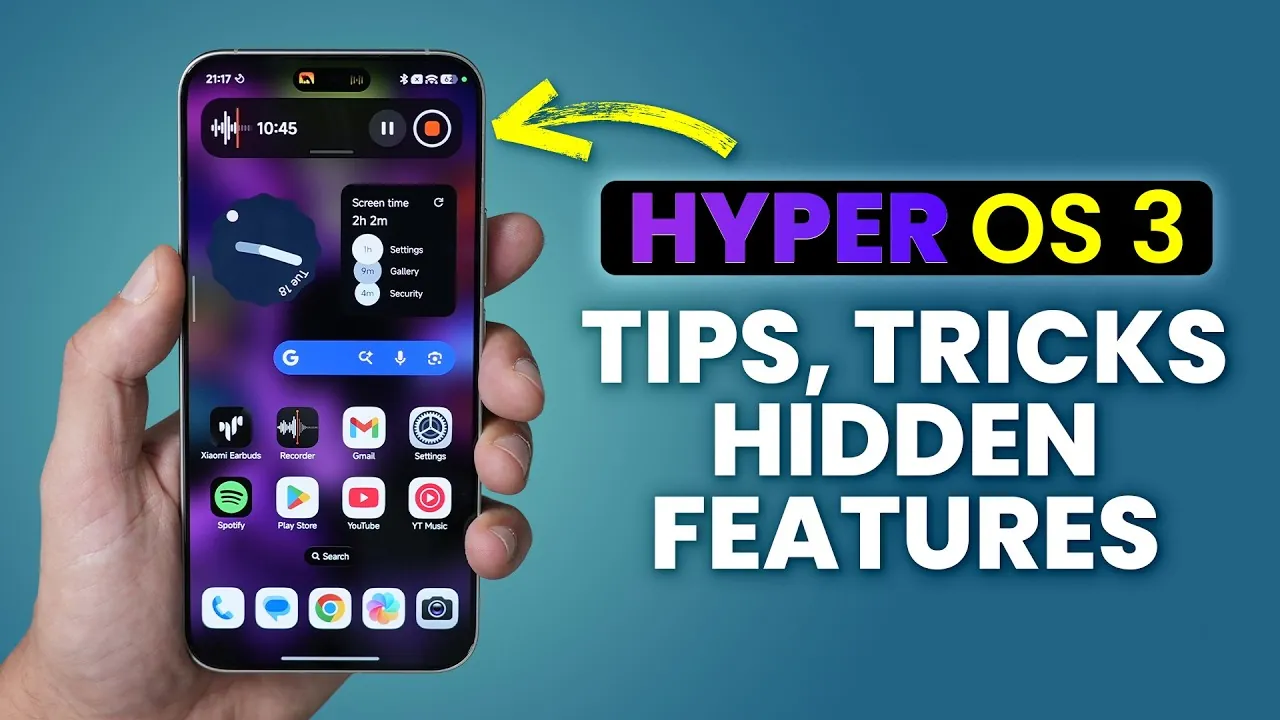
Xiaomi’s HyperOS 3.0 represents a significant evolution in operating system design, combining advanced personalization, seamless interconnectivity, and enhanced usability. With a focus on user-centric features, this update introduces tools and improvements that cater to a wide range of needs, from multitasking and AI-powered enhancements to robust security measures. Below is an in-depth exploration of what HyperOS 3.0 offers and how it enhances the overall user experience. The video below from WhatGear shows us a range of tips and tricks for Xiaomi’s HyperOS 3.0.

Personalization: Tailoring Your Device to Your Preferences
HyperOS 3.0 places a strong emphasis on personalization, allowing you to customize your device to reflect your unique style and preferences.
- Dynamic Wallpapers: AI-powered wallpapers transform static images into animated visuals, creating a more interactive and visually engaging home screen.
- Customizable Lock and Home Screens: Paired designs ensure a cohesive and polished aesthetic across your device, allowing for seamless transitions between screens.
- Always-On Display: Expanded options, including new clock styles and custom image integration, provide greater flexibility in personalizing your screen.
- App Drawer Enhancements: Features like transparency adjustments and color grouping improve organization, offering a cleaner and more intuitive interface.
These tools empower you to create a device experience that feels uniquely yours, blending functionality with aesthetic appeal.
Interconnectivity: Unifying Your Digital Ecosystem
HyperOS 3.0 enhances interconnectivity, making sure that your devices work together seamlessly, whether you’re at home, in the office, or on the move.
- Cross-Platform Integration: Features like file sharing, device mirroring, and hotspot sharing are now more streamlined, offering a level of convenience comparable to Apple’s ecosystem.
- Offline Communication: Bluetooth-based connectivity ensures your devices remain linked even in the absence of a network, allowing uninterrupted communication and sharing.
These advancements simplify the process of managing multiple devices, making it easier to stay connected and productive across platforms.
Usability and Multitasking: Designed for Efficiency
HyperOS 3.0 introduces a suite of features aimed at improving usability and streamlining multitasking, helping you accomplish more with less effort.
- HyperOS Island: A centralized app management hub that simplifies task switching and enhances workflow efficiency.
- Floating Windows: Improved resizing options make multitasking smoother and more intuitive, allowing you to manage multiple tasks simultaneously.
- Sidebar Access: Quickly access frequently used apps without disrupting your current activity, making sure a seamless user experience.
- System-Wide Quick Search: Locate files, apps, or settings effortlessly with a powerful search tool integrated across the system.
- Double-Tap to Lock: A simple yet effective gesture for locking your device, adding convenience to everyday use.
These features are designed to save time and enhance productivity, making your device a more effective tool for both work and leisure.
AI and Display: Smarter Functionality and Enhanced Visuals
Artificial intelligence plays a pivotal role in HyperOS 3.0, delivering smarter functionality and sharper visuals that elevate the user experience.
- AI Image Engine: This feature upscales resolution, enhances HDR quality, and optimizes refresh rates, providing smoother visuals for activities like video streaming and gaming.
- Hyper AI Writing Assistant: A built-in tool that offers editing suggestions and style adjustments, helping you refine your text with ease.
- Photo Editing Tools: AI-powered features simplify tasks like editing and slideshow creation, allowing professional-quality results with minimal effort.
These AI-driven enhancements ensure that your device not only looks better but also works smarter, adapting to your needs and preferences.
Security: Advanced Measures for Data Protection
HyperOS 3.0 prioritizes security, introducing advanced measures to safeguard your personal information and ensure peace of mind.
- Enhanced Protection Settings: Comprehensive security options allow you to protect your data against unauthorized access and potential threats.
- Password Manager Shortcut: A convenient feature that provides quick access to saved credentials, streamlining the login process across apps and websites.
These features reinforce Xiaomi’s commitment to user privacy, making sure that your data remains secure in an increasingly connected world.
Additional Features: Enhancing Everyday Use
In addition to its headline features, HyperOS 3.0 includes several smaller updates that collectively enhance usability and enjoyment.
- App Mall: Simplifies app management, making it easier to uninstall or organize applications on your device.
- Customizable Google Search Bar: Offers further personalization options, allowing you to tailor the interface to your liking.
- Gallery Improvements: AI tools help organize your photos, while pinned albums provide quick access to your favorite memories.
- Hidden Android Easter Egg Game: A playful addition that adds a touch of fun to your device experience.
These thoughtful touches demonstrate Xiaomi’s attention to detail, enhancing the overall user experience in meaningful ways.
A Comprehensive Upgrade for Modern Users
Xiaomi’s HyperOS 3.0 delivers a well-rounded update that balances personalization, interconnectivity, and user-friendly tools. From dynamic wallpapers and advanced multitasking options to AI-driven optimizations and robust security features, this operating system is designed to meet the diverse needs of modern users. Whether you’re focused on productivity, entertainment, or customization, HyperOS 3.0 offers an enhanced experience across Xiaomi devices, making it a compelling choice for those seeking a smarter, more efficient digital ecosystem.
Below are more guides on AI-driven optimizations from our extensive range of articles.
Source & Image Credit: WhatGear
Filed Under: Android News, Guides, Mobile Phone News
Latest Geeky Gadgets Deals
Disclosure: Some of our articles include affiliate links. If you buy something through one of these links, Geeky Gadgets may earn an affiliate commission. Learn about our Disclosure Policy.
Credit: Source link