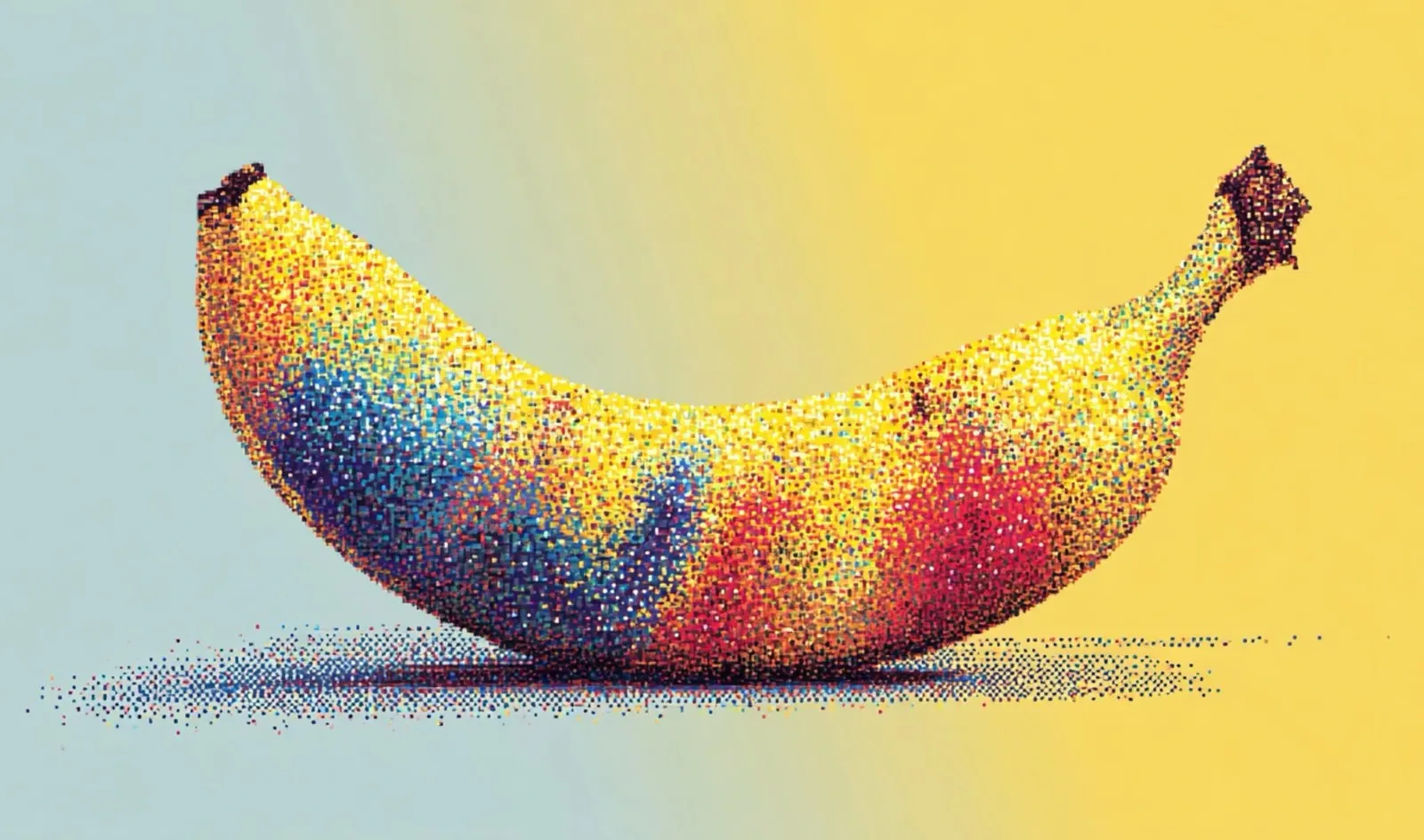
What if the barriers that once separated creativity from execution simply vanished? Imagine turning a dense spreadsheet into a stunning infographic or transforming a technical document into an elegant storyboard, all in mere moments. Enter Nano Banana Pro, a new visual reasoning AI that’s rewriting the rules of design and communication. With its ability to automate intricate workflows and deliver polished, professional-grade visuals from raw inputs, this tool doesn’t just enhance productivity, it redefines what’s possible. Whether you’re a seasoned designer or someone with zero design experience, Nano Banana Pro promises to make visual storytelling effortless, precise, and downright jaw-dropping.
In this coverage, Nate B Jones explores 18 fantastic use cases that were once considered out of reach, from creating industry-specific blueprints to crafting visually engaging teaching aids. You’ll discover how Nano Banana Pro’s advanced engines, spanning layout, diagram, and data visualization, work in harmony to deliver consistent, high-quality results across diverse applications. But this isn’t just about efficiency; it’s about empowering anyone, regardless of skill level, to communicate complex ideas with clarity and style. As you read on, consider this: what would it mean for your work if design bottlenecks became a thing of the past?
What Makes Nano Banana Pro Stand Out?
TL;DR Key Takeaways :
- Nano Banana Pro is a innovative visual reasoning AI model that automates workflows and simplifies intricate design processes, making professional-grade visuals more accessible.
- It integrates advanced engines for layout, diagrams, data visualization, and styling, allowing seamless conversion of diverse inputs into polished, high-resolution outputs.
- The tool supports a wide range of applications, including infographics, technical diagrams, editorial layouts, and storyboards, while maintaining consistent styling and adaptability to various visual aesthetics.
- Designed for industries like education, business, design, and research, it enhances productivity by automating dashboards, creating precise blueprints, and generating visually engaging teaching aids and presentations.
- By providing widespread access to visual communication, Nano Banana Pro enables users without formal design training to create professional-quality visuals, reducing reliance on specialized expertise and saving time and resources.
At its core, Nano Banana Pro integrates a robust suite of engines, including layout, diagram, data visualization, and style engines. These components work in harmony to process diverse inputs, such as text, images, charts, and structured data, into polished, high-resolution visuals.
Here are the key features that distinguish Nano Banana Pro:
- Structured layouts that ensure precise grids, margins, and typography hierarchies for professional results.
- Accurate text-to-diagram conversion, simplifying the presentation of complex ideas.
- Seamless transformation of numerical data into visually engaging charts and graphs.
- Consistent styling across all elements, from brand colors to logos, making sure a cohesive visual identity.
- Adaptability to diverse visual styles, ranging from retro sci-fi aesthetics to technical blueprints.
By integrating these capabilities, Nano Banana Pro eliminates traditional design bottlenecks, allowing users to focus on creativity and strategic objectives rather than technical execution.
Transforming Visual Communication
Nano Banana Pro excels at transforming raw inputs into refined, professional visuals. Whether working with dense text, numerical data, or structured tables, the AI processes content with remarkable precision. For example, it can convert a technical document into a visually compelling infographic or transform a dataset into an engaging chart.
The system’s representation transformer ensures smooth transitions between formats, making it easy to create:
- Infographics that distill complex information into digestible visuals.
- Storyboards for creative projects or presentations.
- Editorial layouts that combine text and imagery with professional polish.
- Technical diagrams for industries like engineering, architecture, and product design.
Additionally, Nano Banana Pro maintains style consistency across all elements, making sure visual harmony and alignment with your specific requirements.
18 Nano Banana Pro Use-Cases That Were Impossible Before

Here are additional guides from our expansive article library that you may find useful on Nano Banana Pro.
Applications Across Industries
Nano Banana Pro is designed to streamline workflows and enhance productivity across a wide range of industries. Its versatility makes it an invaluable tool for professionals in fields such as education, business, design, and research. Some of its most impactful applications include:
- Automating dashboards, diagrams, and editorial layouts for business and technical purposes.
- Creating infographics, technical drafts, and architectural blueprints with precision and efficiency.
- Enhancing client presentations, onboarding materials, and teaching aids with visually engaging content.
- Supporting industry-specific visual grammar for fields like finance, architecture, and product design.
For instance, researchers can use Nano Banana Pro to generate diagrams and charts that clarify complex findings, while architects can streamline the creation of blueprints, reducing errors and saving time. Similarly, educators can develop visually appealing teaching aids that enhance learning outcomes.
Maximizing the Potential of Nano Banana Pro
To achieve the best results with Nano Banana Pro, it is essential to provide clear and structured prompts. Detailed task definitions, style preferences, and layout constraints help the AI align with your vision and deliver outputs that meet your expectations. The system is particularly effective when working with structured inputs, such as tables, hierarchies, or datasets.
When creating an infographic, for example, you can provide:
- A detailed list of components or elements to include.
- Specific visual style preferences, such as minimalist or vibrant designs.
- Reference materials to provide context and ensure accuracy.
By offering these inputs, Nano Banana Pro generates cohesive designs tailored to your needs, making sure professional-grade results that align with your goals.
Empowering Visual Communication for All
Nano Banana Pro’s most fantastic impact lies in its ability to provide widespread access to visual communication. By reducing the reliance on specialized design expertise, it enables individuals without formal design training to create professional-quality visuals. This accessibility opens up new opportunities for professionals across various fields, allowing them to communicate complex ideas more effectively.
Moreover, the tool’s efficiency significantly reduces the time and resources required for design tasks. This allows users to focus on higher-level objectives, such as strategic planning, research, or creative ideation. Whether you are a researcher, educator, business professional, or designer, Nano Banana Pro equips you with the tools to communicate visually with clarity and precision.
Shaping the Future of AI-Driven Design
Nano Banana Pro represents a significant leap forward in the field of visual reasoning AI. By integrating advanced engines and offering unparalleled flexibility, it redefines how design and communication tasks are approached. From automating workflows to delivering professional-grade outputs, this tool sets a new benchmark for creativity and efficiency. With Nano Banana Pro, the future of visual communication is not only innovative but also accessible to everyone, empowering users to achieve their goals with confidence and ease.
Media Credit: AI News & Strategy Daily
Filed Under: AI, Guides
Latest Geeky Gadgets Deals
Disclosure: Some of our articles include affiliate links. If you buy something through one of these links, Geeky Gadgets may earn an affiliate commission. Learn about our Disclosure Policy.
Credit: Source link