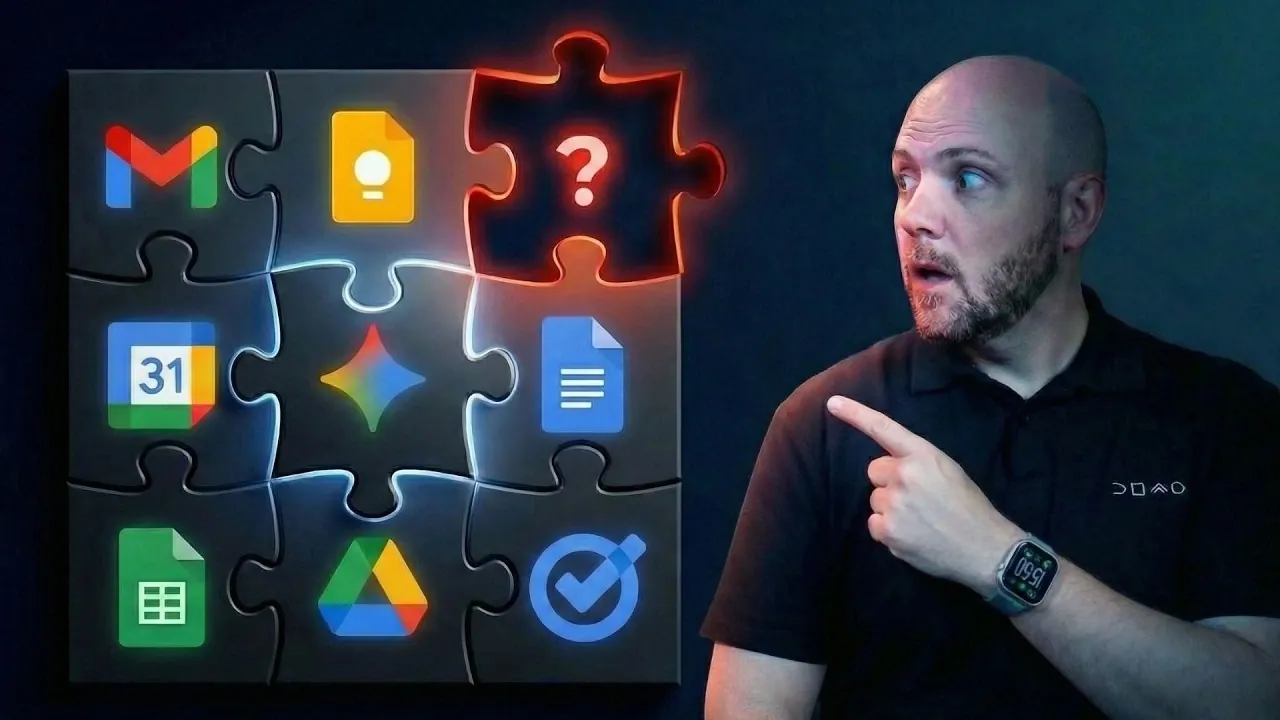
Have you ever felt like your productivity hits a wall, even with all the features Google Workspace offers? You’re not alone. Below Tom from ICOR walks through how the platform, while powerful, still leaves users struggling to manage complex workflows effectively. Despite its seamless integration of apps like Gmail, Google Docs, and Calendar, there’s a glaring gap: the absence of a true project management solution. This forces users to cobble together external platforms, creating inefficiencies and fragmented workflows. If you’ve ever juggled spreadsheets, email threads, and task lists, only to feel like you’re spinning your wheels, this analysis will resonate with you.
In this breakdown, we’ll explore why Google Workspace’s strengths in communication and collaboration aren’t enough to tackle the demands of modern productivity. You’ll uncover the hidden costs of relying on scattered systems and learn how AI innovations like Google Gemini and NotebookLM are starting to reshape the landscape. But is that enough to fill the void? By the end, you’ll have a clearer understanding of where Google Workspace excels, where it falters, and how to bridge the gap. Sometimes, solving productivity challenges means rethinking how we connect the pieces.
Google Workspace Productivity Gaps
TL;DR Key Takeaways :
- Google Workspace excels in communication, document collaboration, and scheduling but lacks a dedicated project management tool, leading to inefficiencies and reliance on external platforms.
- Individual tools like Google Calendar, Google Tasks, and Google Docs are effective for specific tasks but fall short in managing complex workflows or team-based projects.
- The discontinuation of Google Tables has left a gap in project management, forcing users to turn to third-party tools like ClickUp, Asana, or Monday.com, which can result in fragmented workflows and miscommunication.
- AI integration, including tools like Google Gemini and NotebookLM, is transforming Google Workspace by automating tasks, providing predictive insights, and enhancing collaboration across applications.
- To maximize productivity, users should adopt strategies such as integrating external project management tools, automating repetitive tasks, and using AI capabilities to address the limitations of Google Workspace.
Strengths of Google Workspace Tools
Google Workspace provides a diverse array of tools, each tailored to specific productivity needs. These tools are interconnected and versatile, offering significant value for individual and team workflows. However, their collective functionality often falls short when addressing the complexities of project management.
- Google Calendar: A robust scheduling tool that integrates with Google Tasks for basic task tracking. While effective for managing personal and team calendars, it lacks advanced features such as project timelines or resource allocation.
- Google Tasks: Ideal for personal task management, this tool integrates seamlessly with Gmail and Calendar. However, it is insufficient for handling team-based or complex projects that require detailed tracking and collaboration.
- Google Docs and Google Keep: Google Docs excels in real-time document collaboration, while Google Keep serves as a lightweight note-taking app. Both are effective for knowledge management but lack the structure needed for project management.
- Gmail: A powerful communication hub that can double as a task triage system when paired with Google Tasks. However, using Gmail for project management often results in scattered workflows and missed updates.
- Google Meet: A reliable platform for remote collaboration, offering features like meeting recordings and transcripts stored in Google Drive. While useful for communication, it does not address task dependencies or project tracking.
- Google Drive: A centralized file storage system that supports document sharing and collaborative work. However, it lacks features like task prioritization, dependencies, or progress tracking.
- Google Sheets and Google Forms: Google Sheets is often repurposed for project tracking but requires manual setup and lacks intuitive features like Gantt charts. Google Forms is excellent for structured data collection but is not designed for managing workflows.
- Google Chat: Effective for quick team communication, but when overused for project management discussions, it can lead to inefficiencies and fragmented conversations.
While these tools are powerful individually, their combined use often reveals gaps in managing complex workflows, particularly for businesses or large teams.
Where Google Workspace Falls Short
The most significant limitation of Google Workspace is its lack of a dedicated project management tool. The discontinuation of Google Tables, a promising solution for task and project tracking, has left users without an in-house option. This gap forces many users to turn to external platforms like ClickUp, Asana, or Monday.com to manage their projects effectively.
This reliance on third-party tools introduces several challenges:
- Fragmentation: Project management tasks are often scattered across multiple platforms, such as Gmail for communication, Google Sheets for tracking, and Google Chat for updates. This fragmentation can lead to inefficiencies and missed deadlines.
- Inefficiencies: Customizing tools like Google Sheets for project tracking requires significant manual effort and lacks advanced features like task dependencies, resource allocation, or automated updates.
- Miscommunication: Using multiple tools can result in a lack of transparency and missed updates, especially in team environments where seamless communication is critical.
These limitations underscore the need for a more cohesive approach to project management within the Google Workspace ecosystem.
Why Your Productivity Still Struggles in Google Workspace

Learn more about using Google Workspace with the help of our in-depth articles and helpful guides.
How AI is Transforming Google Workspace
The integration of artificial intelligence (AI) is transforming Google Workspace, introducing innovative ways to streamline workflows and improve decision-making. Tools like Google Gemini and NotebookLM are at the forefront of this transformation, enhancing the interconnectivity of Workspace applications and providing context-aware insights.
- Google Gemini: This AI-powered tool automates repetitive tasks, offers predictive suggestions, and enhances collaboration. For example, it can summarize meeting notes in Google Docs, suggest email responses in Gmail, or identify key action items from a team discussion.
- NotebookLM: Designed to organize and retrieve information efficiently, this tool uses AI to improve both personal and business knowledge management. It enables users to quickly access relevant data and insights, reducing the time spent searching for information.
AI capabilities are also being embedded into core applications like Google Docs, Sheets, and Gmail. These advancements enable features such as drafting documents, analyzing data trends, and prioritizing emails. For businesses, these tools can optimize workflows, reduce manual effort, and enhance productivity, making them invaluable for managing complex tasks.
Strategies to Maximize Productivity
To address the limitations of Google Workspace and unlock its full potential, consider implementing the following strategies:
- Adopt a tool-agnostic system: Design workflows that integrate Google Workspace with external tools as needed. For instance, use platforms like ClickUp or Asana for project management while using Google Workspace for communication and collaboration.
- Centralize project management: Use dedicated platforms like Monday.com to bridge the gap, offering features such as task dependencies, timelines, and resource allocation. This approach ensures that all project-related activities are consolidated in one place.
- Automate repetitive tasks: Use tools like Zapier or native Workspace integrations to sync Google Calendar events with project management timelines or automate email responses. Automation can save time and reduce the risk of errors.
- Use AI tools: Take advantage of Google Gemini and NotebookLM to enhance productivity. Use AI-generated insights to prioritize tasks, identify bottlenecks, and streamline workflows, making sure that your team remains focused on high-impact activities.
By adopting these strategies, you can create a more cohesive and efficient productivity system that addresses the gaps in Google Workspace while using its strengths.
Maximizing the Potential of Google Workspace
Google Workspace remains a powerful suite of tools for communication, collaboration, and task management. However, its lack of a dedicated project management solution limits its effectiveness for complex workflows. By integrating external tools, using AI capabilities, and adopting structured workflows, users can overcome these limitations and maximize productivity. Understanding the strengths and weaknesses of each tool is essential for creating a seamless and efficient system tailored to your specific needs.
Media Credit: Let’s ICOR with Tom
Filed Under: AI, Guides
Latest Geeky Gadgets Deals
Disclosure: Some of our articles include affiliate links. If you buy something through one of these links, Geeky Gadgets may earn an affiliate commission. Learn about our Disclosure Policy.
Credit: Source link