Apple has officially released iOS 26.5, an update designed to enhance privacy, functionality and personalization across iPhones and iPads. Packed with features that improve security, usability and customization, this update reflects Apple’s ongoing commitment to delivering a seamless and user-focused experience. Below is a detailed look at the new features and their practical benefits. The video below from iDeviceHelp gives us more details on the update.
End-to-End Encryption for RCS Messages
A major highlight of iOS 26.5 is the introduction of end-to-end encryption for RCS (Rich Communication Services) messages. This feature ensures that your conversations with Android users are fully encrypted, meaning only you and the recipient can access the content of your messages. By safeguarding sensitive information, this upgrade significantly enhances communication security.
To enable this feature:
- Open Settings on your device.
- Navigate to RCS Messages.
- Toggle the encryption option to activate it.
Currently in beta, this feature underscores Apple’s dedication to protecting user data. It’s particularly valuable for those who frequently communicate across platforms, offering peace of mind in an increasingly interconnected digital world.
Apple Maps: Ads and Location-Based Suggestions
Apple Maps has been updated to include location-based ads that provide personalized suggestions. These ads recommend nearby businesses, restaurants and attractions based on your recent searches and approximate location. For instance, if you’ve been searching for bookstores, Apple Maps might suggest popular shops in your vicinity.
While this feature adds convenience by tailoring recommendations to your preferences, it also raises important considerations about data privacy. To maintain control over your personal information:
- Review your privacy settings in Settings.
- Adjust location-sharing permissions as needed.
This feature strikes a balance between personalization and privacy, offering users the ability to enjoy tailored suggestions while retaining control over their data.
Automatic Bluetooth Reconnection for Magic Accessories
iOS 26.5 introduces automatic Bluetooth reconnection for Magic accessories, such as keyboards, mice and trackpads. This enhancement allows your device to seamlessly reconnect to these accessories after disconnecting a USB-C cable, eliminating the need for manual pairing.
This feature is particularly useful for users who frequently switch between devices or rely on Magic accessories for productivity. By streamlining the reconnection process, it saves time and ensures uninterrupted workflows, making it a practical addition for both personal and professional use.
Customizable Pride Wallpapers
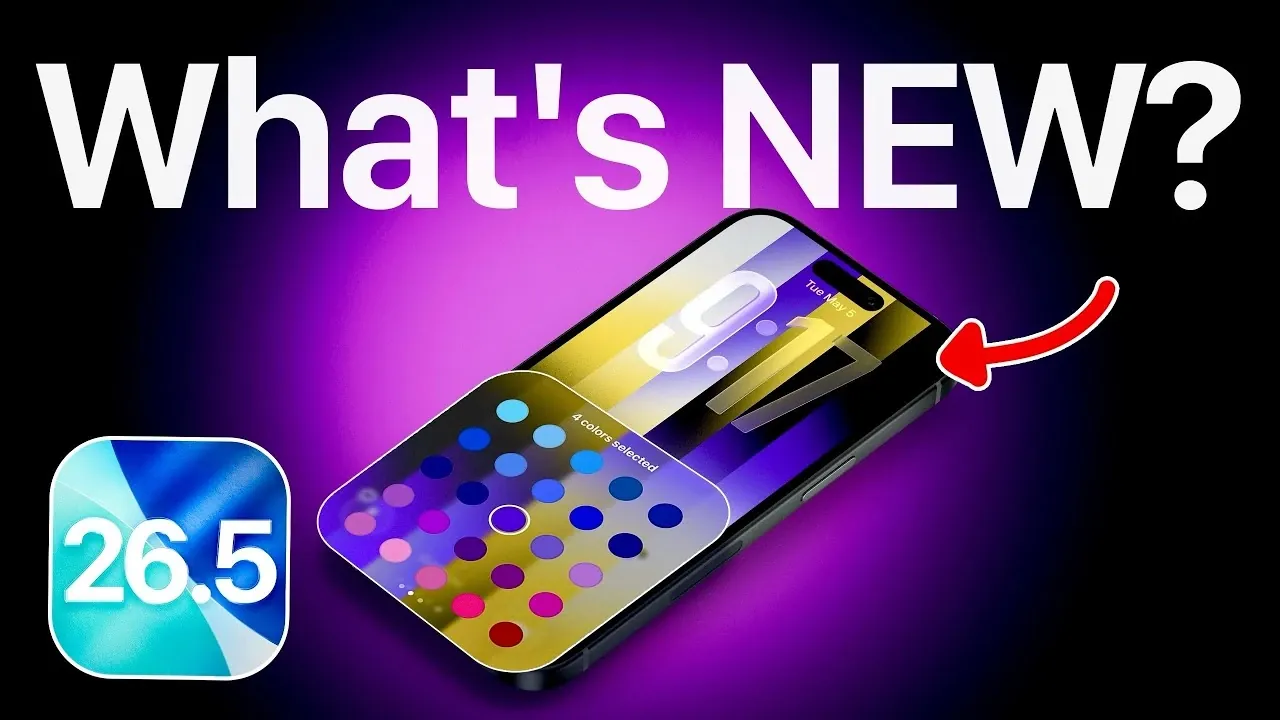
Personalization takes center stage with the new Pride wallpaper collection in iOS 26.5. This feature allows users to create unique wallpapers using 11 vibrant color combinations, complete with dynamic animations. Optimized for always-on displays, these wallpapers enable you to celebrate diversity while adding a personal touch to your device.
This update not only enhances aesthetic customization but also reflects Apple’s ongoing support for inclusivity. By offering users a creative way to express themselves, it reinforces the idea that technology can be both functional and meaningful.
Update Details and Installation
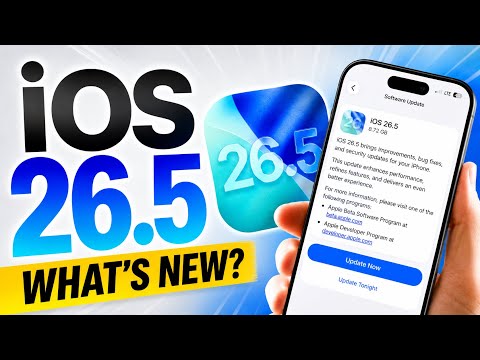
The iOS 26.5 update is substantial, with a download size exceeding 8GB. However, it doesn’t require additional storage space, as it replaces existing system files. If you’re currently enrolled in the beta program, you’ll need to disable beta updates in your settings before installing the final version.
To install the update:
- Open Settings on your device.
- Go to General and select Software Update.
- Follow the on-screen instructions to complete the installation process.
The update is now available globally, making sure that all users can access the latest features and improvements. By keeping your device updated, you can take full advantage of Apple’s latest innovations.
Why iOS 26.5 Matters
iOS 26.5 represents a significant step forward in enhancing the overall user experience for Apple devices. Key features such as encrypted messaging, location-based suggestions, seamless Bluetooth reconnections, and customizable wallpapers cater to a wide range of user needs, from privacy and productivity to personalization and convenience.
By updating to iOS 26.5, you can unlock new capabilities that make your device more secure, efficient and tailored to your preferences. Whether you value enhanced privacy, streamlined workflows, or creative expression, this update offers practical benefits that improve everyday interactions with your iPhone or iPad.
Browse through more resources below from our in-depth content covering more areas on iOS 26.5 Update.
Source & Image Credit: iDeviceHelp
Filed Under: Apple, Apple iPhone, Top News
Disclosure: Some of our articles include affiliate links. If you buy something through one of these links, Geeky Gadgets may earn an affiliate commission. Learn about our Disclosure Policy.
Credit: Source link