Your iPhone is more than just a communication device; it’s a versatile tool equipped with features designed to enhance your daily life. However, many of these capabilities often go unnoticed, hidden in plain sight. By exploring these lesser-known tools, you can improve productivity, simplify tasks, and elevate your overall experience. Below, we delve into 11 iPhone features that can transform the way you use your device. The video below from Proper Honest Tech gives us more details.

1. iMessage Polls: Simplify Group Decisions
Group chats can quickly become overwhelming when trying to reach a consensus. The iMessage polls feature provides a solution by allowing you to create polls directly within a group conversation. Participants can vote on options without leaving the chat, making it easier to decide on meeting times, dinner plans, or group activities. This feature keeps discussions organized and ensures decisions are made efficiently.
2. Keyboard Shortcuts: Access Hidden Symbols
Your iPhone keyboard is more powerful than it appears. By long-pressing certain keys, you can reveal hidden symbols such as the degree sign (°), alternate currency symbols and bullet points. These shortcuts are particularly useful for professionals, students, or anyone who frequently types specialized characters. Mastering these hidden tools can save time and make typing more efficient.
3. Water Intake Tracking: Stay Hydrated
Staying hydrated is essential for overall health and your iPhone’s Health app can help you monitor your daily water intake. By logging your consumption, you can track hydration levels and set reminders to drink water throughout the day. For added convenience, pin the water intake tracker to your Health app dashboard, making sure you stay on top of your hydration goals with ease.
4. Shared Reminders: Coordinate with Others
The Reminders app offers a practical way to collaborate with others by creating shared lists. You can assign tasks to specific individuals, making sure everyone stays informed and organized. Whether it’s managing grocery lists, planning events, or coordinating project deadlines, this feature simplifies teamwork and keeps everyone aligned.
5. Per-App Accessibility Settings: Personalize Your Experience
Accessibility settings can now be tailored for individual apps, allowing you to adjust text size, contrast and other visual elements to suit your preferences. This customization is particularly beneficial for users with visual impairments or anyone who wants a more personalized interface for specific applications. By fine-tuning these settings, you can create a more comfortable and user-friendly experience.
6. VIP Email Notifications: Focus on What Matters
The Mail app allows you to prioritize important emails by designating certain contacts as VIPs. Once set up, you’ll receive notifications exclusively for emails from these individuals, helping you focus on critical messages without being distracted by less important correspondence. This feature is ideal for managing work-related emails or staying connected with key contacts.
7. Quick Message Replies: Save Time
Responding to messages is faster and more convenient with the ability to reply directly from the Notification Center. When a message arrives, swipe down on the notification and type your response without opening the Messages app. This feature is perfect for quick replies during busy moments, allowing you to stay connected without interrupting your workflow.
8. Text-to-Speech: Listen to Content Hands-Free
The “Speak Screen” feature in iOS enables your iPhone to read text aloud, making it ideal for listening to books, articles, or emails. To activate it, go to Accessibility settings and enable the feature. Then, swipe down with two fingers on any screen to have the content read to you. This tool is especially useful for multitasking, commuting, or assisting users with visual impairments.
9. Video Cropping: Edit Without Third-Party Apps
The Photos app now includes basic video editing tools, allowing you to crop and adjust aspect ratios directly. Whether you’re preparing a clip for social media or trimming unnecessary footage, this built-in feature provides a quick and intuitive solution for on-the-go editing. It eliminates the need for third-party apps, saving both time and storage space.
10. Text Replacement: Avoid Autocorrect Frustrations
Autocorrect errors can be frustrating, but the Text Replacement feature gives you control over your keyboard. You can add custom words, phrases, or abbreviations to your dictionary to avoid common mistakes. For example, create shortcuts like “omw” for “on my way” or ensure unique names are recognized correctly. This feature streamlines typing and reduces errors.
11. Look Around in Maps: Explore Cities Virtually
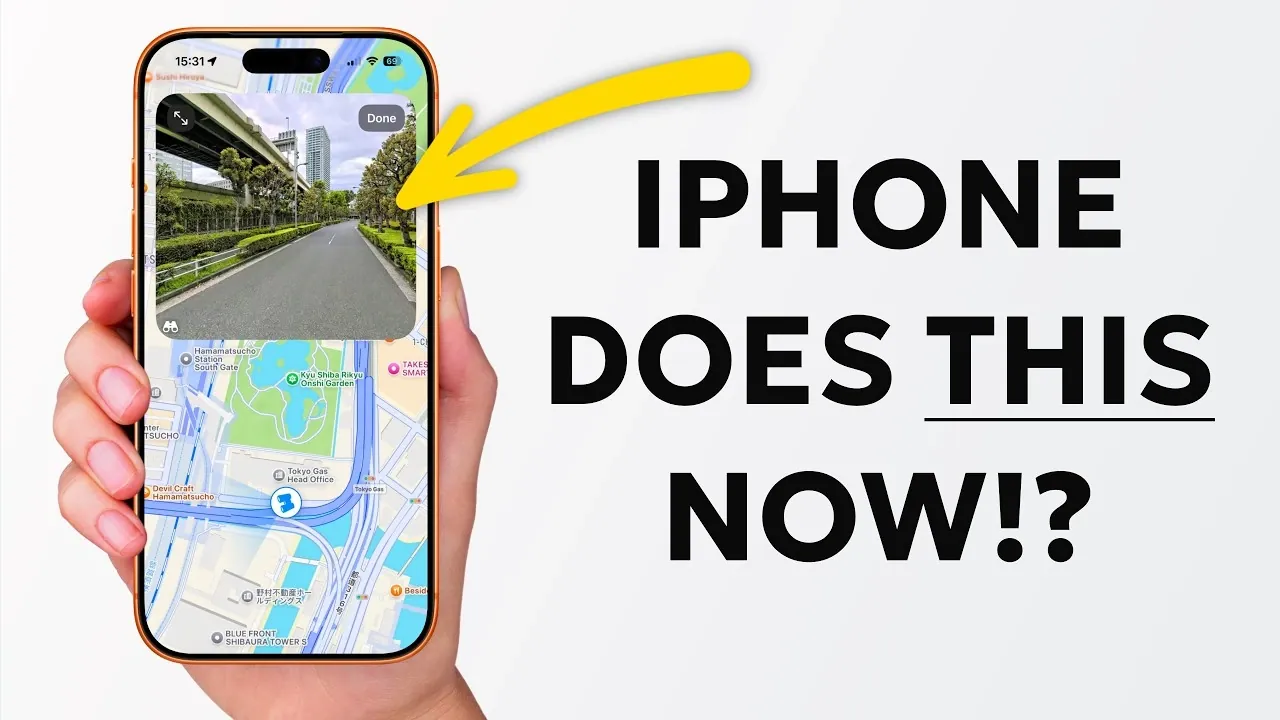
The “Look Around” feature in Apple Maps offers a street-level view of supported cities, similar to Google Street View. This tool is invaluable for exploring neighborhoods, planning trips, or navigating unfamiliar areas with confidence. It provides a detailed and immersive way to familiarize yourself with a location before visiting, making travel planning more efficient.
Unlock the Full Potential of Your iPhone
These 11 iPhone features are designed to enhance your daily life by improving productivity, simplifying communication and offering greater accessibility. From creating iMessage polls to customizing app settings, these tools empower you to make the most of your device. By incorporating these features into your routine, you’ll discover just how versatile and capable your iPhone truly is.
Source & Image Credit: Proper Honest Tech
Filed Under: Apple iPhone
Disclosure: Some of our articles include affiliate links. If you buy something through one of these links, Geeky Gadgets may earn an affiliate commission. Learn about our Disclosure Policy.
Credit: Source link