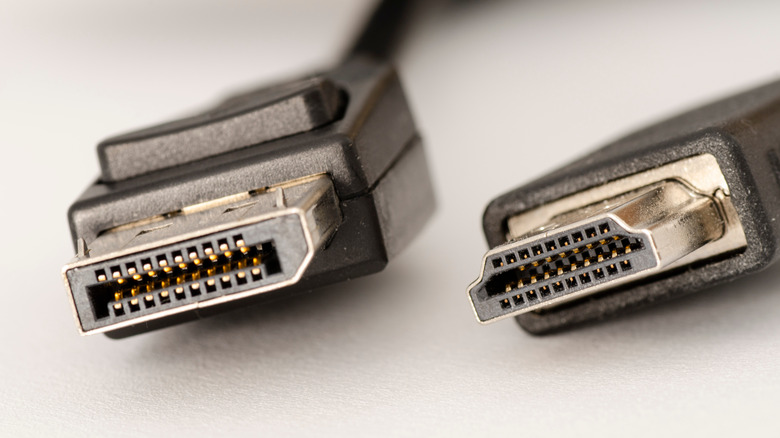
HDMI excels for media consumption, while PC gamers prefer DisplayPort.
While setting up a new PC monitor, you’ll often find two different video cables in the box. One, a pinched trapezoid shape, connects the monitor to a video source over HDMI. The other, with a connector that looks like a rectangle with a corner chopped off, is a DisplayPort cable. But some newer monitors also have a third port for USB-C, and you’ll often find a USB-C port labeled as a video-out port on laptops, too. While having several connection options is convenient, it’s not always clear which is the best for your monitor.
In general, if you’re connecting your monitor to a PC with a discrete graphics card, or if you want to use multiple monitors, DisplayPort is preferred. On the other hand, if you’re connecting to a Mac or PC with integrated graphics, a TV, home theater equipment, or a gaming console such as an Xbox or PlayStation, HDMI is the safe bet. While DisplayPort has several advantages for gaming and multi-monitor setups, and is also able to run over USB-C on many devices, HDMI is supported across a wider array of A/V equipment and has a number of features which add value for media consumption.
Ultimately, you should use whichever connection standard is best for your particular setup based on which devices you’re connecting your monitor to, as well as which generations of HDMI or DisplayPort they support. Here’s how HDMI and DisplayPort stack up, so you can determine which is best for your monitor.
DisplayPort is great for PC gaming, and runs over USB-C
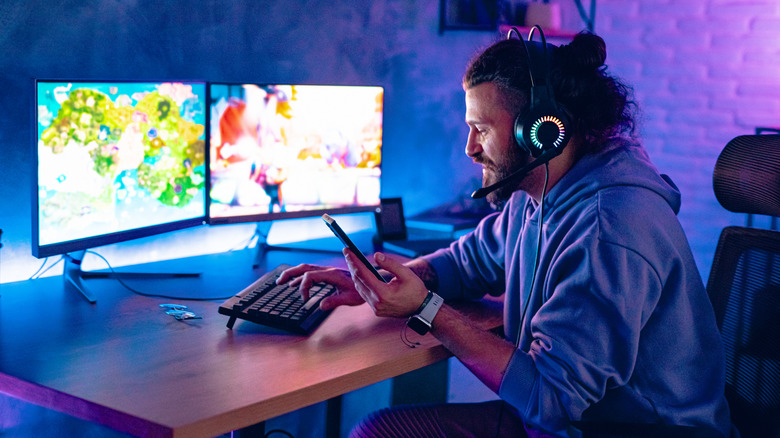
DisplayPort tends not to show up on TVs, but is widely supported among the best gaming monitors and PC graphics cards. Traditionally, that’s because DisplayPort was designed with variable refresh rates in mind. When you watch a movie, it will display at a consistent frame rate, usually 24 frames per-second (FPS). But when playing a game, the frame rate can swing wildly from moment to moment. To make the experience smoother, variable refresh rate (VRR) technology such as AMD FreeSync and Nvidia G-Sync arrived to help coordinate frame rates between the GPU and monitor in a system. DisplayPort has long supported VRR natively, and while some monitors now support VRR standards over HDMI, DisplayPort remains the more robust choice.
Bandwidth is competitive between the two connection standards. Where HDMI tops out at a hefty 96 gigabits per-second (Gbps) with the latest HDMI 2.2 specification, the more common HDMI 2.1 reaches 48 Gbps. On the most high-end gaming hardware, DisplayPort 2.1 offers 80 Gbps, while 1.4 provides up to 32.4Gbps.
What clinches DisplayPort for many PC users, though, is its inclusion in the USB-C standard. DisplayPort runs over the USB-C Alternate Mode, meaning that, so long as both a video source and monitor support DisplayPort Alternate Mode, you can connect them with a single USB-C cable. Not all USB-C ports or cables support DisplayPort Alt Mode, so be sure to consult your product documentation.
Even if you’re not gaming, DisplayPort is often the better choice for multi-monitor due to its daisy chaining support. So long as your monitor has a DisplayPort out port, you can hook one monitor into another rather than using up multiple video out ports on your computer.
HDMI is best for media consumption
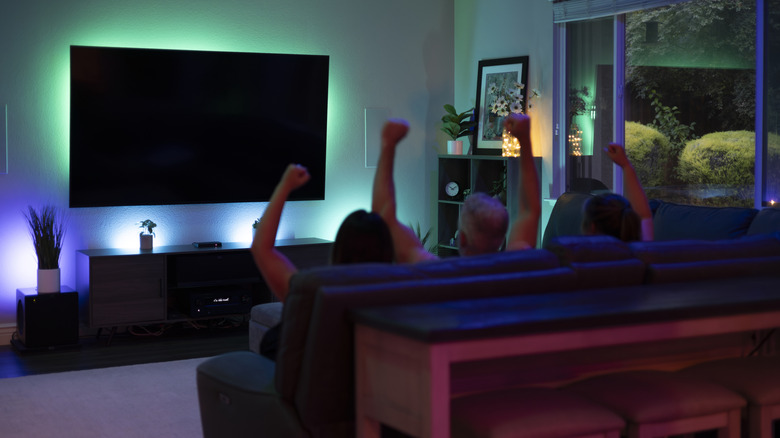
HDMI is best suited to media consumption, such as viewing movies and television shows. It doesn’t really matter whether you’re connecting to a monitor, TV, soundbar, or game console — nearly every device capable of video output includes an HDMI port. In addition to widespread compatibility, HDMI includes multiple standards needed for premium audio, and to connect home theater equipment, as well as protocols for copyright protected content. All of these advantages make HDMI the default choice for home theaters, but not necessarily for computers.
Standards like Enhanced Audio Return Channel, or eARC, make HDMI key for entertainment systems. eARC allows a source to send pristine audio to an audio receiver or soundbar, which makes it easy to take advantage of HDMI’s robust support for spatial audio formats including Dolby Atmos and DTS:X. At the same time, HDMI Consumer Electronics Control (HDMI-CEC) can let your devices control one another. For example, press the power button on your Roku remote or PlayStation controller, and your TV will turn on and tune into that A/V source.
Lastly, HDMI supports digital rights management (DRM) protected content, a major must-have in the era of streaming. It integrates support for high-bandwidth digital content protection (HDCP), which checks to make sure the content you’re watching is properly licensed. Some 4K content from streaming services such as Netflix won’t stream unless connected via a minimum of DisplayPort 1.4 or HDMI 2.0 with HDCP 2.2 and above. In edge cases, you may not be able to stream content from a video source to your TV at all without at least some form of HDCP support.
Credit: Source link