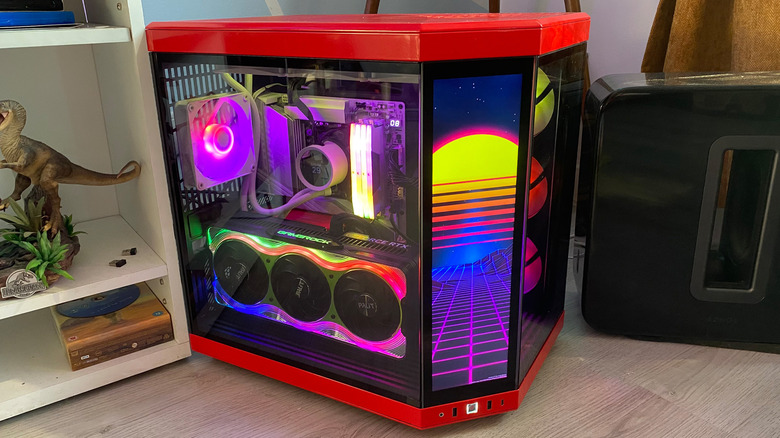
Liquid-cooled systems look amazing, but come at a cost premium compared to air coolers.
We may receive a commission on purchases made from links.
A liquid cooling system can be one of the star components of a custom-built gaming PC, but are they really worth the money? After all, they’re usually a lot more expensive than traditional air coolers. AIO (all-in-one) liquid cooling systems often look flashy and can sometimes be tricky to install, but there’s a reason they’re all the rage with high-end PC builders.
Let’s get into how liquid coolers work, the main differences between them and traditional heatsink models, and when it makes sense to opt for an AIO system over a tried-and-true air cooler.
Liquid CPU coolers vs. air coolers: The key differences
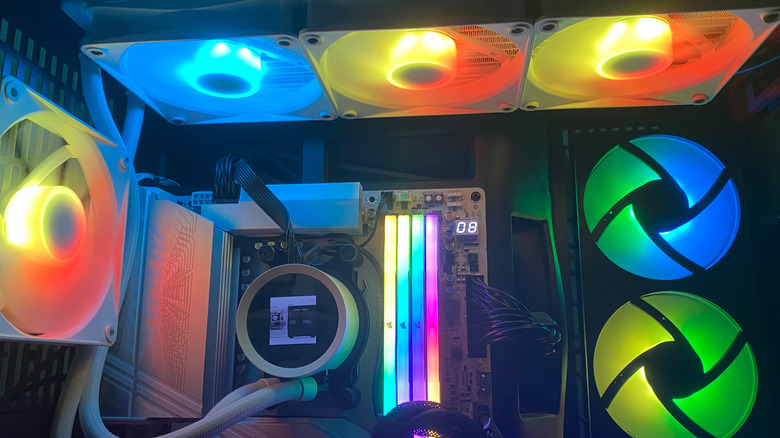
At their core, both liquid and air coolers perform the same function: they move heat away from a PC’s CPU. Where they differ is in the methods used to transfer the heat. Air coolers use a heatsink and pipes to regulate a processor’s temperature, whereas liquid systems use coolant. Air coolers are generally simpler in their makeup than AIO models, consisting of only a cold plate, pipes, a fan and a heatsink. Liquid coolers are a little more complicated, being composed of a plate, pump, tubing, coolant, a separate radiator and accompanying fans.
Liquid coolers are typically aimed at a different market than their air alternatives. AIO systems are good for high-end gaming PCs where 4K output at console-beating frame rates is the priority. Aiming for 120FPS gameplay in Ultra HD puts a lot of load on the CPU. To prevent overheating and thermal throttling, a liquid cooler with a large radiator dissipates heat more effectively than an air cooler. On the flipside, while air coolers aren’t as well-suited for top-of-the-line gaming processors, they’re ideal for budget or mid-range PCs where the CPU is less likely to be under constant heavy load.
How do liquid CPU coolers work?
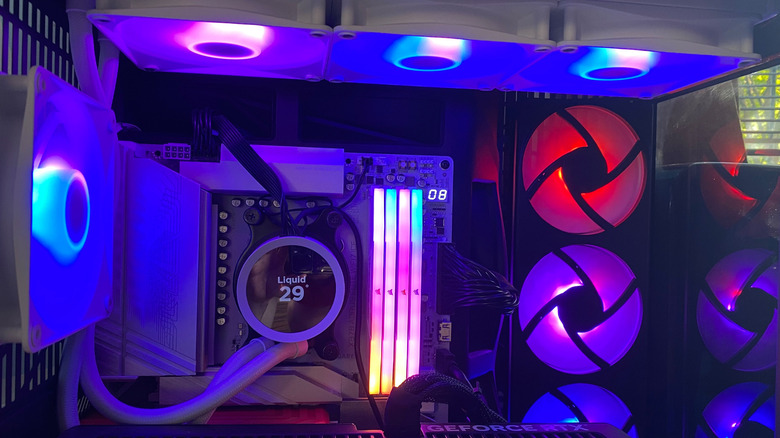
A liquid cooler regulates the heat of a CPU by directing heat away from the processor via a water block, cooling pump and a radiator. When you install a CPU for the first time, you apply thermal paste to the top of the chip to help the cooler transfer heat more effectively. Once the paste has absorbed heat, it’s passed onto the water block’s copper plate, whereby the heat is transferred into liquid.
After this step, the cooler’s pump directs this liquid towards the radiator, which is most commonly installed above a PC’s motherboard. Once the liquid reaches the radiator, the heat from the coolant is dissipated by its fans, and the newly cooled liquid is then sent back to the water block in a cycle that constantly repeats whenever your PC is running.
Custom loop cooling systems work a little differently. Unlike an AIO unit where all the components come in the box, custom loops let you choose every part of the cooler (including the water block, radiator, tubing, fans and reservoir. The reservoir is what stores the system’s coolant while also feeding the pump. If you like, you can also set up custom loops to cool more than just the CPU. With the right tweaks, you can integrate a GPU water block into a custom loop system to help regulate the temperature of your graphics card.
Should I go with a liquid cooler or an air cooler?
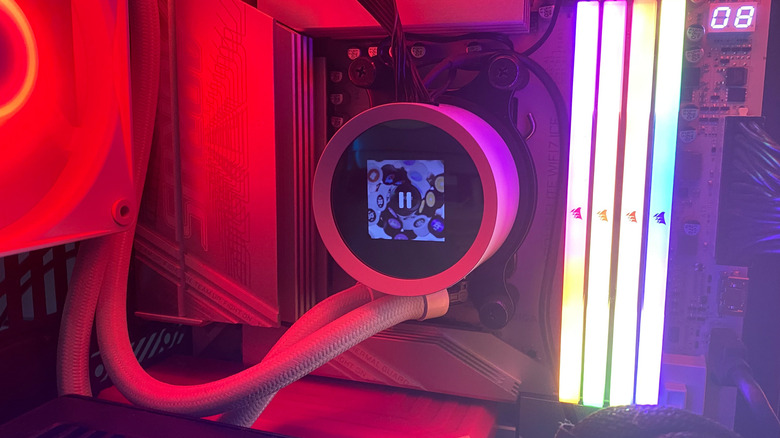
If you own one of the top gaming CPUs, like the AMD Ryzen 7 9800X3D, you should definitely go with a liquid cooler. I’ve had the aforementioned processor for a couple of years, and I’m glad I decided to pair it with the NZXT Kraken 360. This high-end 360mm AIO cooler offers comprehensive customization via the NZXT CAM app, allowing me to set precise performance targets while also providing an abundance of RGB lighting options.
The added thermal headroom a liquid cooler grants my custom-built PC allows me to run the best and most demanding PC titles at 4K/120FPS without ever having to worry about overheating. Top-tier liquid coolers like the Kraken 360 can also run at whisper-quiet levels, and they look so much sharper than the fan alternative. It’s worth noting that cheaper liquid coolers can get a little noisy. In general, models with larger 280 and 360mm radiators can dissipate substantially more heat compared to air coolers, making them the go-to choice for cutting-edge PC builds.
Of course, there are downsides to going with a liquid cooler, though none of them should be considered deal-breakers. High-end models can cost upwards of $200, which is way more expensive than even the best air coolers. AIO models are also trickier to install, as you’re not just dealing with the pump; you also need to secure the radiator inside your case. Maintenance is another issue. Whereas air coolers need very little tinkering after being installed, the pump of a liquid cooler will wear over time. There’s also the (fairly low) possibility of leakage, which could damage other components inside your PC if it does occur.
Moving onto air coolers, they’re the best bet for all but the most hardcore of PC players. Unless you’re rocking a rig with an Intel Core i9-14900K and a Nvidia GeForce RTX 5090 (our review), you probably don’t need a liquid cooler. If you’re a casual Steam user with a mid-range system that houses a relatively modest CPU, an air cooler will work just fine. As they’re cheaper, easier to install and have generally longer lifespans than AIO models, they’re the ideal processor-cooling solution for folks who aren’t obsessed with aesthetics. As long as you don’t mind staring at a big heatsink if you have a case with a transparent window, air coolers are the most sensible option for the majority of PC gamers.
Credit: Source link