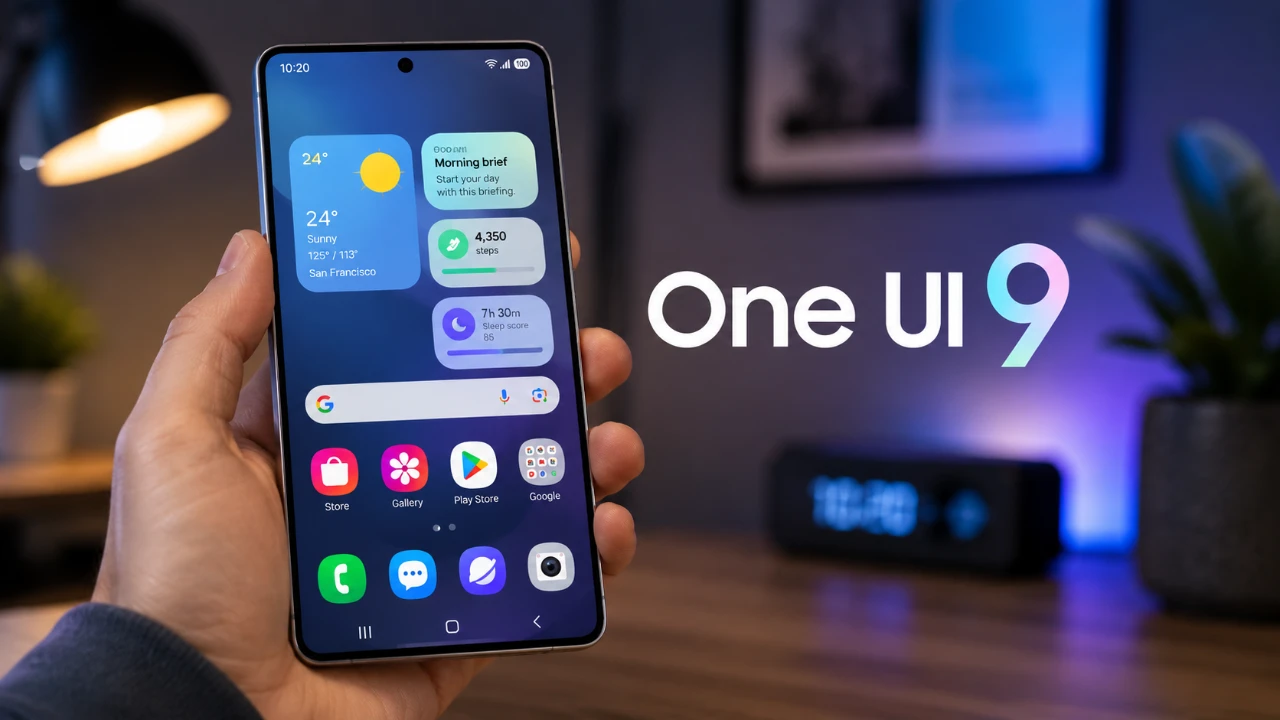
Samsung’s One UI 9 represents a significant step forward in enhancing the overall smartphone experience. With a focus on customization, usability, and security, this update enables you to take full control of your device. By refining key features and introducing new tools, One UI 9 ensures your device is more intuitive, adaptable, and secure. Below, we explore the most impactful updates and how they can improve your daily interactions with your Samsung device. The video below from Hayls World gives us more details about One UI 9.

Streamlined Quick Settings
The redesigned Quick Settings panel in One UI 9 is built for simplicity and efficiency, offering a more user-friendly interface. Key enhancements include:
- Larger sliders: Adjust volume and brightness effortlessly with expanded sliders that are easier to control.
- Customizable media controller: Resize and reposition the media controller to better suit your preferences.
- Movable side buttons: Separate sliders for volume and brightness now feature movable side buttons, improving accessibility.
- Network speed tracker: Keep track of your internet performance in real time with a new tracker displayed in the notification bar.
These updates ensure that frequently used settings are more accessible, allowing you to tailor the interface to your specific needs.
Enhanced Lock Screen Customization
One UI 9 introduces a range of improvements to the lock screen, making it both visually appealing and highly functional. Key features include:
- Dynamic design: Subtle glowing wave effects add a modern and elegant touch to the lock screen.
- Adaptive clock font: The clock font now automatically adjusts to complement your chosen wallpaper, creating a cohesive look.
- Creative Studio: Design artistic contact cards for a more personalized and unique interaction experience.
These enhancements allow you to customize your lock screen to reflect your personal style while maintaining a professional and polished appearance.
Advanced Camera Features for Photography Enthusiasts
Photography and videography take center stage in One UI 9, with new tools designed to elevate your creative potential. Highlights include:
- Dual recording: Capture video from both the front and rear cameras simultaneously, with a vertical split-screen option for added versatility.
- 24-megapixel resolution: A new high-resolution photo option provides greater flexibility for capturing detailed and vibrant images.
These features cater to both casual users and photography enthusiasts, offering tools to create professional-quality content with ease.
Driving Overview: Insights for Safer Driving
For drivers, the new Driving Overview feature provides valuable analytics to help you develop safer driving habits. When your device connects to your car via Bluetooth, it tracks:
- Speed: Monitor your driving speed during trips to ensure you stay within safe limits.
- Sharp turns: Identify areas where you may need to adjust your driving style for smoother handling.
- Phone usage: Gain insights into how often you use your phone while driving, encouraging safer practices.
This feature offers actionable feedback, helping you make informed decisions to improve your driving habits.
App-Specific Upgrades
Several Samsung apps have been updated to enhance functionality and usability, making sure a more seamless experience:
- My Files: A redesigned layout with larger categories simplifies navigation, while a built-in PDF viewer adds convenience.
- Browser: Manage up to five separate browser windows simultaneously, allowing more efficient multitasking.
- Notes App: New tools for text adaptation allow you to customize patterns and colors, fostering creativity in note-taking.
- Samsung DeX: The desktop interface now features improved app management, boosting productivity in desktop mode.
These updates ensure that your favorite apps are more versatile, intuitive, and aligned with your daily needs.
Stronger Security and Privacy Controls
One UI 9 places a strong emphasis on security and privacy, introducing several features to give you greater control over your data:
- Active usage indicators: Icons notify you when the camera, microphone, or location services are in use, making sure transparency.
- Direct app control: Stop apps from accessing sensitive features directly from the notification bar for added convenience.
- Detailed access logs: View comprehensive logs of app access to your data, providing greater insight into how your information is used.
- APK management: A new menu for managing unknown apps simplifies the process of controlling third-party installations.
These enhancements provide a robust framework for protecting your privacy while maintaining ease of use.
Why One UI 9 Matters
Samsung One UI 9 delivers a well-rounded update that enhances your device’s functionality, personalization and security. From the intuitive Quick Settings panel to advanced camera features and robust privacy tools, this update ensures your device is more adaptable to your needs. Whether you’re customizing your lock screen, managing files, or improving your driving habits, One UI 9 equips you with the tools to optimize your Samsung experience. By focusing on practical improvements and user-centric design, One UI 9 continues to solidify Samsung’s commitment to delivering a superior smartphone experience.
Gain further expertise in Samsung One UI 9 by checking out these recommendations.
Source: Hayls World
Filed Under: Android News, Guides, Mobile Phone News, Top News
Disclosure: Some of our articles include affiliate links. If you buy something through one of these links, Geeky Gadgets may earn an affiliate commission. Learn about our Disclosure Policy.
Credit: Source link