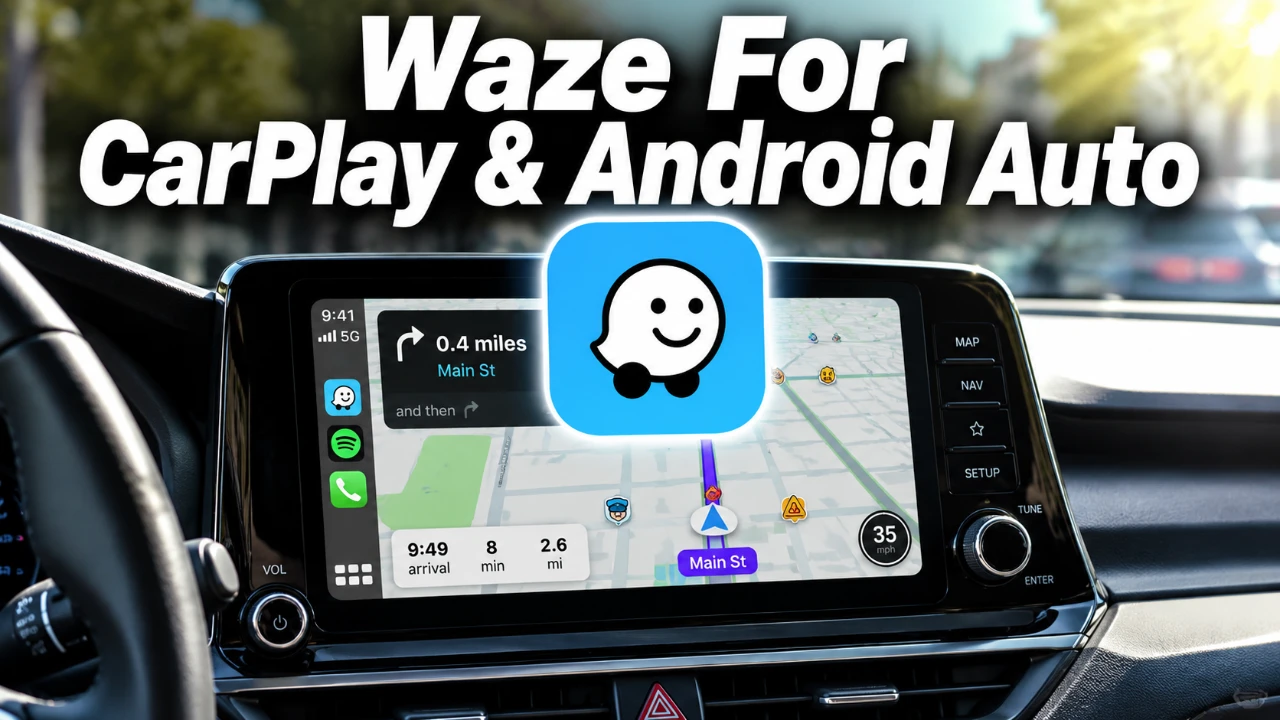
Waze, the popular navigation app, has rolled out a significant update designed to enhance your driving experience. With a focus on personalization, safety, and intelligent navigation, this update introduces features that cater to both Apple CarPlay and Android Auto users. From customizable voices to smarter route learning, Waze continues to refine how drivers interact with their navigation tools. The video below from HotshotTek gives us more details.

Key Features of the Update
The latest Waze update introduces a range of features aimed at improving usability and safety:
- Custom navigation voices and car icons for a personalized driving experience.
- Automatic alerts for speed and red light cameras to improve road safety.
- Natural voice interaction for hands-free convenience and reduced distractions.
- A “Less Chatty” voice option for concise and distraction-free navigation.
- Smarter route learning that adapts to your driving preferences over time.
- Additional enhancements like animated alerts and improved audio controls.
Personalized Navigation Voices and Icons
This update places a strong emphasis on personalization, allowing you to customize your navigation experience. You can now select from a variety of themed voices, such as Halo’s Master Chief, or even record your own prompts for a truly unique touch. Additionally, Waze offers a selection of car icons and mood icons, including exclusive designs, to match your style. These features make the app feel more engaging and tailored to your preferences.
Improved Safety with Camera Alerts
Safety remains a top priority in this update. Waze now provides automatic alerts for speed and red light cameras, helping you stay informed and avoid potential fines. These alerts are enabled by default, making sure you’re aware of critical road hazards. However, if you prefer fewer notifications, you can easily adjust or disable this feature in the app’s settings. This functionality strikes a balance between keeping you informed and minimizing distractions.
Hands-Free Convenience with Natural Voice Interaction
The integration of natural voice interaction powered by Gemini technology is a standout feature. This hands-free capability allows you to interact with the app using conversational commands. For example, you can say, “Overview a traffic jam,” or “Find the nearest gas station,” without needing to navigate through menus. This feature not only enhances convenience but also promotes safer driving by reducing the need to take your hands off the wheel or your eyes off the road.
Streamlined Guidance with the “Less Chatty” Voice Option
For drivers who prefer minimal interruptions, Waze has introduced a “Less Chatty” voice option. This setting focuses on delivering only the most essential instructions, eliminating unnecessary dialogue. It’s an ideal choice for those who want clear and concise directions without the extra commentary, making sure a smoother and more focused driving experience.
Smarter Route Learning for Intuitive Navigation
Waze now incorporates route learning to adapt to your driving habits over time. Whether you prefer the fastest route, scenic drives, or avoiding toll roads, the app learns your preferences and suggests tailored routes for future trips. This feature ensures that your navigation becomes increasingly intuitive, saving you time and making your journeys more enjoyable.
Subtle Enhancements for a Better Experience
In addition to the major features, the update includes several smaller improvements that enhance the overall user experience:
- Animated alerts for railroad crossings make them more noticeable and engaging.
- Improved audio controls allow you to adjust navigation volume independently from media volume, giving you greater control over in-car sound.
While these updates may seem minor, they contribute to a more seamless and user-friendly navigation experience.
Accessing the Update
To take advantage of these new features, ensure your Waze app is updated to the latest version. Visit your device’s app store and check for updates. Regularly updating the app ensures you’ll always have access to the newest improvements and functionalities.
The Value of This Update
This latest Waze update represents a significant step forward in creating a more personalized, safer, and smarter navigation experience. Whether you’re customizing your app with unique voices and icons, relying on intelligent route suggestions, or enjoying the convenience of hands-free commands, these features are designed to make your drives more efficient and enjoyable. Update your app today to explore the full potential of these enhancements and elevate your navigation experience.
Check out more relevant guides from our extensive collection on Apple CarPlay that you might find useful.
Source: HotshotTek
Filed Under: Android News, Apple, Guides, Top News
Disclosure: Some of our articles include affiliate links. If you buy something through one of these links, Geeky Gadgets may earn an affiliate commission. Learn about our Disclosure Policy.
Credit: Source link