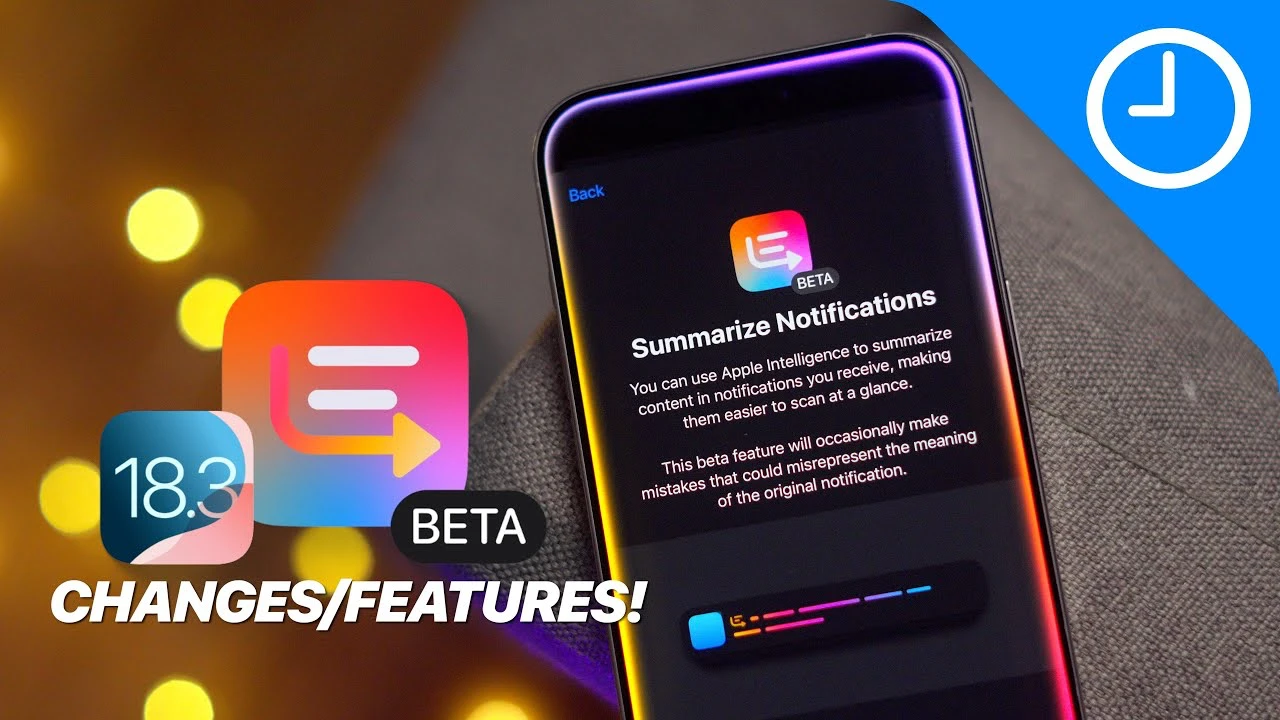
Apple’s iOS 18.3 Beta 3 brings a range of updates and improvements to the iOS ecosystem, focusing on refining notification summaries, expanding accessibility features, and addressing usability concerns. This beta release provides users with a glimpse into the future of iOS while inviting valuable feedback to shape the final version. The video below from 9 to 5 Mac gives us a look at the latest features in iOs 18.3 beta 3.

Streamlined Notification Summaries
iOS 18.3 Beta 3 introduces significant changes to the notification system, particularly the summarized notifications feature. As part of the ongoing Apple Intelligence beta, this functionality continues to evolve. To address accuracy concerns, Apple has temporarily disabled summaries for news and entertainment apps.
One notable improvement is the use of italicized text to differentiate summarized notifications from original ones, enhancing readability and making it easier for users to identify summarized content at a glance. The update also allows users to disable notification summaries directly from the lock screen or notification center. However, re-allowing the feature currently requires navigating to the settings menu due to a minor bug that Apple is actively working to resolve.
- Italicized text distinguishes summarized notifications from original ones
- Users can disable notification summaries from the lock screen or notification center
- Re-allowing summaries currently requires navigating to settings due to a bug
Advancing Accessibility Features
iOS 18.3 Beta 3 continues to prioritize accessibility enhancements. The introduction of the “override server component” suggests a new feature that allows temporary toggling of certain accessibility settings. While its exact purpose is not fully detailed, this addition indicates Apple’s ongoing commitment to making iOS more adaptable and inclusive for all users.
As the feature is still in its early stages, it holds promise for future updates that could provide more dynamic and user-friendly accessibility tools. This progress towards inclusivity is a welcome development for users who rely on these features to interact with their devices.
- New “override server component” feature introduced
- Allows temporary toggling of certain accessibility settings
- Signals Apple’s commitment to inclusivity and adaptability
Refining Usability and Squashing Bugs
As with any beta release, iOS 18.3 Beta 3 focuses on addressing various bugs and usability issues. Apple is working on streamlining the process for toggling notification summaries, aiming to provide a more intuitive user experience. These refinements are part of a broader effort to deliver a polished and user-friendly operating system.
Additionally, Apple continues to fine-tune its AI-driven features, striving to improve their reliability and ensure they align with user expectations. These incremental updates demonstrate Apple’s dedication to delivering high-quality software that meets the diverse needs of its user base.
- Addresses various bugs and usability issues
- Streamlines the process for toggling notification summaries
- Fine-tunes AI-driven features for improved reliability and user satisfaction
Summary
For users participating in the beta testing program, iOS 18.3 Beta 3 offers a valuable opportunity to preview and contribute to the development of upcoming features. Whether you’re excited about the improved notification summaries, intrigued by the new accessibility tools, or simply looking forward to a more stable iOS experience, this update provides insight into Apple’s priorities and direction.
It’s crucial to remember that beta features are subject to change as Apple gathers feedback and refines functionality. By actively participating in the beta program and providing constructive feedback, users play a vital role in shaping the final version of iOS 18.3, ultimately contributing to a more robust and user-friendly platform for all.
iOS 18.3 Beta 3 showcases Apple’s ongoing efforts to enhance notifications, expand accessibility features, and improve overall usability. These updates not only address current issues but also pave the way for future innovations. As a beta tester, your involvement is essential in refining these features and ensuring a seamless, inclusive experience for the entire iOS community. Stay engaged, provide feedback, and look forward to the exciting possibilities that iOS 18.3 and future updates will bring.
Source & Image Credit: 9 to 5 Mac
Filed Under: Apple, Apple iPhone, Top News
Latest Geeky Gadgets Deals
Disclosure: Some of our articles include affiliate links. If you buy something through one of these links, Geeky Gadgets may earn an affiliate commission. Learn about our Disclosure Policy.
Credit: Source link