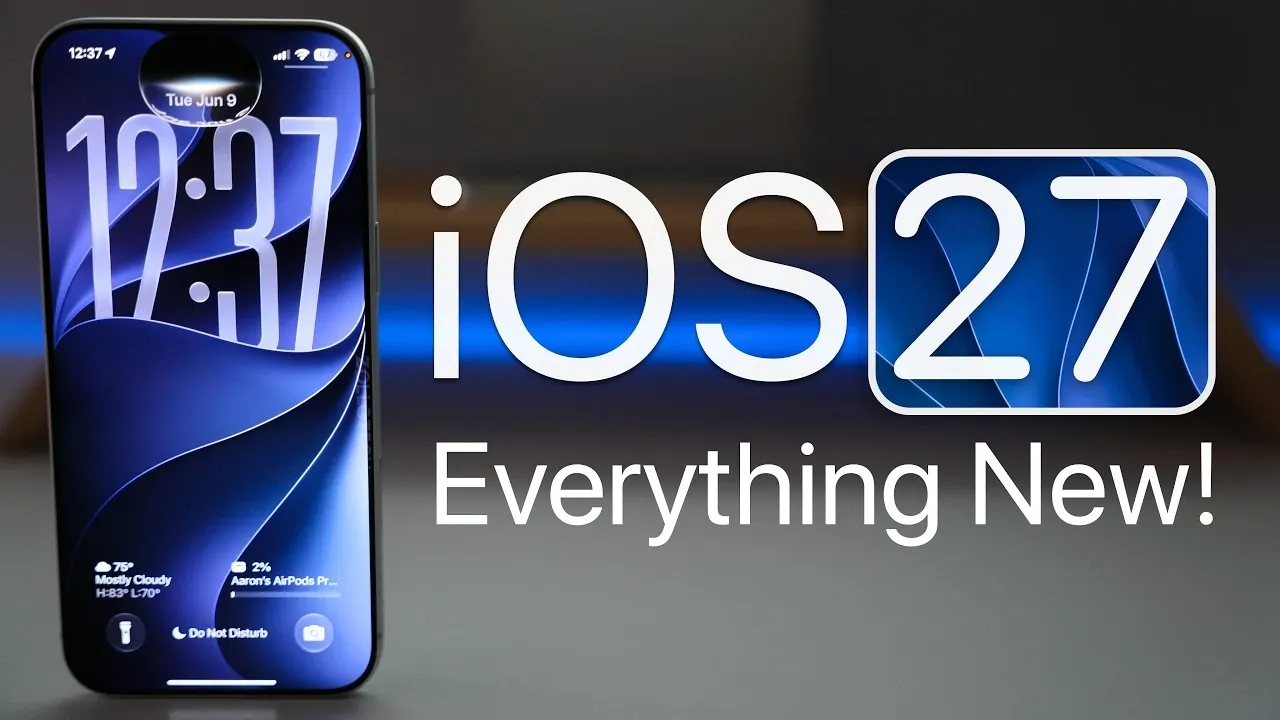
Apple has officially unveiled iOS 27, showcasing its latest mobile operating system with a focus on enhanced performance, greater customization, and improved functionality. This update is designed to elevate the iPhone experience, offering users a more seamless and personalized interaction with their devices. While the developer beta is already available, the public beta is set to launch in July, with the final release anticipated in September. Below is a comprehensive look at what iOS 27 has to offer in a new video from Zollotech.

Device Compatibility and Installation
iOS 27 maintains compatibility with the same devices supported by iOS 26, ranging from the iPhone 11 to the iPhone 17 Pro Max. This ensures that a wide range of users can access the new features without needing to upgrade their hardware. Developers can already access the beta version, but for non-developers, it’s advisable to wait for the public beta, which is expected to be more stable.
Before installing any beta version, it’s crucial to back up your device to avoid potential data loss. This precaution ensures that your personal data and settings remain secure during the update process.
Key Performance Enhancements
Apple has prioritized performance improvements in iOS 27, focusing on speed, responsiveness and overall efficiency. Here are the key enhancements:
- Smoother animations: Transitions and interactions feel more fluid, enhancing the user experience.
- Faster app loading times: Apps now open more quickly, reducing delays in daily use.
- Optimized connectivity: AirDrop and AirPlay have been refined for quicker and more reliable performance.
- Improved device unlocking: Face ID and Touch ID respond faster, making interactions seamless.
These upgrades collectively aim to make your iPhone feel faster and more efficient, whether you’re multitasking or performing routine actions.
Enhanced Customization Options
iOS 27 introduces new features that allow users to personalize their devices like never before. These updates cater to those who want their iPhone to reflect their unique style:
- Liquid Glass Wallpapers: These dynamic wallpapers offer adjustable effects, adding depth and vibrancy to your home screen.
- Extra-Large Widgets: Apps such as Weather, Calendar and Music now provide more detailed, at-a-glance information.
- Dynamic Wallpapers: Users can customize colors and create spatial scenes for a fresh and modern aesthetic.
These customization options give users greater control over their device’s appearance, making it more visually appealing and functional.
Siri Gets Smarter
Siri has undergone significant improvements in iOS 27, making it more intuitive and versatile than ever before. Key updates include:
- Redesigned interface: Siri can now be accessed via the Dynamic Island or the power button, streamlining interactions.
- Dedicated Siri app: A centralized app consolidates Siri’s functionality for easier access and management.
- Customizable voices: Users can select from a range of voices, while smarter, context-aware responses improve usability.
Although some features remain region-specific, Apple plans to expand support to additional regions, including the EU and China, in future updates.
App Updates You’ll Appreciate
Several core apps have been updated in iOS 27 to enhance functionality and improve the overall user experience. Notable updates include:
- Messages: Features like auto-resend for failed messages and drawing app integration make communication more versatile.
- Photos: New editing tools, emoji reactions and shared album options simplify photo management and sharing.
- Music & Podcasts: Redesigned interfaces and smoother transitions enhance your listening experience.
- Safari: Tab organization by topic and a “Notify Me” feature for webpage updates streamline browsing.
- Health: Expanded tracking options, including menopause tracking and a new landscape mode improve usability.
These updates are designed to make everyday tasks more efficient and enjoyable, whether you’re communicating, browsing, or managing your health.
Accessibility Improvements
Apple continues to prioritize inclusivity with several accessibility enhancements in iOS 27. These updates aim to make the operating system more user-friendly for individuals with diverse needs:
- VoiceOver: Improved screen and image recognition enhances navigation for visually impaired users.
- Real-time captions: Systemwide transcription provides better communication options for users with hearing impairments.
- Enhanced touch accommodations: New settings and FaceTime support for sign language interpretation broaden accessibility options.
These features demonstrate Apple’s commitment to creating a more inclusive digital environment.
Parental Controls and Child Safety
iOS 27 introduces simplified parental controls to help parents manage child accounts more effectively. Key features include:
- Content scheduling: Parents can regulate screen time by setting specific usage schedules.
- Communication safety tools: These tools block violent or explicit material, making sure a safer digital environment for younger users.
These updates provide peace of mind for parents while promoting healthier digital habits for children.
Connectivity Upgrades
Apple has made significant strides in improving connectivity with iOS 27. These updates ensure a more stable and consistent connection:
- Connectivity Assist: This new feature ensures seamless transitions between Wi-Fi and cellular networks, reducing interruptions.
- Enhanced Wi-Fi reliability: Faster network switching and improved stability make browsing and streaming smoother.
These enhancements are particularly beneficial for users who rely on their devices for work or entertainment on the go.
Battery and Power Management
Battery management sees meaningful improvements in iOS 27, helping users get the most out of their devices throughout the day. Key updates include:
- Detailed power usage insights: Users can monitor and optimize battery life more effectively.
- Efficiency enhancements: Hotspots and Bluetooth connectivity have been optimized to consume less power.
- New customization options: Alarm and system sound volumes can now be adjusted for added convenience.
These updates aim to extend battery life while providing users with greater control over their device’s power settings.
Looking Ahead
Apple plans to release beta 2 of iOS 27 in late June, followed by the public beta in July. The final version is expected to launch in September, likely alongside the iPhone 18. As Apple continues to refine iOS 27, users can look forward to a more polished and feature-rich experience. Stay tuned for further updates as the release date approaches.
Expand your understanding of iOS 27 Features with additional resources from our extensive library of articles.
Source & Image Credit: zollotech
Filed Under: Apple, Apple iPhone, Top News
Disclosure: Some of our articles include affiliate links. If you buy something through one of these links, Geeky Gadgets may earn an affiliate commission. Learn about our Disclosure Policy.
Credit: Source link