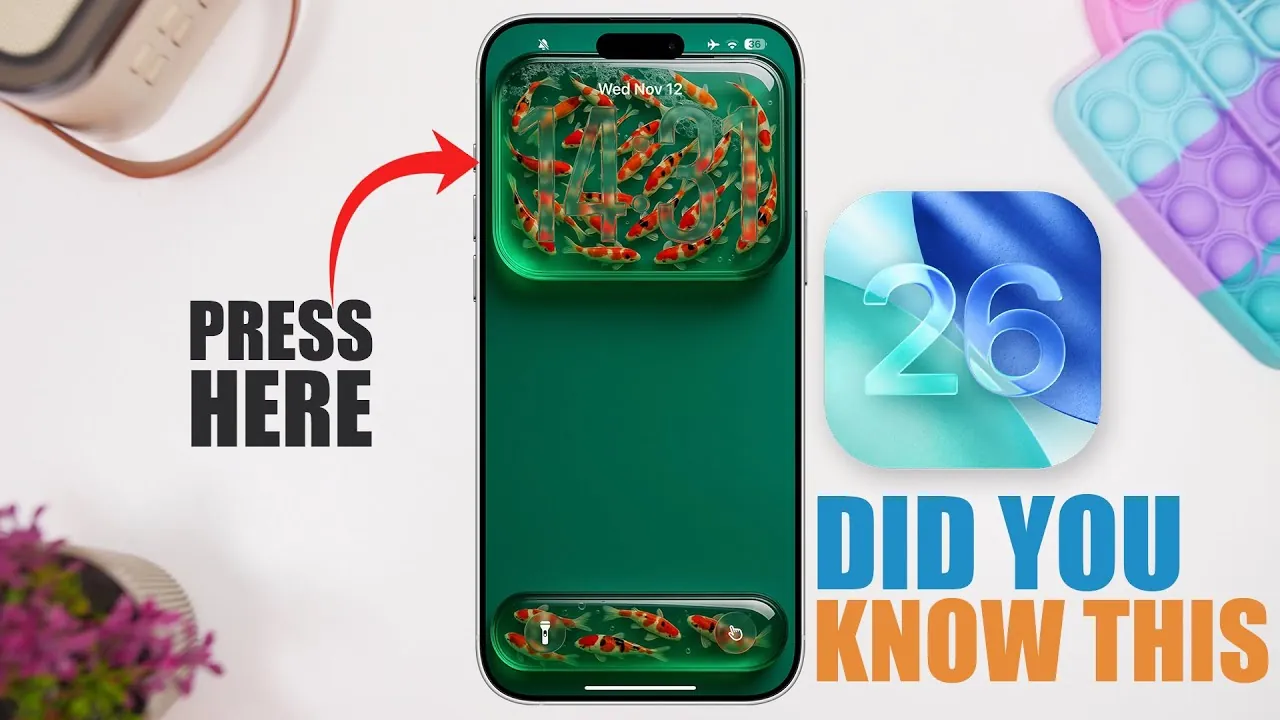
iOS 26 introduced a range of powerful features aimed at enhancing your iPhone’s functionality, efficiency, and personalization. The software focuses on simplifying daily tasks, improving organization, and delivering a more tailored user experience. Below is an in-depth look at the standout features that make iOS 26 a significant upgrade for iPhone users in a new video from iReviews. The current version of iOS is iOS 26.1, and Apple will be releasing iOS 26.2 sometime in December.

1. Maintain Consistent Audio Levels with Reduce Loud Sounds
The *Reduce Loud Sounds* feature ensures a balanced audio experience by automatically adjusting sound levels across apps and media. Whether you’re streaming music, watching videos, or taking calls, this feature eliminates sudden volume spikes, particularly when using headphones. It’s designed to provide a more comfortable and consistent listening experience, making it easier to enjoy your content without interruptions.
2. Share Photos Faster with Low-Quality Previews
Sharing photos on slower networks is now more efficient with the *Send Low-Quality Photo Previews* option in the Messages app. This feature compresses images for faster delivery while retaining essential details. It’s an ideal solution for conserving data and making sure quick communication, especially in areas with limited connectivity.
3. Use AirPods as a Wireless Microphone
iOS 26 transforms your AirPods into a versatile wireless microphone, perfect for content creators and video enthusiasts. By using the built-in microphones, you can capture clear, high-quality audio for videos without needing additional equipment. This feature is particularly useful for recording on the go or enhancing audio clarity in your projects.
4. Control Your Camera with AirPods Gestures
AirPods now support gesture-based camera controls, allowing you to remotely trigger your iPhone’s camera. This feature is ideal for taking group photos, recording hands-free videos, or capturing moments from a distance. It adds a new level of convenience and flexibility to your photography and videography experience.
5. Set Quick Reminders with the Customizable Action Button
The customizable action button in iOS 26 simplifies task management by allowing you to set detailed reminders with a single tap. For example, you can create location-based reminders, such as calling someone when you arrive at a specific place, or set time-sensitive alerts. This feature helps you stay organized and ensures you never miss important tasks.
6. Time Zone-Based Reminders for Travelers
Frequent travelers can now benefit from reminders that automatically adjust to different time zones. This feature ensures you remain on schedule no matter where you are, making it easier to manage appointments, meetings, and tasks across multiple locations. It’s a practical tool for staying organized while on the move.
7. Organize Playlists with Music App Folders
The Music app introduces folder categorization for playlists, allowing you to organize your library more effectively. You can group playlists by genre, mood, or any other criteria, making it easier to access your favorite tracks. This feature streamlines your music experience and helps you navigate large libraries with ease.
8. Protect Your Privacy with FaceTime Filters
Privacy is a priority in iOS 26, and the *Sensitive Content Warning* feature in FaceTime reflects this focus. It alerts you to potentially sensitive material before it’s displayed during video calls, giving you greater control over your conversations. This simple yet effective tool enhances privacy and ensures a more secure communication experience.
9. Manage Calls Better with Call Filtering
Enhanced call filtering options in iOS 26 make it easier to sort and prioritize incoming calls. You can categorize calls by type—such as missed, video, voicemail, or spam—allowing you to focus on the most important communications. This feature is particularly useful for managing busy schedules and staying on top of your calls.
10. Customize Folders in the Files App
The Files app receives a significant upgrade with new folder customization options. You can add colors, emojis, or symbols to folders, making it easier to identify and organize your documents. This feature is especially helpful for users managing large volumes of files, allowing quicker access to important projects and materials.
11. Set Call-Related Reminders in the Phone App
The Phone app now allows you to create quick reminders for missed calls. For instance, you can set a reminder to return a call at a specific time, making sure you never forget to follow up on important communications. This feature enhances productivity and helps you stay connected.
12. Simplify Your Day with Streamlined Features
iOS 26 introduces a variety of tools designed to make your daily life more efficient. From enhanced audio settings to improved organization features, these updates cater to a wide range of needs. By integrating these capabilities into your routine, you can unlock the full potential of your iPhone and enjoy a more seamless, personalized experience.
Why iOS 26 Matters
iOS 26 focuses on usability, personalization, and efficiency, offering features that cater to diverse user needs. Whether you’re a frequent traveler, a content creator, or someone looking to simplify everyday tasks, this update enhances your iPhone experience in meaningful ways. Explore these features to discover how iOS 26 can make your device more intuitive, functional, and tailored to your lifestyle.
Advance your skills in iOS 26 features by reading more of our detailed content.
Source & Image Credit: iReviews
Filed Under: Apple, Apple iPhone, Guides
Latest Geeky Gadgets Deals
Disclosure: Some of our articles include affiliate links. If you buy something through one of these links, Geeky Gadgets may earn an affiliate commission. Learn about our Disclosure Policy.
Credit: Source link