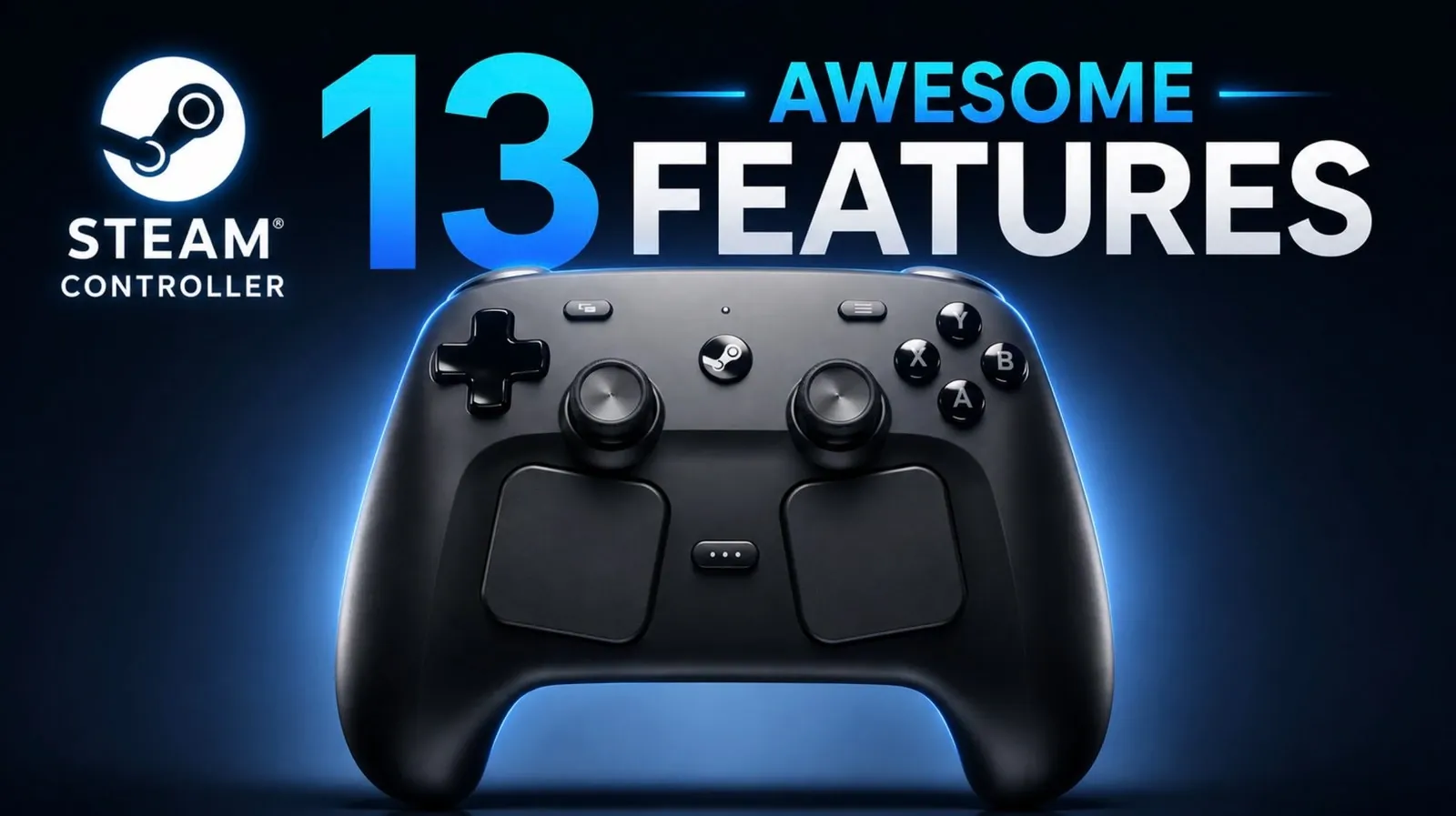
The Steam Controller is a versatile gaming device that addresses the challenges of traditional controllers, as outlined by NerdNest. One notable feature is its mouse emulation, which turns the right trackpad into a cursor for smoother navigation in games that lack native controller support. This functionality is especially useful for strategy games or older PC titles that require precise input. Another practical addition is the on-screen keyboard, which allows players to manage text input directly through the controller, eliminating the need for a separate keyboard.
Explore how the Steam Controller enables customizable joystick behavior and virtual menus to streamline complex commands. Learn about advanced settings that let users adjust trigger sensitivity and fine-tune trackpad responsiveness for greater control. Gain insight into its compatibility with non-Steam games and how community-shared configurations can enhance its use across a variety of gaming environments.
Steam Controller Features
TL;DR Key Takeaways :
- The Steam Controller offers mouse emulation and an integrated on-screen keyboard, allowing seamless gameplay for titles without native controller support.
- Highly customizable joystick behavior and button mapping allow for precise control and multi-command inputs tailored to individual gaming needs.
- Features like virtual menus, haptic feedback and advanced settings enhance gameplay by simplifying complex actions and improving immersion.
- Adaptability to both Steam and non-Steam games ensures compatibility across a wide range of titles, with community-shared configurations providing additional support.
- Beyond gaming, the Steam Controller’s versatility extends to non-gaming tasks, making it a practical tool for PC navigation and media control.
1. Mouse Emulation for Non-Controller Games
One of the most distinctive features of the Steam Controller is its ability to emulate a mouse. By using the right trackpad, you can control the cursor in games that lack native controller support, such as strategy games or older PC titles. This functionality is further enhanced by an integrated on-screen keyboard, which can be accessed through specific button combinations. This eliminates the need for a separate keyboard, allowing you to input text seamlessly while staying immersed in your game. The combination of mouse emulation and keyboard access makes the Steam Controller a practical choice for a wide variety of games.
2. Customizable Joystick Behavior
The joystick on the Steam Controller goes beyond traditional movement controls. You can configure it to function as a “mouse region,” allowing precise cursor control within a defined area. This feature is particularly useful for games that require pinpoint accuracy, such as tactical or simulation titles. Additionally, you can adjust the region’s size, position and sensitivity to suit your specific needs. This level of customization ensures that the joystick can adapt to the demands of any game, offering a tailored experience for every player.
3. Virtual Menus for Quick Access
Virtual menus are a powerful feature that allows you to create touch, radial, or hotbar-style menus for streamlined access to multiple commands. These menus can be customized with symbols, layouts and activation styles, such as touch release or click. This functionality is especially beneficial in games with extensive inventories or numerous abilities, as it simplifies complex controls and reduces the need for multiple button presses. By organizing commands into intuitive menus, the Steam Controller helps you manage intricate gameplay mechanics with ease.
4. Button Mapping and Multi-Command Inputs
The Steam Controller’s button mapping capabilities allow you to assign multiple commands to a single button, making it easier to execute complex in-game actions. For instance, you can map a button to crouch and aim simultaneously, streamlining your gameplay. The controller’s back buttons further enhance this functionality, allowing you to perform intricate commands without disrupting your grip or flow. This feature is particularly valuable in fast-paced games where quick reflexes and efficient controls are essential.
5. Advanced Settings for Precision
Advanced settings provide granular control over the Steam Controller’s performance, allowing you to fine-tune your gaming experience. Features like trigger dampening help reduce unintended cursor movement, while adjustments to the joystick’s outer ring radius enable you to trigger specific commands at maximum deflection. These settings are especially useful in precision-heavy or fast-paced games, where even the smallest adjustments can make a significant difference. By offering such detailed customization options, the Steam Controller ensures that you can optimize its performance to match your playstyle.

Unlock more potential in Steam Controller by reading previous articles we have written.
6. Game-Specific Control Adaptation
The Steam Controller excels at adapting to the unique requirements of different games. For example, in Torchlight 2, which lacks native controller support, you can map controls to mimic a traditional controller layout. Similarly, in Vampire Survivors, you can enable dual joystick functionality to alternate hand use during extended play sessions. This adaptability ensures that the Steam Controller remains compatible with a wide range of titles, making it a versatile choice for gamers with diverse preferences.
7. Haptic Feedback for Immersive Gameplay
Haptic feedback adds a tactile dimension to your gaming experience by providing subtle vibrations during gameplay or menu navigation. You can adjust the intensity of this feedback to suit your preferences, enhancing immersion without becoming distracting. Additionally, the Steam Controller allows you to fine-tune joystick dead zones, eliminating unintended movements caused by slight deflections. These features work together to create a more responsive and engaging gaming experience.
8. Practical Configurations for Complex Actions
The Steam Controller’s flexibility extends beyond traditional gaming applications. You can create custom configurations for practical purposes, such as implementing weapon wheels or ability menus in games that lack these features. These setups simplify repetitive or complex actions, such as automating resource collection or streamlining inventory management in survival games. By allowing you to tailor the controller to your specific needs, this feature enhances both convenience and efficiency.
9. Seamless Integration with Non-Steam Games
The Steam Controller is not limited to Steam titles. You can configure it to work with non-Steam games by adding them to your Steam library. This ensures that you can enjoy the controller’s extensive customization options across your entire gaming collection. Whether you’re playing a classic PC game or a modern title from another platform, the Steam Controller’s adaptability ensures a consistent and enjoyable experience.
10. Adjustable Sensitivity for Every Input
Every input on the Steam Controller, from trackpads to triggers, can be fine-tuned for sensitivity. This level of control allows you to adapt the device to your playstyle, whether you prefer quick, responsive inputs or slower, deliberate actions. By offering such precise adjustments, the Steam Controller ensures that every aspect of its performance can be tailored to meet your individual preferences.
11. Community-Shared Configurations
Steam’s community hub is a valuable resource for Steam Controller users, offering a wide range of user-created configurations. You can browse, download and apply these setups to your games, saving time and effort while benefiting from the expertise of other players. This feature is particularly helpful for newcomers who may feel overwhelmed by the controller’s extensive customization options. By using the collective knowledge of the community, you can quickly optimize your gaming experience.
12. On-the-Fly Adjustments
The Steam Controller allows you to make real-time adjustments during gameplay, making sure a seamless experience. Whether you need to tweak sensitivity, remap buttons, or switch configurations, these changes can be made without interrupting your session. This feature is especially useful in dynamic gaming environments, where quick adaptations can make a significant difference.
13. Versatility Beyond Gaming
The Steam Controller’s utility extends beyond gaming. Its customizable inputs and mouse emulation capabilities make it a practical tool for non-gaming tasks, such as navigating your PC or controlling media playback. This versatility adds to the controller’s overall value, making it a worthwhile investment for gamers and non-gamers alike.
Media Credit: NerdNest
Filed Under: Gaming News, Guides
Disclosure: Some of our articles include affiliate links. If you buy something through one of these links, Geeky Gadgets may earn an affiliate commission. Learn about our Disclosure Policy.
Credit: Source link