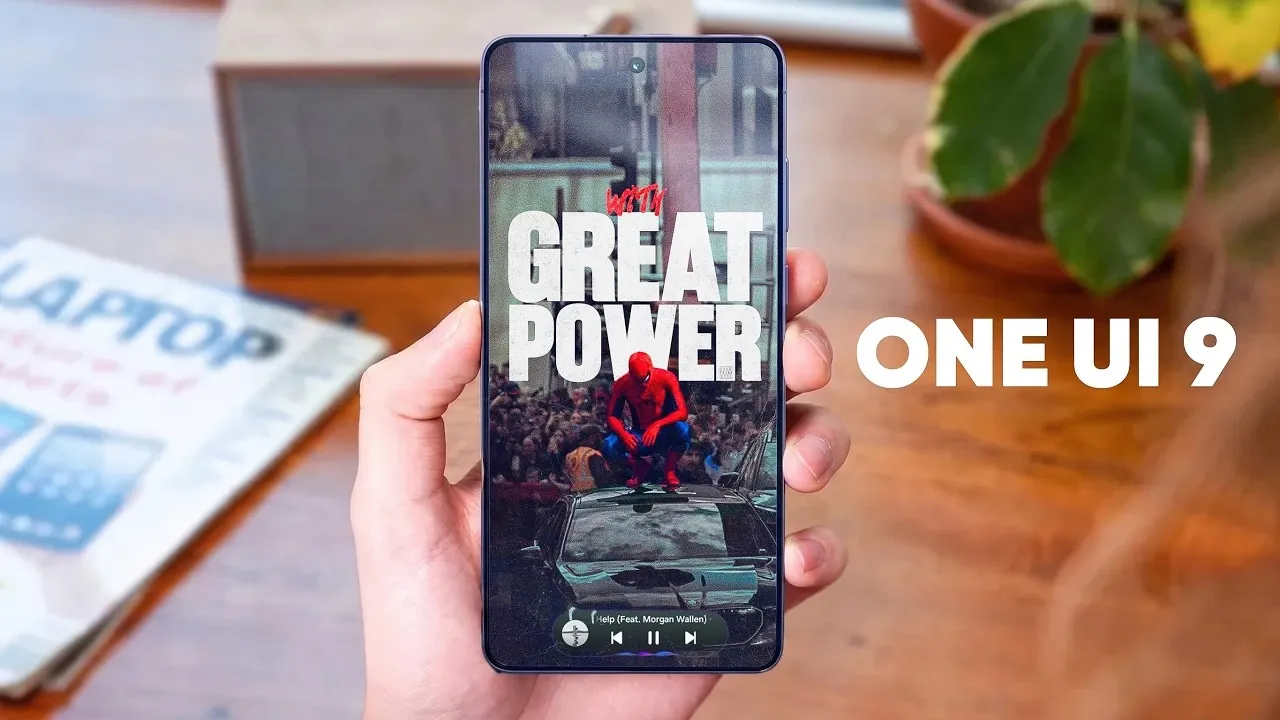
Samsung’s One UI 9, built on Android 17, introduces a comprehensive suite of updates aimed at enhancing usability, design and functionality. With improvements spanning file sharing, widgets, notifications, and more, this update is crafted to elevate your smartphone experience. The video below from TechTalkTV gives us more details on the rumored changes, organized to help you quickly understand what’s new and why it matters.
File Sharing Gets Smarter and Faster
Sharing files has never been easier with the introduction of the “Tap to Share” feature, powered by NFC technology. By simply tapping two compatible devices together, you can instantly transfer files such as photos, contact cards, and documents. This feature supports a wider range of file types, making it a versatile tool for both personal and professional use. Whether you’re collaborating on a project or sharing memories with friends, this enhancement ensures faster and more seamless connectivity.
Revamped Lock Screen and Music Player
The lock screen and music player have undergone significant visual and functional upgrades. The music player now features a dynamic waveform animation, replacing the traditional progress bar. This modernized design not only enhances the aesthetic appeal but also makes tracking your music playback more engaging. Additionally, the “Now Playing” bar adopts a cleaner, darker design, improving visibility and creating a sleeker overall look. These changes reflect Samsung’s commitment to blending functionality with style.
Streamlined Settings and Interface Updates
One UI 9 introduces subtle yet impactful updates to the settings menu and overall interface. The “About Phone” page now features a smaller, more streamlined device image, making it easier to identify your device at a glance. The settings search bar benefits from smoother animations, allowing quicker navigation. Widget customization has also been enhanced, allowing you to adjust corner radii to match your personal style, whether you prefer sharp edges or rounded corners. These refinements contribute to a more intuitive and visually appealing user experience.
AI-Powered Photo Editing and Gallery Tools
The photo editor now uses AI technology to simplify complex editing tasks. From removing unwanted objects in photos to automatically adjusting colors for better balance, these intelligent tools help you achieve professional-quality results with minimal effort. The gallery app has also been upgraded with a new selection box, allowing you to manage multiple photos simultaneously. This makes tasks like sharing, organizing, or deleting photos faster and more intuitive, saving you time and effort.
Enhanced Samsung Internet Features
Browsing the web becomes smarter and more efficient with the new features introduced in Samsung Internet. The “Smart Shopping” tool automatically finds and applies coupon codes during online checkouts, helping you save money effortlessly. Additionally, the browser now includes an “Ask AI” button, which allows you to ask contextual questions about webpage content. This integration provides real-time insights, making your browsing experience more informative and interactive.
Widget Visual Refresh and Weather Updates
Widgets have received a visual overhaul, with brighter colors and improved contrast that adapt dynamically to your wallpaper. This ensures that widgets not only look better but also remain easy to read in various lighting conditions. The weather widget now offers a full weekly forecast, giving you a more comprehensive view of upcoming conditions at a glance. These updates make widgets more functional and visually appealing, enhancing their role in your daily smartphone use.
Improved Notification and Call Management
Notifications and call alerts are now more customizable than ever. You can mute alerts from specific individuals without affecting others, allowing you to maintain focus when needed. Additionally, the ability to prioritize notifications from important contacts ensures that you never miss critical updates. These enhancements give you greater control over how and when you receive alerts, helping you stay organized and minimize distractions.
New Warranty and Care App
The Warranty and Care app consolidates essential maintenance tools into a single, easy-to-use platform. From accessing warranty details to estimating repair costs, booking repairs and tracking their progress, this app simplifies the process of keeping your device in optimal condition. By centralizing these features, Samsung ensures that maintaining your smartphone is both convenient and efficient.
Device Compatibility and Rollout Timeline
The Galaxy S26 series is set to receive the beta version of One UI 9 next month, giving early adopters an opportunity to explore these new features. Meanwhile, the ZFold 8 is expected to launch with the stable version in July. This staggered rollout reflects Samsung’s commitment to making sure a smooth transition for users while integrating software and hardware advancements seamlessly across its devices.
Why One UI 9 Matters
Samsung’s One UI 9 is designed to enhance everyday smartphone use through thoughtful design and functional improvements. From smarter file sharing and AI-powered photo editing to refined notification controls and widget updates, this update addresses key areas that matter most to users. With the beta release just around the corner, you’ll soon have the chance to experience these features firsthand, with further refinements expected before the final rollout. This update underscores Samsung’s dedication to delivering a user-friendly and feature-rich experience, making sure that your smartphone remains a powerful tool for both work and leisure.
Explore further guides and articles from our vast library that you may find relevant to your interests in Samsung One UI 9.
Source & Image Credit: TechTalkTV
Filed Under: Android News, Mobile Phone News, Top News
Disclosure: Some of our articles include affiliate links. If you buy something through one of these links, Geeky Gadgets may earn an affiliate commission. Learn about our Disclosure Policy.
Credit: Source link