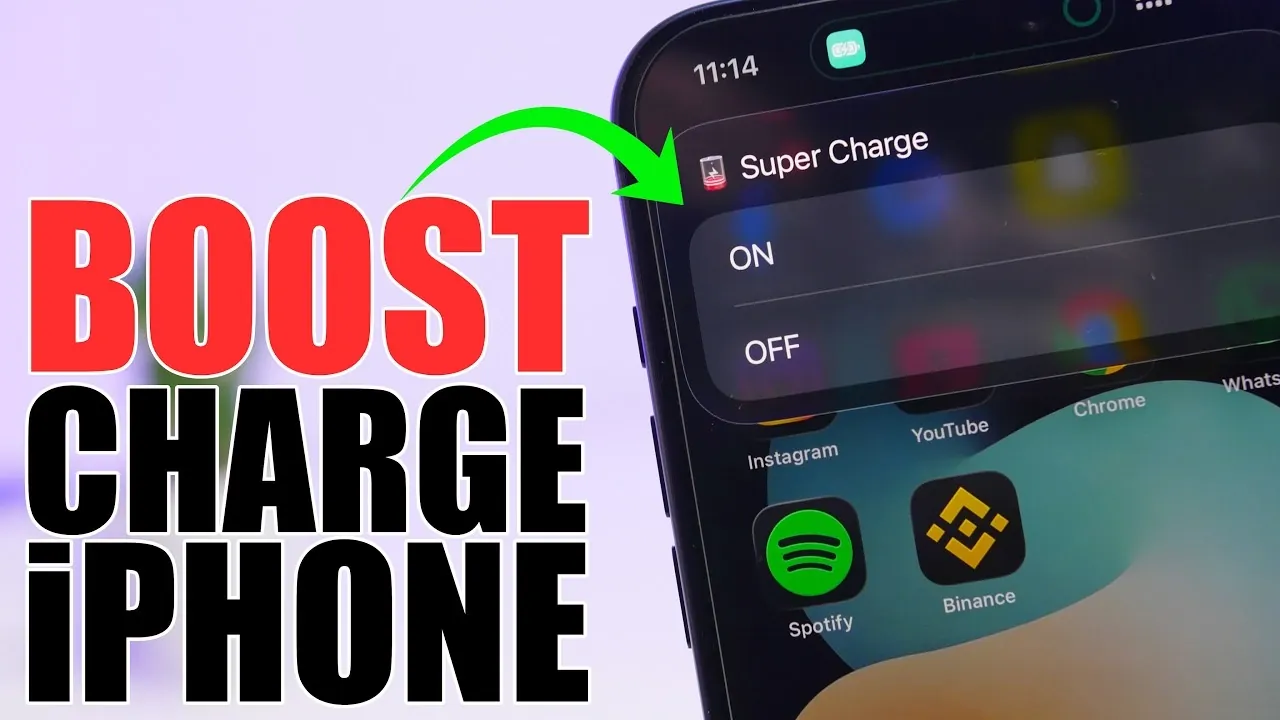
Fast charging is essential in today’s fast-paced world, especially when you’re short on time. With the release of iOS 26.4, Apple introduces a powerful feature called Boost Charge Mode, designed to optimize your iPhone’s charging process. By temporarily disabling non-essential functions and reducing power consumption, this mode ensures your device charges more efficiently. With the help of shortcuts and automations, you can activate this feature effortlessly, either manually or automatically, to suit your needs. The video below from ireviews gives us more details.
What is Boost Charge Mode?
Boost Charge Mode is a feature that prioritizes charging speed by temporarily adjusting your iPhone’s settings. When enabled, it optimizes various functions to reduce power usage and focus on charging efficiency. Here’s how it works:
- Low Power Mode: Reduces background activity, such as app refresh and system updates, to conserve energy.
- Airplane Mode: Disables Wi-Fi, cellular data and other wireless connections to minimize power consumption.
- Bluetooth Off: Turns off Bluetooth to further reduce energy usage.
- Do Not Disturb: Silences notifications and alerts, preventing unnecessary distractions and power drain.
- Battery Consumption Reduction: Limits non-essential processes, making sure the device dedicates its resources to charging.
By implementing these adjustments, Boost Charge Mode allows your iPhone to charge faster without requiring constant manual intervention.
How to Set Up Boost Charge Mode
To take full advantage of Boost Charge Mode, you’ll need to configure shortcuts using the Shortcuts app. Follow these steps to set it up:
- Create Shortcuts: Develop three essential shortcuts: “Supercharge On,” “Supercharge Off,” and a manual toggle shortcut. These shortcuts will allow you to activate or deactivate Boost Charge Mode as needed.
- Add to Quick Access: Integrate these shortcuts into your Control Center, Home Screen, or Lock Screen for easy access. For hands-free operation, assign them to features like the Action Button or Back Tap.
Once set up, these shortcuts provide a simple and efficient way to control Boost Charge Mode, giving you the flexibility to manage your iPhone’s charging behavior with ease.
Automating Boost Charge Mode
For a more seamless experience, you can automate the activation and deactivation of Boost Charge Mode. Automation ensures your iPhone adjusts its settings automatically based on its charging status. Here’s how to configure it:
- Enable on Charger Connection: Use the Shortcuts app to create an automation that activates Boost Charge Mode whenever your iPhone is connected to a charger.
- Disable on Charger Disconnection: Set up a second automation to deactivate Boost Charge Mode when the charger is unplugged, restoring your iPhone’s normal settings.
- Run Without Confirmation: Configure both automations to execute instantly without requiring manual confirmation, making sure a smooth and uninterrupted process.
This automated setup eliminates the need for manual adjustments, saving you time and effort while making sure your iPhone charges as efficiently as possible.
Customizing Your Experience
Boost Charge Mode is designed to be flexible, allowing you to tailor its functionality to your preferences. Here are some customization options to enhance your experience:
- Control Center Integration: Add Boost Charge Mode shortcuts to your Control Center for quick and convenient access.
- Action Button Assignment: On compatible iPhones, assign the Action Button to toggle Boost Charge Mode with a single press, streamlining the activation process.
- Back Tap Feature: Use the Back Tap functionality to enable or disable Boost Charge Mode with a simple tap on the back of your device, offering an intuitive way to manage the feature.
These customization options make it easier to incorporate Boost Charge Mode into your daily routine, making sure it aligns with your specific needs and preferences.
Why Use Boost Charge Mode?
Boost Charge Mode offers a practical solution for reducing charging times on your iPhone. Temporarily adjusting your device’s settings, it minimizes battery consumption and maximizes charging efficiency. The ability to automate the process ensures your iPhone seamlessly transitions between Boost Charge Mode and normal functionality, providing a hassle-free experience. Whether you prefer manual control or a fully automated setup, this feature is a valuable addition to iOS 26.4, helping you stay connected and productive with minimal downtime.
Source & Image Credit: iReviews
Filed Under: Apple, Apple iPhone, Guides
Disclosure: Some of our articles include affiliate links. If you buy something through one of these links, Geeky Gadgets may earn an affiliate commission. Learn about our Disclosure Policy.
Credit: Source link