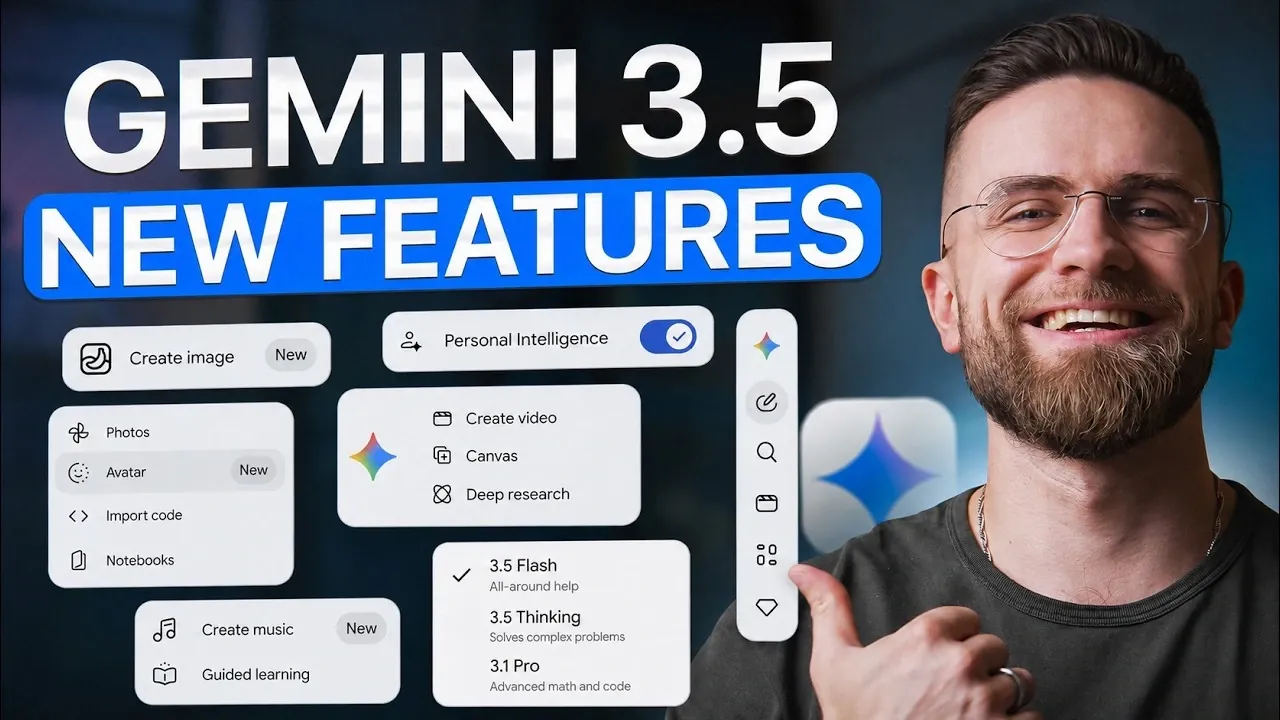
Google’s latest AI upgrade, Gemini 3.5 Flash, introduces advanced capabilities aimed at improving productivity and tackling complex workflows. Key features include multimodal vision for detailed image analysis, native video understanding with timestamped insights and expanded token limits for processing large datasets. According to AI Master, these updates address practical challenges like verbosity in reasoning-heavy outputs and enhance tasks such as app prototyping. For instance, the “Vibe Coding” feature enables users to convert hand-drawn app layouts into functional React components, offering a practical solution for developers and designers.
Discover how to use Gemini’s task automation within Google Workspace apps to streamline multi-step workflows effectively. Learn how structured data extraction can simplify multilingual receipt processing and explore strategies for applying expanded token limits to large-scale projects. This guide will provide a clear understanding of Gemini 3.5 Flash’s features and their practical applications.
Gemini 3.5 Flash Overview
TL;DR Key Takeaways :
- Google Gemini 3.5 Flash introduces advanced features like multimodal vision, native video understanding and expanded token limits, enhancing productivity across industries.
- Key tools include long document analysis, Vibe Coding for app development and task automation for seamless workflow integration in Google Workspace apps.
- Structured data extraction enables multilingual receipt processing into JSON format, simplifying global business operations and data standardization.
- Daily productivity tools, such as voice memo transcription and error resolution, streamline common tasks for professionals in various fields.
- Despite its cost efficiency and scalability, limitations like regressions in long-context retrieval and verbosity in reasoning-heavy tasks require manual oversight for precision-critical applications.
Gemini 3.5 Flash incorporates a range of innovative tools designed to boost productivity and simplify complex tasks. These features include:
- Multimodal Vision: Enhanced image analysis for applications like inventory management and recipe generation.
- Native Video Understanding: Direct video processing with timestamped insights and Python chart generation.
- Long Document Analysis: Seamless handling of large documents without chunking, with adjustable reasoning complexity.
- Vibe Coding: Conversion of hand-drawn app layouts into functional React components in AI Studio.
- Task Automation: Workflow integration across Google Workspace apps for streamlined project management.
- Structured Data Extraction: Multilingual receipt processing into JSON format without external APIs.
- Daily Productivity Tools: Voice memo transcription, error resolution and prioritized task organization.
- Pricing and Token Efficiency: Expanded token limits and competitive pricing for handling complex tasks.
Multimodal Vision: Smarter Image Analysis
Gemini 3.5 Flash significantly improves its ability to process visual inputs, offering more precise image analysis. You can now identify partially obscured objects in images with greater accuracy, making it ideal for tasks like inventory management or object tracking. Additionally, the model supports recipe generation and shopping list creation based on photos of ingredients. These capabilities are particularly beneficial for industries such as retail, logistics and culinary arts, where visual data plays a critical role. By using this feature, you can streamline operations and improve decision-making processes.

Check out more relevant guides from our extensive collection on Google Gemini that you might find useful.
Native Video Understanding: Simplifying Video Analysis
The introduction of native video support allows Gemini to process video files directly, eliminating the need for external tools. The model generates timestamped insights, allowing you to extract key moments from lengthy recordings efficiently. For example, you can analyze a training video and receive a concise summary of its most important sections. Additionally, Gemini supports Python chart generation, allowing you to create visual representations of video data for use in presentations or reports. This feature is particularly useful for educators, content creators and professionals who rely on video analysis for insights.
Long Document Analysis: Efficient Handling of Complex Text
Gemini’s ability to process long-form documents without chunking is a significant advancement for tasks like contract review or financial analysis. The new thinking level toggle lets you adjust the model’s reasoning complexity to suit your specific needs. For instance:
- High-level reasoning: Ideal for interpreting nuanced legal terms or analyzing intricate financial data.
- Low-level reasoning: Speeds up simpler tasks, such as summarizing straightforward documents.
This flexibility ensures that the model can adapt to the complexity of your task, providing tailored outputs that save time and improve accuracy.
Vibe Coding: Simplifying App Development
Gemini’s AI Studio introduces “Vibe Coding,” a feature designed to streamline app development. With this tool, you can convert hand-drawn app layouts into functional React components, complete with live previews. This eliminates the need for manual coding and reduces the risk of truncation issues. For example, a sketched wireframe of a mobile app can be transformed into a working prototype in minutes, significantly reducing development time and effort. This feature is particularly valuable for developers and designers seeking to accelerate the prototyping phase.
Task Automation: Seamless Workflow Integration
Gemini enhances productivity by automating multi-step workflows across Google Workspace apps like Drive, Docs, Gmail and Calendar. Using app-specific prompts, you can chain tasks together to simplify complex processes. For example, you could:
- Create a project folder in Drive.
- Draft an email in Gmail.
- Schedule a meeting in Calendar.
All of this can be achieved with a single command, making it an invaluable tool for professionals managing multiple projects. This feature not only saves time but also reduces the likelihood of errors in task execution.
Structured Data Extraction: Simplifying Multilingual Data
The model’s ability to process multilingual receipts into JSON format without relying on external APIs is a significant advancement for businesses handling diverse data sources. You can set up visual schemas to ensure clean, structured outputs, making it easier to integrate data into existing systems. For instance, international retailers can standardize expense reports across multiple languages and currencies, streamlining their operations and improving data accuracy. This feature is particularly useful for organizations operating in global markets.
Daily Productivity Tools: Everyday Efficiency
Gemini introduces tools designed to enhance daily productivity. You can transcribe voice memos and organize them into prioritized task lists, making sure that no detail is overlooked. Additionally, the model can analyze screenshots or code snippets to explain and resolve error messages. For example, a developer encountering a runtime error can receive a detailed explanation and solution within seconds, reducing downtime and improving workflow efficiency. These tools are designed to address common productivity challenges, making them valuable for professionals across various fields.
Pricing and Token Efficiency: Cost-Effective AI
Gemini 3.5 Flash offers a cost-effective alternative to competitors like GPT and Claude. With expanded token limits, 1 million for input and 64,000 for output, you can handle complex tasks without interruptions. This is particularly beneficial for users working with large datasets or intricate workflows, as it minimizes the need for multiple iterations and reduces associated costs. The competitive pricing structure ensures that businesses of all sizes can access advanced AI capabilities without exceeding their budgets.
Limitations to Consider
Despite its advancements, Gemini 3.5 Flash has some limitations that users should be aware of:
- Long-context retrieval: The model shows regressions in accuracy for tasks requiring deep contextual understanding.
- Verbosity: Reasoning-heavy tasks can result in overly detailed responses, potentially slowing down workflows.
- Default settings: The thinking level setting silently defaults to medium, which may impact task precision if unnoticed.
These limitations highlight the importance of manual oversight for tasks requiring high precision or contextual accuracy.
Practical Applications
Gemini 3.5 Flash is well-suited for a variety of professional applications, including:
- Contract review and legal analysis.
- Financial document processing.
- Expense tracking and data standardization.
- Video content analysis for training and presentations.
- App prototyping and development.
Its cost efficiency and advanced features make it an excellent choice for users seeking scalable AI solutions. However, for tasks requiring high accuracy, manual verification is recommended. By using its capabilities, you can achieve greater efficiency and accuracy in your daily tasks.
Media Credit: AI Master
Filed Under: AI, Guides
Disclosure: Some of our articles include affiliate links. If you buy something through one of these links, Geeky Gadgets may earn an affiliate commission. Learn about our Disclosure Policy.
Credit: Source link