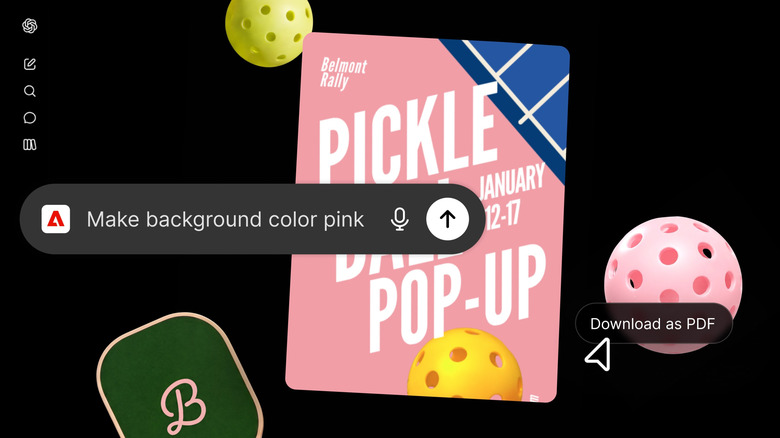
The company continues its enthusiastic embrace of generative AI.
At the end of last year, Adobe leveraged OpenAI’s Apps SDK to bring Photoshop, Acrobat and Adobe Express to ChatGPT. Now, the company is bringing nearly its entire suite of creative apps to ChatGPT with the introduction of the Adobe plugin. All told, once you’ve added the extension to your account, you’ll have access to more than 70 of Adobe’s tools, including Photoshop, Premiere, Acrobat, Lightroom, Illustrator and InDesign.
To add the extension, open ChatGPT’s settings menu and navigate to the plugins section, then select the Adobe one. You can then invoke it by typing @Adobe into ChatGPT’s prompt bar, followed by your request. Adobe says the plugin works best inside of OpenAI’s Codex coding app and recently released Work suite. Moreover, while you can use the integration without logging into your Creative Cloud account, signing in allows you to save your work across sessions and access any files you have saved on the cloud. Signing in also allows you to make use of the company’s generative models through Adobe Firefly.
Adobe envisions people using the new integration to do things like edit photos, make marketing videos and generate PDFs. However, the company is quick to point out its existing tools are still there for finer grained control. “We want Adobe’s pro-grade tools for creativity and productivity to be available wherever people work,” said Forest Key, the company’s vice president of Adobe Firefly and agentic AI. “The Adobe plugin in ChatGPT isn’t a replacement for our flagship apps that creative professionals rely on every day. Our flagship apps go deeper when projects call for hands-on precision and creative control.”
If you want to try the plugin for yourself, it’s available starting today worldwide.
Credit: Source link