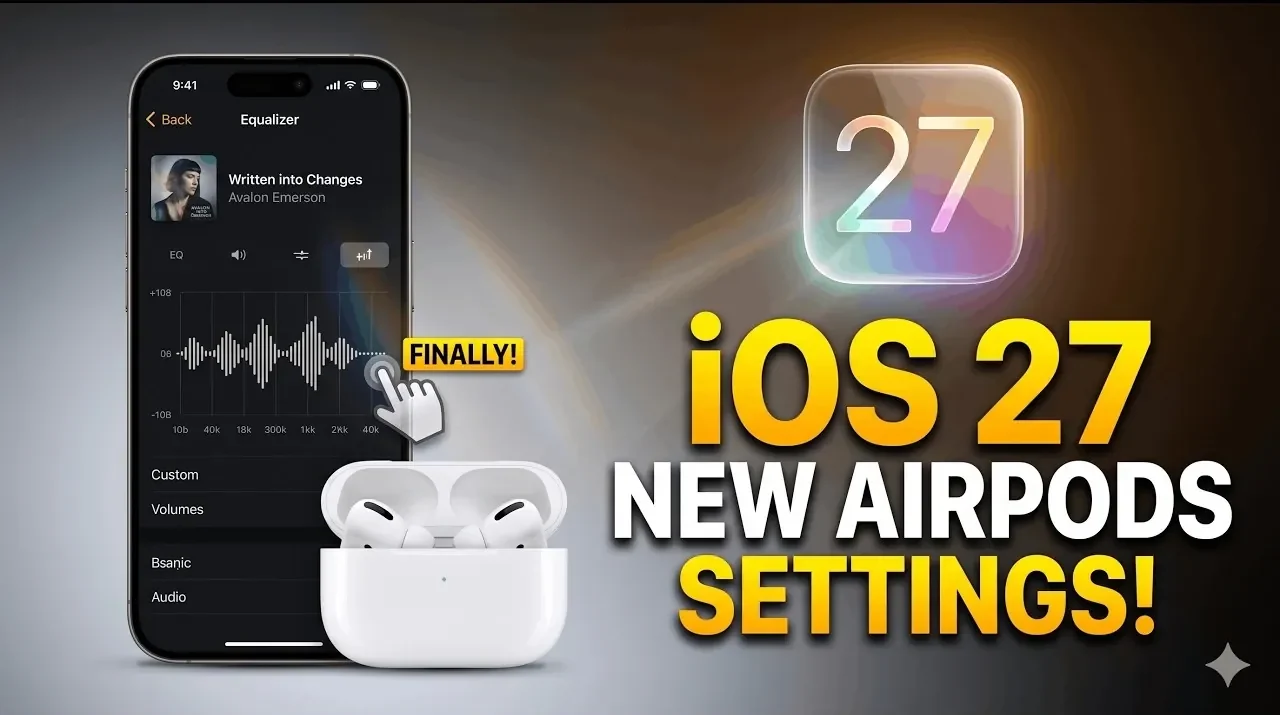
Apple’s iOS 27 update delivers a long-awaited overhaul to the AirPods settings menu, addressing usability concerns with a more intuitive design. Phones & Drones highlights how the revamped layout minimizes unnecessary scrolling and organizes features logically, making it easier to access key options like Personalized Spatial Audio and Automatic Ear Detection. These changes aim to streamline customization for both new and experienced users, making sure that settings like Conversation Awareness, which lowers audio during conversations, are simple to locate and adjust.
In this guide, you’ll explore how iOS 27 enhances audio customization with features like Adaptive Audio, which dynamically adjusts sound based on your environment and Hearing Protection, designed to monitor and limit exposure to loud noises. Gain insight into the expanded gesture controls, such as assigning functions to AirPods stems or using head movements for tasks like answering calls. Additionally, discover updates to battery optimization and Find My integration, which improve device longevity and tracking capabilities. These updates collectively refine the AirPods experience, balancing convenience with functionality.
Key Audio and Routing Improvements
TL;DR Key Takeaways :
- iOS 27 introduces a redesigned AirPods settings menu, prioritizing ease of use, accessibility and logical organization for a more intuitive user experience.
- Enhanced audio customization features include Personalized Volume, Adaptive Audio, Conversation Awareness and Personalized Spatial Audio for a tailored listening experience.
- New hearing health tools, such as Hearing Protection and Hearing Tests, promote safe listening habits while maintaining high audio quality.
- Improved controls and gestures, including customizable stem functions and head gestures, enhance convenience and versatility in managing AirPods.
- Battery optimization features, such as Optimized Charging Limits and Battery Notifications, extend AirPods’ lifespan and improve reliability over time.
The updated AirPods settings menu emphasizes audio customization, delivering tools designed to enhance your listening experience. These features allow you to tailor sound settings to your environment and personal preferences, making sure optimal performance in various scenarios. Highlights include:
- Personalized Volume and Adaptive Audio: Dynamically adjusts sound levels based on your surroundings, providing a seamless listening experience.
- Conversation Awareness: Automatically lowers audio during conversations, allowing you to hear others clearly without needing to remove your AirPods.
- Automatic Ear Detection: Pauses or resumes playback automatically when you remove or wear your AirPods, adding convenience to your daily use.
- Personalized Spatial Audio: Creates an immersive sound experience tailored to the unique shape of your ears.
- Microphone and Sleep Media Pause Settings: Offers enhanced control over call quality and playback during rest periods, making sure a balance between functionality and comfort.
These improvements reflect Apple’s commitment to delivering a customized and immersive audio experience for all users.
Focus on Hearing Health
iOS 27 introduces features that prioritize hearing health, making sure you can enjoy high-quality audio without compromising your long-term auditory well-being. Key additions include:
- Hearing Protection: Monitors sound levels to prevent prolonged exposure to loud noises, safeguarding your ears from potential damage.
- Hearing Tests: Built-in tools assess your auditory range, allowing you to fine-tune settings to match your specific hearing needs.
These features underscore Apple’s dedication to promoting safe listening habits while maintaining exceptional audio quality.

Below are more guides on iOS 27 from our extensive range of articles.
Enhanced Controls and Gestures
Managing AirPods has never been easier, thanks to the introduction of customizable controls and gestures. These updates improve convenience and allow you to interact with your AirPods in more intuitive ways. Key features include:
- Stem Controls: Assign specific functions to your AirPods stems, such as handling calls, adjusting volume, or even controlling your device’s camera.
- Head Gestures: Use simple head movements, like nodding or shaking, to answer calls or receive notifications, reducing the need for direct interaction with your device.
These enhancements make AirPods more versatile, adapting to a variety of situations and user preferences.
Live Translation in Beta
The live translation feature, still in beta, offers real-time language translation for supported languages. While the functionality hasn’t seen significant expansion, it remains a valuable tool for travelers and multilingual communication. This feature is particularly useful for navigating language barriers, providing a practical solution for global users.
Accessibility Refinements
iOS 27 introduces updates that cater to a wider range of accessibility needs, making sure AirPods remain inclusive for all users. Notable improvements include:
- Adjustable Press Speed and Hold Duration: Customize how you interact with your AirPods, making them easier to use for individuals with specific motor requirements.
- Noise Control Options: Features like single AirPod use and loud sound reduction provide flexibility for users with unique auditory preferences or challenges.
These refinements demonstrate Apple’s ongoing commitment to creating accessible technology for everyone.
Battery Optimization Features
Battery management sees thoughtful enhancements in iOS 27, aimed at extending the lifespan of your AirPods. These updates include:
- Optimized Charging Limits: Reduces wear and tear by limiting charging to levels that preserve battery health over time.
- Battery Notifications: Alerts you when your AirPods need charging or when they’ve reached optimal levels, helping you manage usage more effectively.
These features ensure your AirPods remain reliable and efficient for longer periods.
Find My Integration
The integration of AirPods with the Find My network has been further refined, making it easier than ever to locate misplaced devices. Whether you’ve left them in another room or during travel, this feature allows you to track your AirPods quickly and efficiently, reducing the frustration of lost devices.
Privacy and Biometric Monitoring
iOS 27 introduces updates that prioritize privacy and biometric monitoring, giving you greater control over how your AirPods collect and use data. Features include heart rate monitoring options and enhanced privacy settings, reinforcing Apple’s dedication to user data security.
Fit and Comfort Enhancements
To ensure a secure and comfortable fit, iOS 27 includes tools like the acoustic seal test, which helps you optimize AirPods placement for the best sound quality. Additionally, detailed model information provides insights into your device’s capabilities and compatibility, helping you make the most of your AirPods.
Beta Updates for Early Access
A new toggle for AirPods beta updates allows you to opt into experimental features, giving you the opportunity to explore upcoming innovations before they’re widely released. This feature is ideal for users who enjoy being at the forefront of technological advancements and providing feedback to improve future updates.
What’s Next: New Features on the Horizon
While iOS 27 focuses on refining existing features, Apple has hinted at exciting updates in the pipeline. Anticipated additions include:
- Volume Slider: A precise tool for adjusting sound levels with greater accuracy.
- Equalizer: A highly requested feature that promises even more audio customization in future updates.
These upcoming features highlight Apple’s ongoing efforts to enhance the AirPods experience and meet user demands.
Media Credit: Phones And Drones
Filed Under: Apple, Top News
Disclosure: Some of our articles include affiliate links. If you buy something through one of these links, Geeky Gadgets may earn an affiliate commission. Learn about our Disclosure Policy.
Credit: Source link