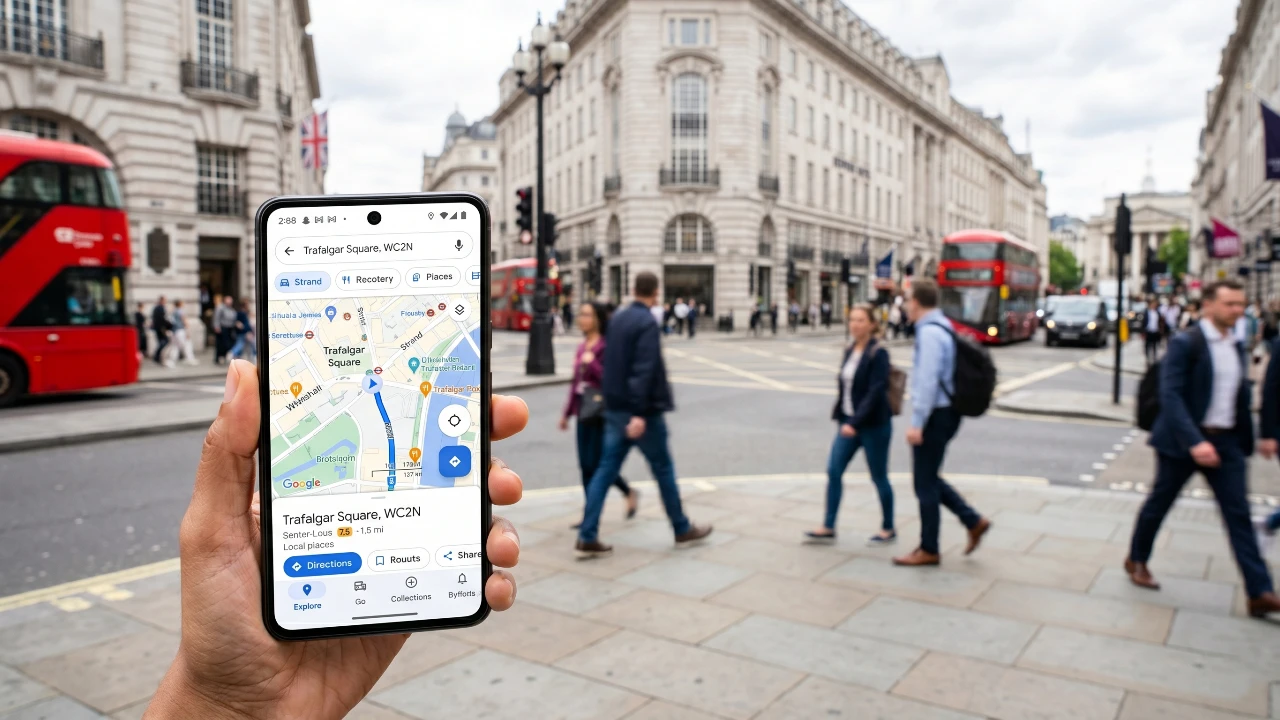
Google Maps is a highly capable navigation tool, but with the right modifications, you can unlock even greater functionality. These enhancements address common challenges, improve usability, and introduce features that make navigation more efficient and enjoyable. Whether you’re an Android or iPhone user, these seven mods can elevate your experience and help you get the most out of Google Maps. The video below from HowToMen gives us more details on the awesome mods for Google Maps.

1. Seamless Cross-Platform Link Sharing
Sharing navigation links between Google Maps and Apple Maps can be frustrating due to compatibility issues. Fortunately, tools like Geos Share (Android) and Opener (iPhone) provide a solution to this problem.
- Geos Share: Converts Apple Maps links into Google Maps-compatible links, making it easier to share directions across platforms.
- Opener: Allows iPhone users to open Google Maps links directly in Apple Maps. This app is available for a one-time fee of $2.
These tools ensure a smooth experience when sharing directions, eliminating the hassle of switching between apps and improving collaboration with others.
2. Immersive 3D Navigation
Google Maps’ immersive 3D navigation mode enhances your driving experience by providing realistic visuals, including trees, landmarks and depth. This feature improves situational awareness, especially in urban areas where visual cues are crucial.
Once available, you can enable this feature in the app’s settings. It is particularly useful in unfamiliar locations, helping you navigate with greater confidence and precision. By offering a more intuitive way to understand your surroundings, this mode makes navigation both easier and more engaging.
3. Power-Saving Navigation for Long Trips
Battery life is a common concern during extended trips, but Android users can address this with the Essentials app. This app mimics Google Pixel’s power-saving mode, offering features designed to conserve battery while maintaining navigation functionality.
- Minimalistic Display: Shows a black-and-white navigation preview when the screen is locked, significantly reducing power consumption.
- Destination Alerts: Includes a feature called “Are We There Yet?” that notifies you as you approach your destination.
This app is ideal for long journeys, making sure you stay on track without draining your device’s battery.
4. Optimized Routes for Multiple Stops
Planning a route with multiple stops can be time-consuming, but apps like Zo and MyWay simplify the process by optimizing your itinerary.
- Zo: Automatically calculates the fastest route for multiple stops and integrates seamlessly with Google Maps.
- MyWay: Offers a simpler alternative but requires switching back to the app after each stop.
These tools are particularly useful for delivery drivers, road trip enthusiasts, or anyone managing complex travel plans. By streamlining route planning, they save time and reduce stress.
5. Find the Perfect Meeting Point
Meeting someone halfway is now easier with the Meet Midway app, available for both Android and iOS. This tool identifies central meeting spots based on user preferences, such as restaurants, cafes, or other points of interest.
Whether you’re arranging a casual meetup or a business meeting, this app ensures convenience for all parties involved. By eliminating the guesswork, it simplifies the process of finding a mutually agreeable location.
6. Simplified Navigation for Off-Road Adventures
For those who enjoy off-road exploration or navigating less conventional areas, apps like Arrow (Android) and Navy (iPhone) offer a minimalist approach to navigation.
- Essential Guidance: Uses a single arrow and distance indicator to direct you to your destination.
- Versatile Use: Ideal for off-road adventures, hiking, or navigating tricky areas like parking lots.
By focusing on essential information, these apps reduce distractions and provide a straightforward navigation experience.
7. Advanced GPS Features and Widgets
Android users can explore advanced GPS functionality with the Moxy app, which offers a range of features to enhance navigation and location management.
- GPS Spoofing: Allows you to simulate GPS locations, useful for testing location-based apps or maintaining privacy.
- Quick Access: Enables saving favorite spots and accessing them via home screen widgets for added convenience.
These features give you greater control over your navigation experience, making it easier to manage your location data and streamline your journeys.
Bonus: Turn Old Devices into Navigation Systems
Repurpose your old smartphones or tablets into dedicated navigation systems with apps like Head Unit Revived (Android) or CarPlay Connect (iPhone).
- Head Unit Revived: Emulates Android Auto, providing a car-friendly interface for older Android devices.
- CarPlay Connect: Offers a similar solution for iPhone users, transforming your device into a functional in-car navigation system.
These apps are perfect for upgrading older vehicles without built-in navigation systems, giving new life to outdated devices and enhancing your driving experience.
AI-Powered Search for Smarter Navigation
Google Maps continues to innovate with AI-powered search features that make navigation smarter and more efficient. The “Ask Maps” functionality allows you to locate specific amenities, such as restrooms or charging stations, along your route. Additionally, it highlights attractions and points of interest, helping you plan your journey with greater ease.
By integrating AI into its search capabilities, Google Maps ensures a more personalized and intuitive navigation experience, catering to your specific needs and preferences.
Source: HowToMen
Filed Under: Android News, Guides
Disclosure: Some of our articles include affiliate links. If you buy something through one of these links, Geeky Gadgets may earn an affiliate commission. Learn about our Disclosure Policy.
Credit: Source link