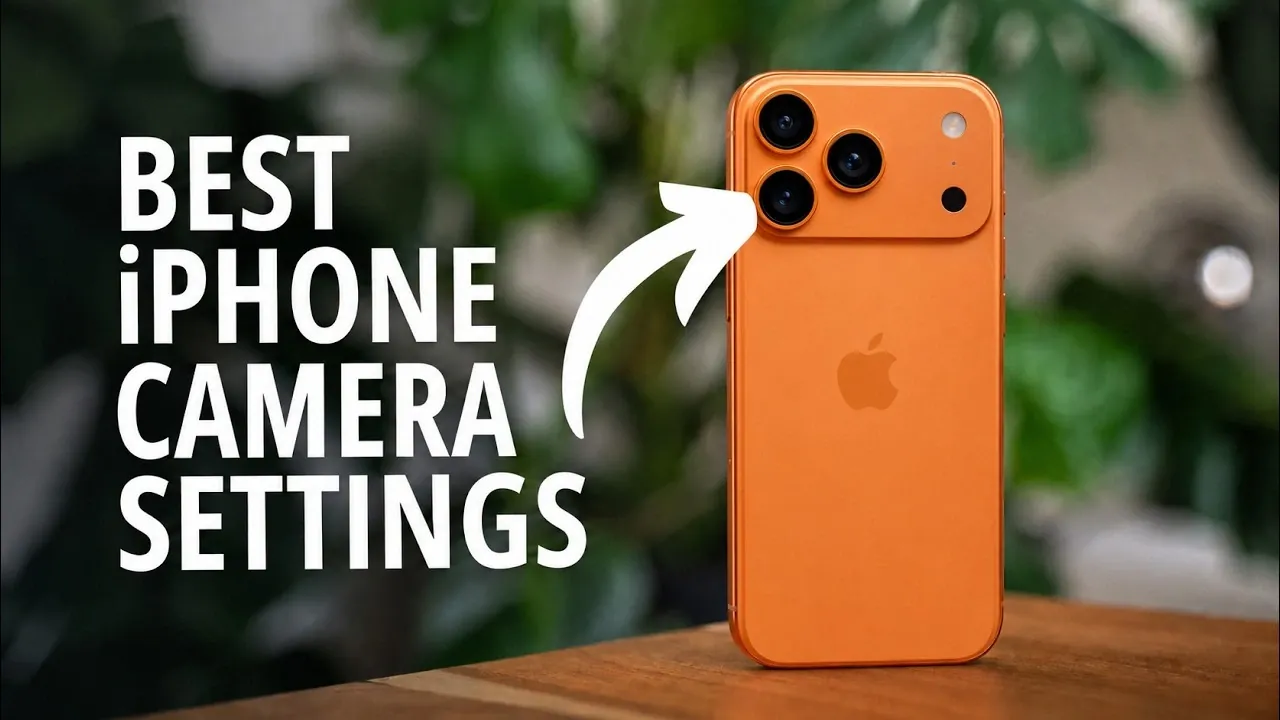
Mastering the camera settings on your iPhone 15 Pro Max can transform your photography experience. This device offers a range of advanced features designed to help you capture stunning images, but understanding how to configure these settings is key to achieving professional-quality results. The video below from iPhone Photography School explores the most effective settings and tools, empowering you to take full advantage of your iPhone’s capabilities and elevate your photography.

File Formats: Efficiency vs Compatibility
The iPhone 15 Pro Max supports two primary file formats: High Efficiency (HEIC) and Most Compatible (JPEG). Choosing the right format depends on your specific needs and priorities:
- High Efficiency (HEIC): This format compresses images without sacrificing quality, making it ideal for saving storage space. It’s perfect for users who prioritize efficiency and frequently capture large volumes of photos.
- Most Compatible (JPEG): JPEG offers broader compatibility with older devices and software, making it the preferred choice for sharing or editing images across platforms. However, it results in larger file sizes.
Selecting HEIC is recommended for most users, while JPEG is better suited for those working with older systems or third-party applications that require universal compatibility.
Resolution Settings: Finding the Right Balance
The iPhone 15 Pro Max provides flexible resolution settings to cater to different photography needs:
- 24 Megapixels: The default resolution strikes a balance between detail and file size, making it suitable for everyday photography and casual use.
- ProRAW (48 Megapixels): This setting is designed for professionals or enthusiasts who require maximum detail and dynamic range. ProRAW files are ideal for extensive post-processing but demand significant storage space.
For casual photography, the 24 MP setting is sufficient. However, if you’re working on high-detail projects or plan to edit extensively, ProRAW offers unparalleled flexibility and quality.
Lens Options and Customization
The iPhone 15 Pro Max features a versatile array of lenses, each optimized for specific scenarios:
- Main Lens: Capable of capturing up to 48 MP resolution, this lens delivers exceptional clarity and detail, making it ideal for most photography needs.
- Ultra-Wide and Telephoto Lenses: Both capped at 12 MP, these lenses are perfect for creative perspectives, such as expansive landscapes or zoomed-in subjects.
You can customize your lens preferences by allowing or disabling specific lenses and setting a default lens for quick access. This level of control is particularly useful for photographers who favor certain focal lengths or shooting styles.
ProRAW: Maximum Editing Flexibility
ProRAW is a standout feature for photographers who want complete control over their images. By capturing uncompressed data, ProRAW files retain extensive detail and dynamic range, allowing for advanced post-processing. Whether you’re adjusting exposure, fine-tuning color balance, or enhancing sharpness, ProRAW provides the flexibility needed to achieve professional-grade results. Keep in mind that these files are significantly larger, so ensure you have ample storage space.
Preserve Settings: Streamlining Your Workflow
The Preserve Settings feature is a practical tool for maintaining consistency in your photography. By saving your last-used camera mode and adjustments, this feature eliminates the need to reconfigure settings each time you open the camera app. For instance, if you frequently shoot in Portrait Mode or use specific filters, Preserve Settings ensures your preferences are ready to go, streamlining your workflow and saving time.
Burst Mode: Capturing the Perfect Moment
Burst Mode is an invaluable tool for capturing fast-moving subjects. By holding down the volume up button, you can take a rapid sequence of images, increasing your chances of getting the perfect shot. This feature is particularly useful for action-packed scenarios such as sports, wildlife photography, or candid moments where timing is critical.
Composition Tools: Framing Like a Pro
Strong composition is essential for creating visually appealing photos and the iPhone 15 Pro Max includes several tools to help you frame your shots effectively:
- Grid (Rule of Thirds): Align subjects along the grid lines to achieve balanced and professional-looking compositions.
- Level Tool: Ensures straight horizons, which is especially useful for landscape photography.
- Mirror Front Camera: Adjusts selfies to match what you see in the viewfinder, creating a more natural appearance.
- View Outside the Frame: Previews additional areas visible in ultra-wide or telephoto modes, helping you refine your composition and capture more dynamic shots.
These tools simplify the process of creating well-framed images, making it easier to achieve professional results.
Photographic Styles: Consistent Aesthetics
Photographic Styles allow you to pre-select specific aesthetics for your photos, such as vibrant or warm tones. Unlike filters, these styles are applied during capture, making sure consistent results across your images. However, it’s important to note that this feature is unavailable when shooting in ProRAW mode, as ProRAW prioritizes maximum editing flexibility over in-camera adjustments.
Portrait Mode: Adding Depth to Your Shots
Portrait Mode enhances your photos by applying a live background blur effect, creating a professional-looking depth of field. After capturing the image, you can adjust the blur intensity to suit your preferences. This mode is particularly effective for portraits, product photography, or any subject you want to emphasize, adding a polished and artistic touch to your shots.
Faster Shooting Priority: Speed Over Perfection
The Faster Shooting Priority setting is designed for moments when timing is critical. By reducing processing time, this feature allows you to take rapid shots, making sure you don’t miss fleeting moments. While it may slightly compromise image quality, it’s an excellent option for fast-paced scenarios where capturing the moment is more important than achieving perfect detail.
Lens Correction and Macro Control
The iPhone 15 Pro Max includes advanced tools to refine your shots and enhance image quality:
- Lens Correction: Automatically corrects distortion in ultra-wide and front-facing cameras, making sure natural-looking images.
- Macro Control: Provides manual control over macro mode activation, allowing precise close-up photography for intricate details like textures or small objects.
These features are particularly useful in challenging shooting conditions, helping you achieve sharp and accurate results.
Maximizing Your iPhone Photography Potential
By mastering the iPhone 15 Pro Max’s camera settings, you can unlock its full potential and take your photography to the next level. From selecting the right file formats and resolution settings to using advanced features like ProRAW, Burst Mode and Portrait Mode, each tool offers unique benefits tailored to different scenarios. Experiment with these features to discover what works best for your style, making sure every photo you take is a step closer to perfection.
Source & Image Credit: iPhone Photography School
Filed Under: Apple, Apple iPhone, Guides
Disclosure: Some of our articles include affiliate links. If you buy something through one of these links, Geeky Gadgets may earn an affiliate commission. Learn about our Disclosure Policy.
Credit: Source link