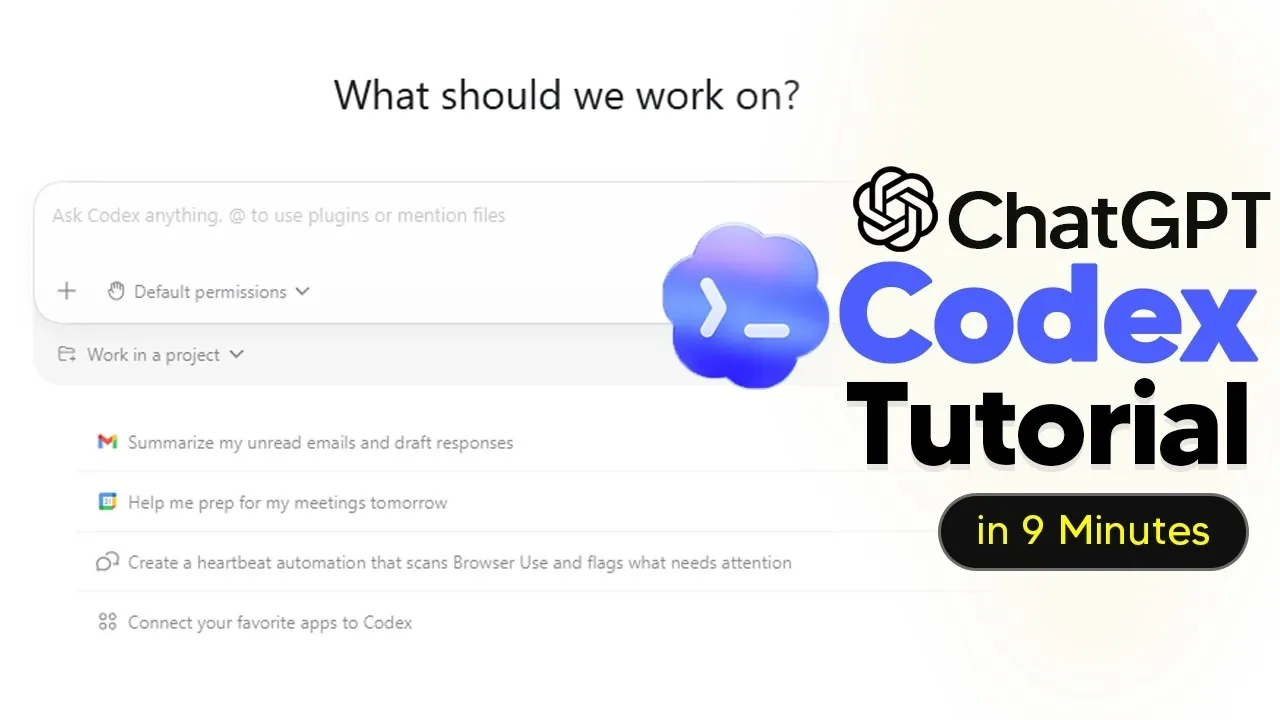
ChatGPT Codex offers a unique way to simplify tasks and enhance productivity by interpreting plain English commands to perform a wide range of functions. In a walkthrough by AI Grid, beginners are introduced to its capabilities, including automating repetitive processes, managing projects and even generating content. For instance, the guide highlights how Codex can streamline workflows by integrating with platforms like Gmail, allowing users to draft emails, summarize threads and organize communication efficiently. This practical approach makes Codex accessible to both technical and non-technical users, showcasing its adaptability across diverse scenarios.
In this breakdown, you’ll explore how to customize Codex to meet your specific needs, from selecting the right model for your tasks to monitoring token usage for cost management. Gain insight into its ability to automate routine operations, such as scheduling reports or creating reusable workflows for social media management. Additionally, discover how Codex supports file organization, content creation and even advanced use cases like web application development. Whether you’re looking to optimize daily tasks or tackle more complex projects, this guide provides actionable steps to help you get started.
What is ChatGPT Codex?
TL;DR Key Takeaways :
- ChatGPT Codex is a versatile AI tool that simplifies tasks, automates workflows and enhances productivity, catering to both technical and non-technical users.
- Customization options, such as model selection and token usage monitoring, allow users to tailor Codex to their specific needs for optimal performance.
- Codex excels in automating repetitive tasks, managing files and integrating with external platforms like Gmail to streamline workflows and communication.
- It supports the creation of high-quality written and visual content, making it valuable for marketing, social media and professional presentations.
- Advanced use cases include web application development, data visualization and multi-project management, making Codex a powerful tool for professionals across various industries.
ChatGPT Codex is more than just a code generator; it is a dynamic AI assistant capable of interpreting plain English commands to perform a wide range of tasks. Whether you are automating repetitive processes, generating content, or managing projects, Codex adapts to your specific needs. Its flexibility makes it a valuable tool for both technical and non-technical users, offering solutions that cater to diverse industries and workflows.
By using its natural language processing capabilities, Codex enables users to interact with technology in a more intuitive way. This makes it particularly useful for individuals and teams looking to streamline operations without requiring extensive technical expertise.
Customizing Codex for Your Needs
To maximize the benefits of ChatGPT Codex, customization is key. Tailoring its settings ensures that it aligns with your unique requirements and delivers optimal performance. Some of the most impactful customization options include:
- Model Selector: Choose the appropriate model based on your task’s complexity and budget. For example, a more advanced model may be ideal for intricate problem-solving, while a simpler model can handle routine tasks efficiently.
- Token Usage Monitoring: Keep track of resource consumption to manage costs effectively, especially during high-volume operations or extended workflows.
These adjustments allow Codex to function as a personalized assistant, whether you are handling straightforward tasks or managing intricate projects.

Advance your skills in ChatGPT Codex by reading more of our detailed content.
Streamlining File and Project Management
Codex excels in organizing and managing files across various formats, making it an indispensable tool for professionals who deal with large volumes of data and documents. Its capabilities include:
- Document Creation and Editing: Generate, edit and format documents in formats such as Word, Excel and PowerPoint with ease.
- Content Summarization: Quickly summarize lengthy documents or project folders to extract key insights.
- Real-Time Collaboration: Assist iterative editing and updates, making sure that teams stay aligned and productive.
These features make Codex particularly effective for collaborative projects, allowing teams to work more efficiently and focus on strategic objectives.
Automating Repetitive Tasks
One of Codex’s standout features is its ability to automate repetitive and time-consuming tasks, freeing up valuable time for more strategic activities. Examples of automation include:
- Workflow Scheduling: Automate the generation of weekly reports or summaries, making sure timely delivery without manual intervention.
- Email Automation: Send regular updates to your team or clients, streamlining communication processes.
- Platform Integration: Connect with tools like Gmail to automate communication and task management seamlessly.
By reducing manual effort, Codex allows you to focus on higher-value activities, improving overall productivity and efficiency.
Integrating with External Platforms
Codex’s ability to integrate with external platforms significantly enhances its functionality, making it a central hub for various operations. For instance, integration with Gmail enables you to:
- Draft and Summarize Emails: Create professional email replies or summarize lengthy threads for quick reference.
- Organize Communication: Streamline workflows by centralizing tasks and correspondence.
- Enhance Efficiency: Manage multiple platforms from a single interface, reducing the need to switch between tools.
These integrations simplify complex workflows, making it easier to manage tasks and communication in one place.
Generating Visual and Written Content
Beyond text-based tasks, Codex is capable of producing high-quality visual content, making it a valuable resource for marketers, content creators and professionals in need of compelling visuals. Examples of its capabilities include:
- Social Media Campaigns: Design Instagram carousels or other visual assets to enhance your online presence.
- Marketing Materials: Create branded images for advertising and promotional efforts.
- Presentation Graphics: Develop custom visuals for reports, presentations, or internal communications.
With its ability to generate both written and visual content, Codex enables users to create professional-grade materials with minimal effort.
Defining Reusable Workflows
Codex allows users to define reusable workflows, often referred to as “skills,” for tasks that require frequent repetition. These workflows ensure consistency and save time. Examples include:
- Social Media Automation: Develop a skill to generate Twitter posts with a consistent tone and format, maintaining brand identity.
- Data Entry Automation: Streamline recurring data entry tasks, reducing errors and improving efficiency.
By creating reusable workflows, you can standardize processes and focus on more strategic aspects of your work.
Exploring Advanced Use Cases
For users with technical expertise, Codex offers advanced functionalities that extend its utility into more complex domains. These include:
- Web Application Development: Build simple web applications to automate specific operations or improve user experiences.
- Data Visualization: Generate charts and graphs to track trends, such as revenue growth or customer engagement metrics.
- Multi-Project Management: Oversee multiple tasks across different projects, making sure deadlines and objectives are met efficiently.
These advanced capabilities make Codex a powerful tool for professionals in fields such as software development, data analysis and project management.
Real-World Applications
The versatility of ChatGPT Codex makes it particularly effective in various real-world scenarios. Key applications include:
- Social Media Management: Automate content creation and scheduling to maintain consistent branding and messaging.
- Project Coordination: Centralize workflows, improve team collaboration and ensure timely delivery of tasks.
- Marketing Automation: Streamline campaign management, reducing manual effort and enhancing overall efficiency.
By automating routine tasks and optimizing workflows, Codex enables users to focus on strategic priorities and achieve better outcomes.
Media Credit: TheAIGRID
Filed Under: AI, Guides
Disclosure: Some of our articles include affiliate links. If you buy something through one of these links, Geeky Gadgets may earn an affiliate commission. Learn about our Disclosure Policy.
Credit: Source link