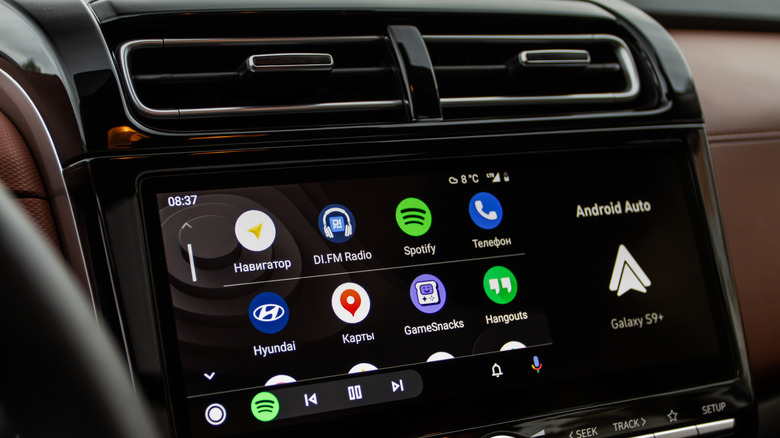
Cutting the cord in your car is a simple upgrade.
Every morning, you have the same routine: get in the car, dig out your phone, plug in the cable and wait for Android Auto to load. It works just fine, but we’re living in a wireless world now.. The good news is that a tiny wireless adapter that can fit in the palm of your hand can help cut the cord.
Most modern cars come with Android Auto (and often Apple’s CarPlay as well), but not all of them offer the wireless version. These tiny adapters will plug into your car and turn your car’s infotainment system into a wire-free experience.
Can I convert my Android Auto to wireless?
It’s simple to convert your car’s Android Auto connection to wireless. Of course, your car needs to already come with support for wired Android Auto. Wireless adapters are not a workaround for cars that lack Android Auto support completely — they’re an upgrade, not an overhaul for a 2005 beater.
They are tiny devices that act as middlemen. They’re the clever hardware translators that convert your car’s wired Android system into a wireless one. You plug them into your car’s USB port, set it up, and then enjoy an easier start to your commute.
Here’s what happens when you use an Android Auto adapter. When you get in the car, your phone finds the adapter via Bluetooth and authenticates your device, confirming the phone’s identity and sharing credentials for the Wi-Fi connection. The Bluetooth connection will later also handle hands-free calling. Then, the adapter creates a localized 5GHz Wi-Fi Direct network which will handle the heavy lifting, including streaming navigation, audio and real-time screen data.
The result is a seamless automatic connection that happens every time you get in the car. No more fumbling around after phones and cables.
The good and the bad of using an Android Auto adapter?
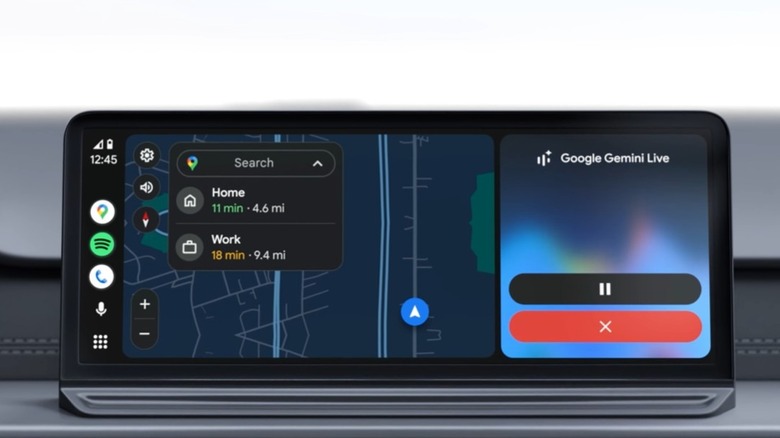
There are loads of advantages to using an Android Auto adapter, obviously, but not everything is sunshine and roses. While using an adapter makes your drives easier because you no longer have to plug in your phone, there are some possible downsides too.
As great as adapters are, the connection between the car, adapter and phone can’t be as fast as a direct connection between car and phone would be. It’s a minor trade-off, but it’s better than having to look for your phone.
When switching from a wired connection to wireless Android Auto, you have to be prepared for your phone’s battery to drain a lot faster. Maintaining a constant 5GHz Wi-Fi direct connection while running GPS, streaming music, and so on, will take a toll on your battery. On longer road trips, you’ll want to use a separate charging cable.
What is the best wireless Android Auto adapter?
There are quite a few wireless Android Auto adapters available from Carlinkit, AAWireless, Ottocast, Motorola, and so on. But, rather than focusing on specific brands, we’d rather you understand what hardware specs actually separate a quality adapter from a potentially disappointing one.
You want to make sure the adapter you are buying doesn’t rely on 2.4GHz Wi-Fi connections because those will be noticeably slower and prone to lag. You want an adapter that can handle 5GHz so you can stream your map and audio at the same time.
You’ll also want an Android Auto adapter with a detachable USB cable. Models that come with built-in USB connectors may affect access to your other ports or simply stick out at a weird angle due to the shape of your console or dashboard.
Getting a wireless Android Auto adapter is one of the best upgrades you can make for your car as it will genuinely change something you use every single day. The cost is low enough that you can’t even complain about it, the setup takes minutes, and your maps app will be ready to go before you’ve pulled out of your parking spot.
Credit: Source link