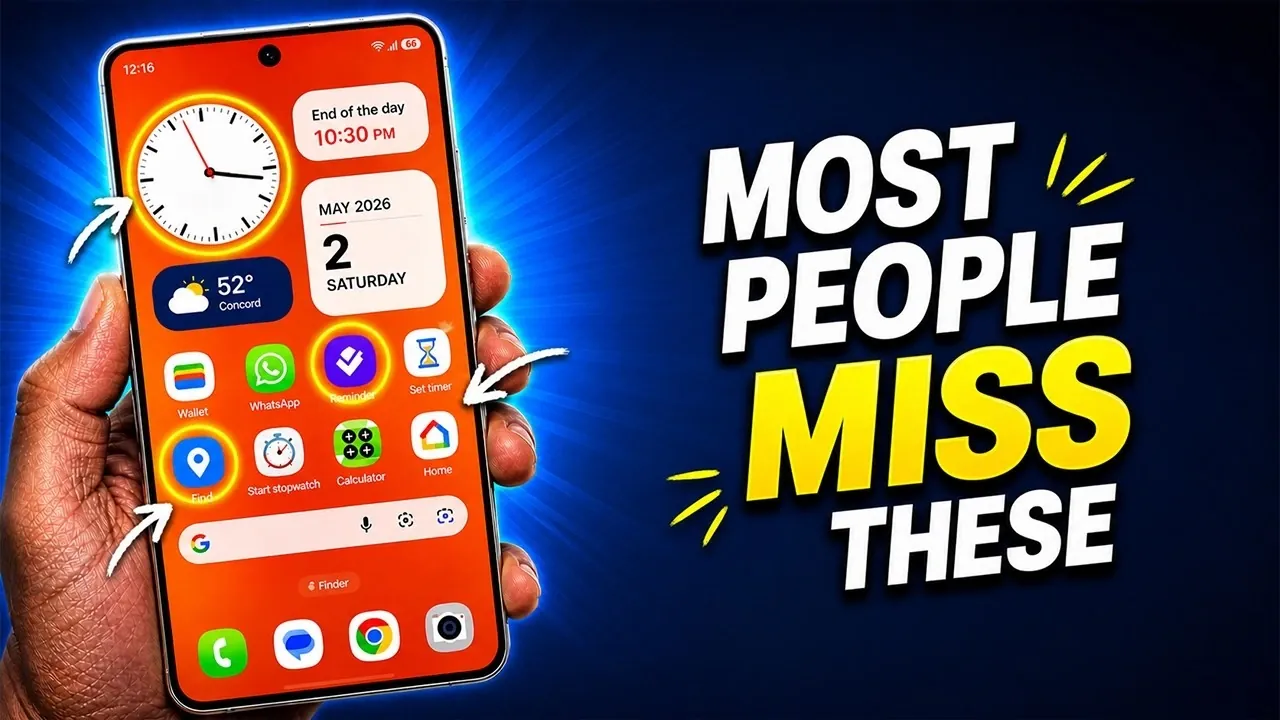
The Samsung Galaxy S26 Ultra is an innovative smartphone that combines advanced technology with user-centric features. Packed with over 100 tools and functionalities, it caters to productivity, creativity, and security needs. This guide explores the device’s standout features, offering insights into how you can optimize your experience. Whether you aim to enhance performance, personalize your interface, or uncover hidden tools, the S26 Ultra delivers a versatile and powerful mobile experience. The video below from Sakitech gives us more details on a range of tips and tricks for the Galaxy S26 Ultra.

Customization Features to Make Your Device Truly Yours
The S26 Ultra provides extensive customization options, allowing you to adapt the device to your unique preferences. These features ensure a personalized and intuitive user experience:
- Keyboard Trackpad: Transform the spacebar into a trackpad for precise cursor control, making text editing seamless.
- Finder Search Bar: Add this tool to your home screen for instant access to apps, files, and settings.
- Private Album: Protect sensitive photos and videos with a PIN-secured folder for enhanced privacy.
- Dynamic Lock Screen: Personalize your lock screen with 15-second video wallpapers or weather-based effects.
- Split-Screen Gestures: Open and use two apps simultaneously with a simple swipe for efficient multitasking.
- Icon Packs: Download free themes to refresh and customize your interface effortlessly.
Display Features for Enhanced Visuals
The S26 Ultra’s display is engineered to deliver exceptional clarity and adaptability, making sure an immersive viewing experience tailored to your needs:
- QHD+ Resolution: Switch to ultra-sharp visuals for a more detailed and vibrant display.
- Procaler: Enhance screen quality with vivid colors and crisp details for an upgraded visual experience.
- Privacy Display: Prevent prying eyes by limiting screen visibility at awkward angles.
- Adaptive Clock: Enjoy a lock screen clock that adjusts its design to complement your wallpaper.
- AI Wallpaper Creation: Generate unique, AI-designed wallpapers to match your style and preferences.
SPEN: A Tool for Productivity and Creativity
The SPEN is a standout feature of the S26 Ultra, offering tools that enhance productivity and unleash creativity. Its versatility makes it indispensable for professionals and creatives alike:
- Quick Notes: Write down ideas directly on the lock screen without unlocking your phone.
- Math Solver: Solve equations in real-time using Samsung Notes for academic or professional tasks.
- Shape Correction: Automatically perfect hand-drawn shapes like circles, squares and triangles.
- Calendar Annotations: Write directly on your calendar for easy scheduling and planning.
- Air Command Menu: Customize shortcuts to frequently used apps and tools for quick access.
- PDF Signing and Annotation: Sign and annotate documents directly on your device for seamless workflow integration.
- SPEN Alerts: Receive notifications if you leave your SPEN behind, making sure you never lose it.
AI-Powered Tools for Smarter Functionality
Artificial intelligence enhances the S26 Ultra’s capabilities, simplifying tasks and improving efficiency. These AI-driven tools are designed to make your experience smarter and more intuitive:
- AI Keyboard Composer: Generate text messages, emails, or social media posts in various tones, from formal to casual.
- AI Photo Effects: Apply creative styles, such as sci-fi or anime, to your photos directly in the gallery.
- App Protection: Scan your device for malware and viruses to maintain security and performance.
- AI Writing Tools: Refine your text with grammar checks, style suggestions and emoji recommendations for polished communication.
Camera and Media: Capture and Create Like a Pro
The S26 Ultra’s camera system is designed for versatility, offering tools that cater to both casual users and photography enthusiasts. Its media features further enhance your creative potential:
- Camera Modes: Switch between 12MP, 50MP and 200MP modes to capture photos with varying levels of detail and resolution.
- Video Recording: Record videos in resolutions ranging from 1080p to 8K for stunning quality and clarity.
- Dolby Atmos: Immerse yourself in high-quality audio with customizable sound settings for music and videos.
- Music Controller Widget: Reposition the widget for convenient access to your favorite playlists and tracks.
Advanced Tools and Widgets for Everyday Convenience
The S26 Ultra includes a variety of tools and widgets that simplify daily tasks and enhance usability. These features are designed to streamline your interactions with the device:
- Edge Panels: Access handy tools like a compass, flashlight, ruler and tally counter with a single swipe.
- Control Center: Rearrange toggles to prioritize your most-used settings for quick adjustments.
- Good Lock App: Unlock advanced customization options, such as modifying the SPEN’s Air Command menu or adding double-tap shortcuts.
Battery and Security: Power and Peace of Mind
The S26 Ultra ensures long-lasting performance and robust security, keeping you powered up and protected throughout the day:
- Super Fast Charging 3.0: Charge your device from 0% to 75% in just 30 minutes using a 60W charger.
- Battery Health Monitoring: Use the Samsung Members app to check diagnostics and maintain battery capacity.
- App-Specific Privacy Displays: Automatically activate privacy mode for sensitive apps like banking or gallery.
- Custom Lock Screen Shortcuts: Replace default shortcuts with apps or tools that suit your needs.
- Device Renaming: Rename your device for easier identification during Bluetooth pairing or file sharing.
Additional Tips for a Seamless Experience
To fully unlock the potential of your S26 Ultra, consider these additional tips for a smoother and more efficient user experience:
- Floating Notes: Minimize notes for multitasking without losing track of your ideas or reminders.
- Control Panel Navigation: Use swipe gestures to switch between notifications and quick settings effortlessly.
- Diagnostics and Maintenance: Regularly check your device’s health to ensure optimal performance and longevity.
Enhance your knowledge on Samsung Galaxy S26 Ultra tips and tricks by exploring a selection of articles and guides on the subject.
Source & Image Credit: sakitech
Filed Under: AI
Disclosure: Some of our articles include affiliate links. If you buy something through one of these links, Geeky Gadgets may earn an affiliate commission. Learn about our Disclosure Policy.
Credit: Source link