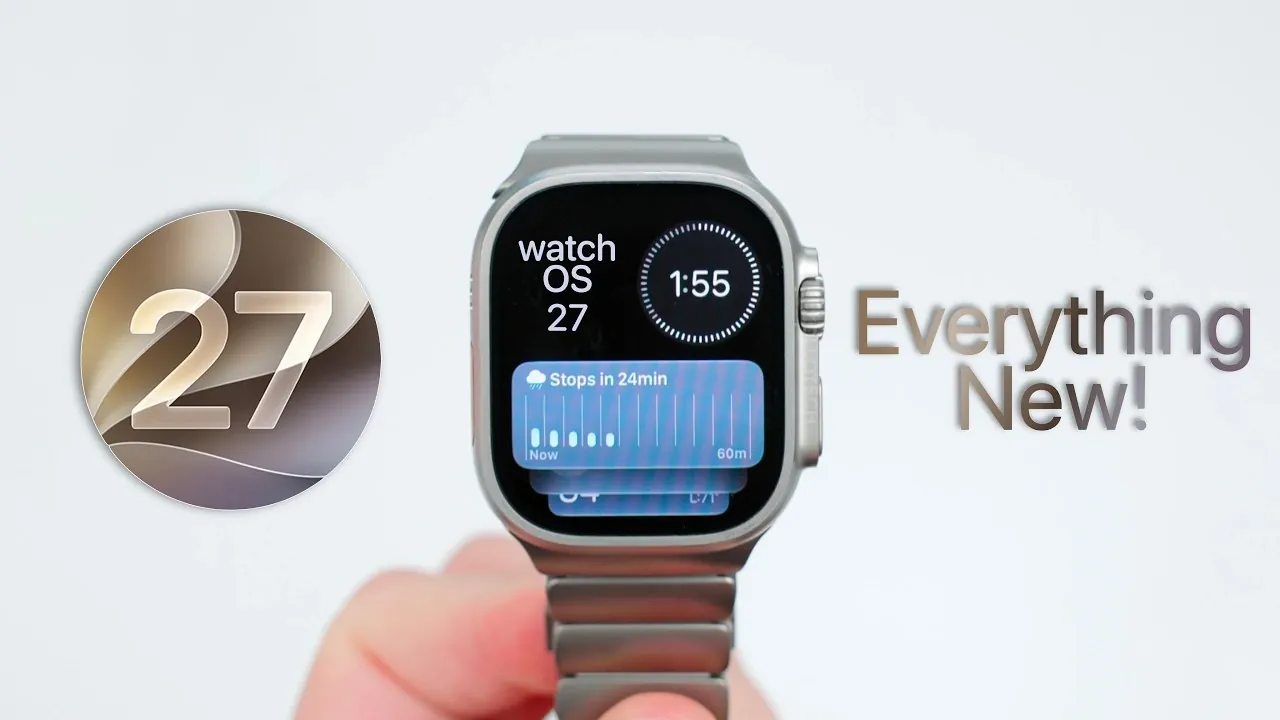
Apple has unveiled watchOS 27 beta 1, offering developers an early glimpse into the latest iteration of its smartwatch operating system. With the public beta anticipated in July, this update introduces a range of new features, refined functionalities, and compatibility changes. However, as with any beta software, it comes with its share of bugs and incomplete elements. Here’s a detailed look at what watchOS 27 brings to the table. The video below from Zollotech gives us more details on the new watchOS.

Device Compatibility: A Shift Toward Newer Models
watchOS 27 marks a significant transition by focusing exclusively on newer Apple Watch models, leaving older devices behind. Supported models include:
- Apple Watch SE 3
- Series 9, 10 and 11
- Ultra 2 and Ultra 3
To install watchOS 27, your Apple Watch must be compatible and your iPhone must be running iOS 27 beta 1. This shift underscores Apple’s commitment to using the hardware capabilities of its latest devices, but it also means users of older models will remain on watchOS 26, signaling the end of updates for legacy devices.
Key Features: Enhancements and Innovations
watchOS 27 introduces a variety of features aimed at improving usability, personalization and functionality. Here’s a closer look at the most notable updates:
- Dynamic App Grid: The app grid now prioritizes frequently used apps, allowing quicker access. However, accessing the full app library requires a two-step process, which may feel less intuitive for some users.
- Smart Stack Updates: Enhanced widgets now include practical additions like birthday reminders, transit cards and parked car locations. A new double-pinch gesture simplifies navigation, making interactions smoother and more efficient.
- Find My App: Redesigned with a map-centric interface, the app provides a more intuitive way to locate devices and contacts, enhancing its utility for everyday use.
- Fitness Tracking: Improved motion tracking delivers more precise metrics for workouts, including pace, distance and duration. These enhancements cater to fitness enthusiasts seeking detailed performance insights.
- Wallet Enhancements: Users can now manually create digital passes for tickets and memberships or generate them via photos, adding greater flexibility to Wallet’s functionality.
- Health Features: New tools for cycle tracking offer insights into perimenopause and menopause, expanding Apple’s focus on women’s health. These features require setup through an iPhone for full functionality.
- Child Safety Tools: Parental controls have been expanded to include content management, communication restrictions and screen time limits. These tools require iOS 27 to function seamlessly, providing parents with greater control over their child’s device usage.
These updates reflect Apple’s ongoing efforts to enhance the Apple Watch’s role as a versatile tool for health, convenience and everyday functionality.
Performance and Battery Life: Incremental Adjustments
watchOS 27 delivers a stable performance experience, though it doesn’t introduce significant improvements over its predecessor in terms of speed or responsiveness. Battery life remains consistent with previous versions, offering no notable enhancements. While the system runs smoothly, this beta appears to prioritize the integration of new features over performance optimization. Users seeking substantial performance gains may need to wait for future updates.
Known Issues: Bugs and Missing Features
As with any early beta release, watchOS 27 comes with its share of challenges. Reported issues include glitches in Siri functionality, Smart Stack behavior and other features. Additionally, some anticipated updates, such as Siri AI integration and new watch faces, are currently absent. These omissions are expected to be addressed in subsequent beta releases, as Apple continues to refine the software.
Installation Tips and Considerations
If you’re considering installing watchOS 27 beta 1, there are a few key points to keep in mind:
- Ensure your iPhone is running iOS 27 beta 1, as this is a prerequisite for installation.
- To accelerate the installation process, temporarily disabling Bluetooth may help reduce potential delays.
- Given the early stage of this beta, you may encounter bugs and incomplete features. Waiting for the public beta or later versions could provide a more polished experience.
These considerations are essential for users who want to explore the beta while minimizing potential disruptions to their device’s functionality.
Looking Ahead: Anticipated Updates
Apple is expected to release watchOS 27 beta 2 within the next two to three weeks, with the public beta likely arriving in early July. These updates aim to address existing bugs, introduce additional features and refine the overall user experience. As the development process continues, users can expect a more stable and feature-complete version of watchOS 27 to emerge.
watchOS 27 beta 1 offers a glimpse into the future of Apple’s smartwatch platform, emphasizing usability, health tracking and convenience. While the update introduces several promising features, its early-stage limitations make it best suited for developers and tech enthusiasts. For most users, waiting for the public beta or subsequent versions will provide a smoother and more reliable experience.
Advance your skills in watchOS 27 by reading more of our detailed content.
Source & Image Credit: zollotech
Filed Under: Apple, Gadgets News, Top News
Disclosure: Some of our articles include affiliate links. If you buy something through one of these links, Geeky Gadgets may earn an affiliate commission. Learn about our Disclosure Policy.
Credit: Source link