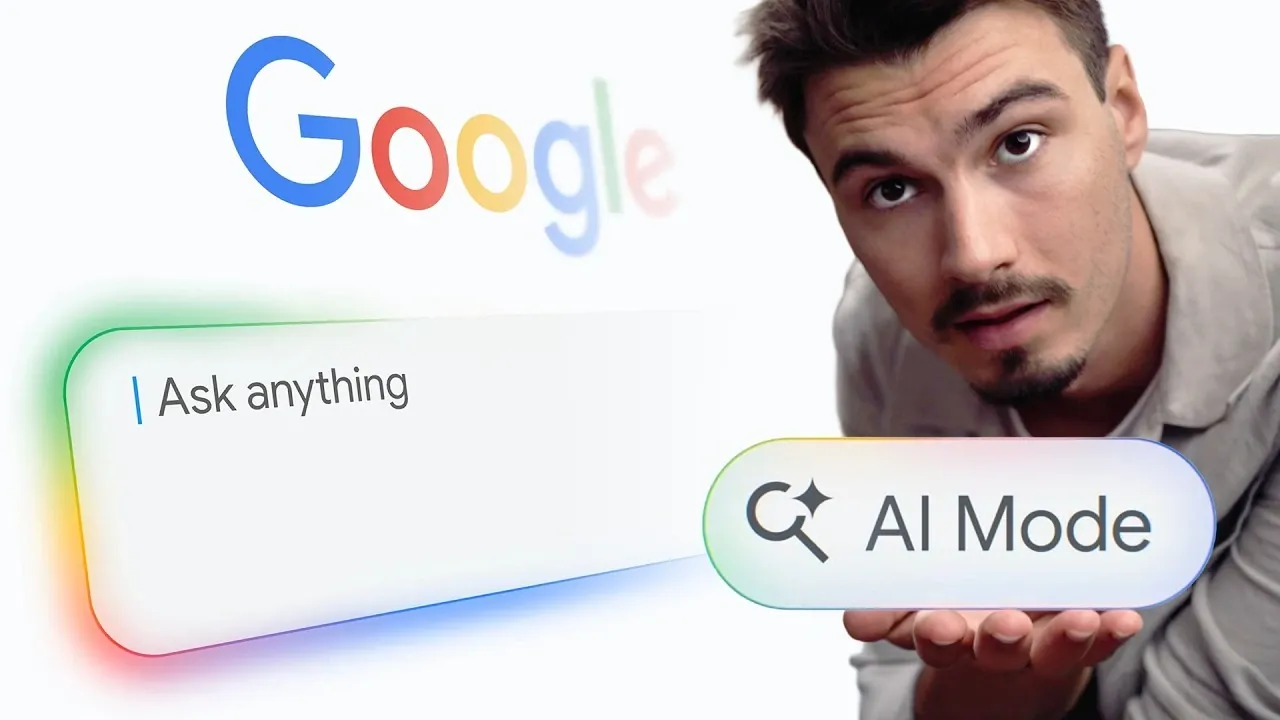
Google has introduced a new update to its search platform, incorporating advanced AI-powered features designed to enhance how users interact with information online. One of the most notable additions is the conversational search mode, which allows for a natural, dialogue-like interaction with search queries. Instead of starting over with each new question, you can refine your search or ask follow-up questions within the same thread, creating a more fluid and intuitive experience. The AI Advantage explores how these updates aim to make search more dynamic and personalized, while still preserving the option to use traditional search methods for those who prefer them.
Dive into this overview to understand how these changes can impact your daily search habits. You’ll gain insight into the dynamic search box that adapts to complex queries, the plus button that unlocks new functionalities like image uploads and the integration of personal apps for tailored results. Whether you’re planning a trip, researching a technical topic, or managing your digital life, this guide breaks down the practical applications of Google’s latest features, helping you navigate this new era of AI-driven search.
Conversational Search Mode: A Dialogue-Based Experience
TL;DR Key Takeaways :
- Google’s new AI-powered search introduces conversational search mode, allowing natural, dialogue-like interactions and follow-up questions for a seamless experience.
- The dynamic search box adapts to handle longer, complex queries, resembling a chatbot interface for more precise and efficient results.
- A “plus button” allows users to upload images or files for analysis, access advanced tools and interact with AI models directly within the search interface.
- Personalized AI integration connects with apps like Gmail and Google Photos, offering tailored searches while maintaining user privacy and control.
- Interactive visuals and custom responses enhance search results, providing tools like timelines, checklists and mini-applications for more actionable insights.
A standout feature of this update is the conversational search mode, which allows you to interact with Google Search in a natural, dialogue-like manner. Instead of entering isolated queries, you can now ask follow-up questions or refine your search without starting over. This creates a seamless and interactive experience that mimics a real conversation.
For example, if you’re planning a vacation, you can start by asking for destination recommendations. From there, you can narrow down options based on your preferences, such as budget, activities, or weather and explore related topics, all within the same conversation. Despite these advancements, the traditional search functionality remains accessible via the standard search button, making sure you have the flexibility to choose how you search.
Dynamic Search Box: Adapting to Complex Queries
The search box has been redesigned to handle longer and more detailed queries. It now expands dynamically, resembling a chatbot interface, which makes it easier for you to express complex questions or multi-step requests. This feature is particularly useful when researching technical topics, planning intricate projects, or seeking detailed information that requires additional context.
For instance, if you’re researching a scientific concept or planning a multi-city trip, the dynamic search box allows you to input detailed queries without feeling constrained. This ensures that the AI can provide more precise and relevant results, saving you time and effort.

Check out more relevant guides from our extensive collection on Google Gemini that you might find useful.
Enhanced Features with the Plus Button
Google has introduced a “plus button” within the search interface, unlocking a range of new capabilities. This feature allows you to upload images or files directly into the search bar for analysis. For example, if you upload a photo of a product, the AI can identify it, provide related details and even suggest where to buy it.
Powered by Google’s Gemini 3.5 Flash model, this tool delivers faster and smarter AI responses. The plus button also grants access to advanced tools, such as creating images, interacting with AI models and exploring additional functionalities, all within the search interface. This feature is particularly valuable for users seeking a more interactive and versatile search experience.
Personalized AI Integration: Tailored to Your Needs
Google’s AI search now offers integration with your personal apps, such as Gmail, Google Photos, and, in the near future, Google Calendar. This allows you to perform personalized searches, such as retrieving specific emails, finding photos from a particular event, or checking your schedule, all without manually navigating through your apps.
You maintain full control over these integrations, as no apps are connected by default. This ensures your privacy and security while allowing a more tailored search experience. By selectively connecting your apps, you can streamline your workflow and access the information you need more efficiently.
Interactive Visuals and Custom Responses
Search results are no longer limited to text-based links. Google’s AI mode can now generate interactive visuals, mini-applications and even custom websites tailored to your query. For example, if you’re organizing an event, the AI could create a visual timeline, suggest a personalized checklist, or provide interactive tools to help you plan more effectively.
These interactive elements make it easier to understand, process and act on the information you receive. Whether you’re a student, a professional, or a casual user, these features enhance the way you interact with search results, making them more engaging and actionable.
Future Developments: What’s Next for AI Search?
Google has ambitious plans for the future of AI search. Upcoming features include AI agents capable of performing tasks such as making automated business calls or monitoring websites for updates. For instance, the AI could notify you of changes to a webpage you’re tracking or handle routine customer service inquiries on your behalf.
Additionally, Google aims to unify all its apps into a single AI assistant, creating a seamless tool for managing your digital life. This vision represents a shift toward a more integrated and proactive search experience, where the AI not only responds to your queries but also anticipates your needs and provides solutions proactively.
How to Maximize Your Experience
To fully use these new features, consider approaching Google Search as a conversational assistant. Here are some practical tips to enhance your experience:
- Ask detailed questions to provide context and refine your results.
- Use follow-up questions to explore different angles or clarify information.
- Experiment with the plus button to analyze images or access advanced tools.
- Connect personal apps selectively to enable tailored searches while maintaining privacy.
- Engage with interactive visuals and custom responses to better understand and act on the information provided.
By adopting this interactive approach, you can ensure that you receive the most relevant and actionable information, tailored to your specific needs.
A New Era of Search
Google’s AI-powered search represents a significant evolution in how you access and interact with information online. With conversational capabilities, dynamic interfaces and personalized integrations, this update transforms search into a more intuitive and powerful tool.
As Google continues to enhance these features, introducing AI agents, unified app integration and more, the future of search promises to be even more dynamic and user-centric. Whether you’re a casual user exploring everyday queries or a professional seeking advanced tools, these updates offer a glimpse into the next generation of digital search technology.
Media Credit: The AI Advantage
Filed Under: AI, Top News
Disclosure: Some of our articles include affiliate links. If you buy something through one of these links, Geeky Gadgets may earn an affiliate commission. Learn about our Disclosure Policy.
Credit: Source link