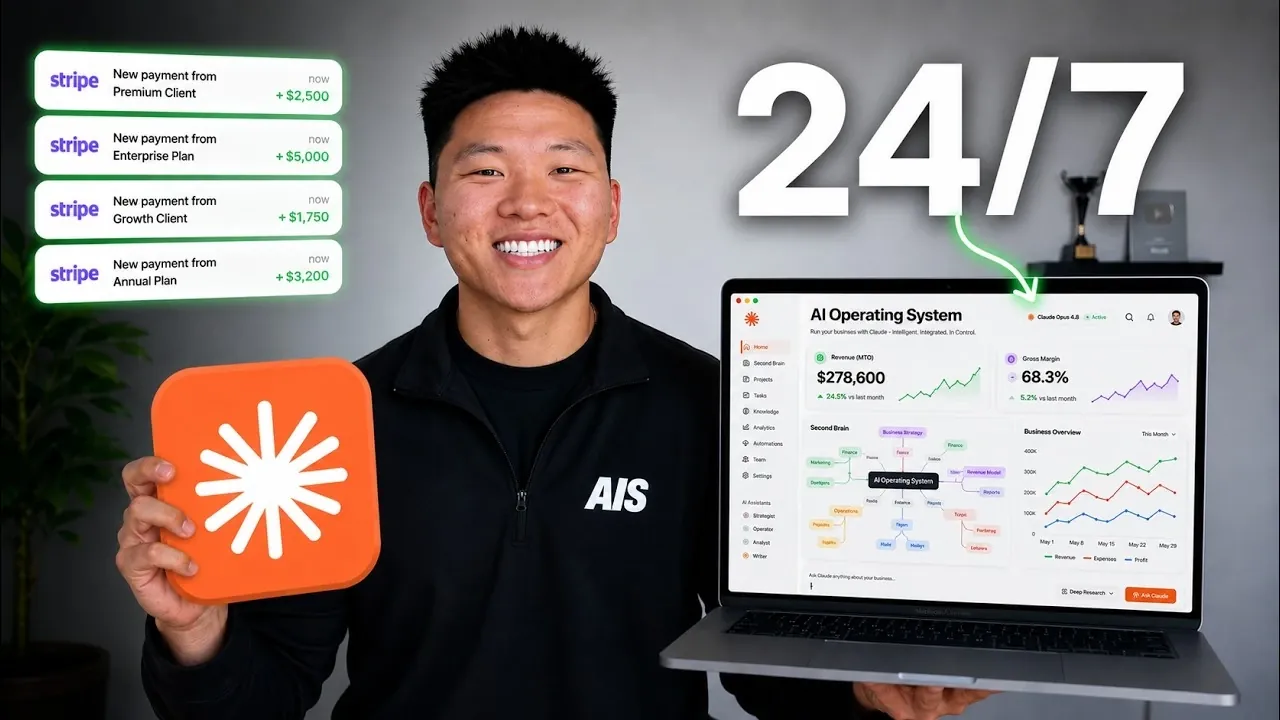
Nate Herk explains how Claude Opus 4.8 can be configured into a functional AI Operating System (AIOS) to streamline workflows and manage diverse tasks. By applying the Four C’s framework, Context, Connections, Capabilities and Cadence, he demonstrates how to structure a system capable of handling responsibilities like project management, overview generation and email drafting. For example, integrating platforms such as ClickUp, Google Workspace and QuickBooks allows the AIOS to support daily operations while addressing inefficiencies.
Learn how to identify tasks suitable for automation, establish feedback loops to improve system accuracy and implement safeguards like permission layers to mitigate risks. Discover practical methods for managing token usage through precise inputs and explore strategies for scaling the system to adapt to changing needs. This explainer offers actionable insights for building an AIOS tailored to your workflows and objectives.
Building a Robust AIOS Framework
TL;DR Key Takeaways :
- Building an AI Operating System (AIOS) using Claude Opus 4.8 involves using the Four C’s (Context, Connections, Capabilities, Cadence) and Three M’s (Mindset, Method, Machine) to create a centralized, efficient and scalable system.
- Integrating tools like ClickUp, Google Workspace, QuickBooks and Slack enhances productivity by automating tasks, reducing fragmentation and streamlining workflows.
- Iterative development is key: test, refine and adapt the AIOS based on feedback and performance data to ensure it evolves with your needs.
- Implement safeguards such as permission layers, phased trust approaches and regular audits to mitigate risks and maintain oversight in automation processes.
- Focus on practical applications, such as automating reports, managing projects and generating content, while fostering a productivity-oriented mindset to maximize the AIOS’s value.
Creating an effective AIOS begins with a well-defined framework. The Four C’s, Context, Connections, Capabilities and Cadence, are the cornerstones of this system:
- Context: Provide the AIOS with clear and detailed input about your goals, workflows and tasks. This ensures accurate and efficient operations tailored to your needs.
- Connections: Integrate the AIOS with essential tools such as ClickUp, Google Workspace, QuickBooks and Slack. These integrations centralize operations, reduce fragmentation and enhance overall efficiency.
- Capabilities: Develop and refine specific skills for the AIOS, such as automating reports, generating content, or managing projects. Tailor these capabilities to your unique requirements.
- Cadence: Automate repetitive tasks to save time and reduce manual effort. Establishing a consistent workflow cadence ensures smoother operations and better time management.
Complementing the Four C’s are the Three M’s, Mindset, Method and Machine. A growth-oriented mindset, systematic methods and the right tools are essential for structuring and scaling your AIOS effectively. Together, these principles create a foundation for a system that evolves with your needs.
Implementing and Refining Your AIOS
Transitioning to an AIOS requires careful planning, testing and continuous improvement. Begin by identifying repetitive or time-consuming tasks that can be automated. Break these tasks into smaller components and train the AIOS to handle them efficiently. For example, you can teach the system to draft weekly reports, automate email responses, or schedule meetings.
The iterative process is key to success. Test the AIOS in controlled environments, gather feedback and refine its workflows based on performance data. This approach allows the system to adapt to your changing needs over time. Establishing feedback loops ensures that you can monitor progress, identify areas for improvement and make data-driven adjustments.

Browse through more resources below from our in-depth content covering more areas on Claude Opus.
Enhancing Efficiency and Managing Costs
An AIOS can consolidate multiple tools and processes into a single platform, simplifying operations and reducing costs. Efficiently managing token usage is critical to maintaining high-quality outputs while avoiding unnecessary expenses.
Providing precise and relevant input is another way to optimize resource usage. When the AIOS operates with accurate context, it minimizes errors and reduces the need for redundant iterations. This not only saves time but also ensures that the system delivers consistent and reliable results.
Making sure Oversight and Mitigating Risks
Automation introduces potential risks, particularly when sensitive data or critical decisions are involved. To address these challenges, implement robust permission layers that restrict access to specific actions or information. A phased trust approach, such as the “bike method,” allows you to gradually increase the system’s autonomy as it demonstrates reliability and accuracy.
Regular audits and monitoring are essential for maintaining oversight. By reviewing the AIOS’s actions and outputs, you can identify potential issues early and adjust permissions or workflows as needed. This proactive approach ensures that the system remains secure, reliable and aligned with your objectives.
Practical Applications and Seamless Integrations
The AIOS can automate a wide range of tasks, making it a versatile tool for various applications. Key examples include:
- ClickUp Integration: Automate task assignments, track progress and generate project updates to streamline project management.
- Google Workspace Automation: Simplify scheduling, document organization and overview generation with minimal manual effort.
- QuickBooks Integration: Automate invoicing, expense tracking and financial reporting to enhance financial management.
- Slack Automation: Improve team communication with automated updates, reminders and notifications.
These integrations reduce the need for context switching, allowing you to focus on high-priority tasks. Additionally, the AIOS can assist with content creation by generating drafts and ideas tailored to your objectives, further enhancing productivity.
Fostering a Productivity-Oriented Mindset
To unlock the full potential of your AIOS, view it as a mentor and collaborator rather than just a tool. Focus on tasks and features that align with your long-term goals, making sure that the system delivers tangible value. Avoid unnecessary complexity, such as overly elaborate dashboards, unless they directly contribute to productivity.
Measure success by progress toward your objectives, not by the number of hours worked or tools used. The AIOS enables you to prioritize strategic decision-making while automating routine tasks in the background. This shift in focus enables you to achieve greater efficiency and clarity in your work.
Key Insights for Building an Effective AIOS
Transforming Claude Opus 4.8 into a personalized AIOS highlights the potential of artificial intelligence to redefine workflows and improve efficiency. Key takeaways include:
- Context is critical: The quality of input and integration significantly impacts the system’s effectiveness.
- Iterative development drives success: Continuously test and refine workflows to ensure the AIOS evolves with your needs.
- Balance automation with oversight: Implement safeguards to maintain reliability and minimize risks.
By following a structured framework, using integrations and focusing on continuous improvement, you can create a scalable AIOS tailored to your unique needs. This approach not only enhances productivity but also enables you to achieve your goals with greater precision and efficiency.
Media Credit: Nate Herk | AI Automation
Filed Under: AI, Guides
Disclosure: Some of our articles include affiliate links. If you buy something through one of these links, Geeky Gadgets may earn an affiliate commission. Learn about our Disclosure Policy.
Credit: Source link