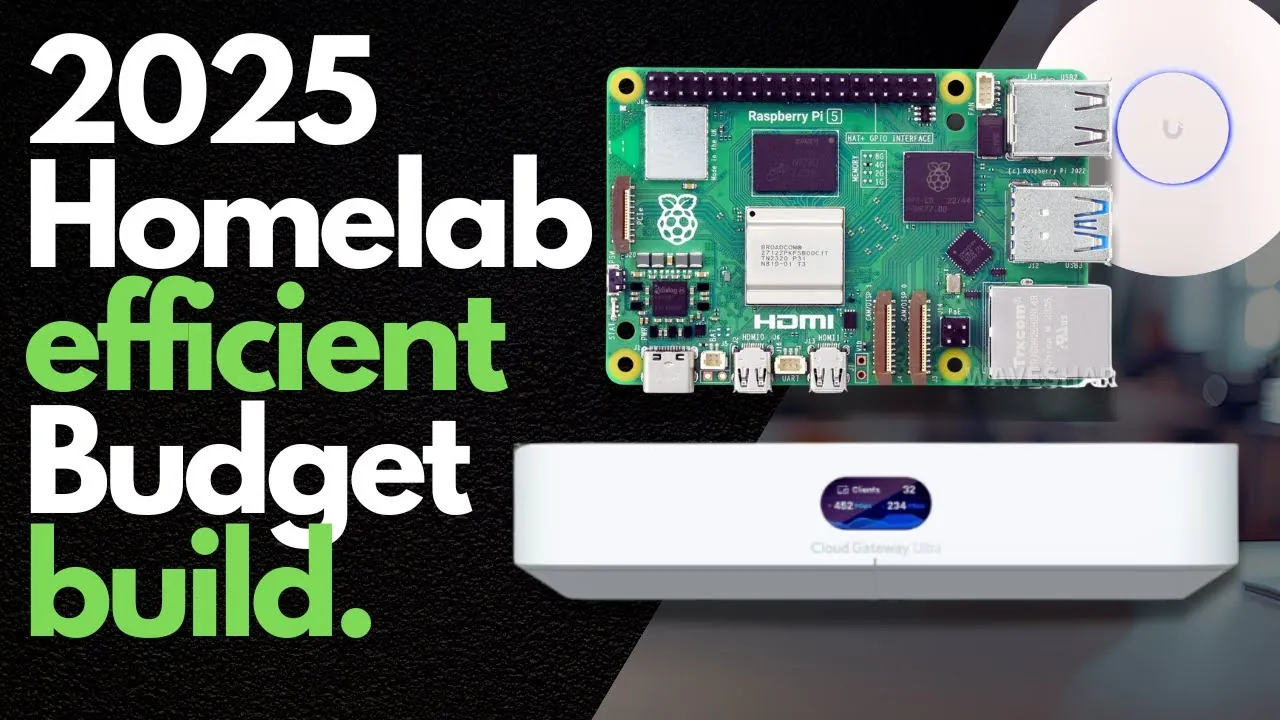
What if you could harness the power of innovative technology in your home without breaking the bank, or the environment? Picture this: a sleek, energy-efficient setup running AI workloads, automating your home, and segmenting your network for bulletproof security, all while keeping your electricity bill in check. It’s a dream for tech enthusiasts and professionals alike, but too often, home labs spiral into over-engineered, power-hungry monstrosities. The truth is, you don’t need enterprise-grade hardware or sky-high costs to build a robust, high-performing home lab. With the right balance of low-power devices, repurposed hardware, and smart network configurations, you can achieve a setup that’s as practical as it is powerful.
Hill Phantom explains how to design a home lab that prioritizes efficiency, security, and sustainability without sacrificing performance. From using VLANs to isolate IoT devices to repurposing old laptops as lightweight servers, you’ll uncover strategies that minimize waste, reduce costs, and optimize functionality. Whether you’re hosting AI applications, experimenting with automation, or simply looking to enhance your home network, this guide will help you make informed choices tailored to your needs. Along the way, we’ll challenge the notion that bigger is always better, showing you how to build a setup that works smarter, not harder. Because sometimes, the most powerful solutions are the ones that tread lightly.
Building an Efficient Home Lab
TL;DR Key Takeaways :
- Prioritize energy efficiency by using low-power devices like Raspberry Pi boards and repurposing older hardware to reduce costs and environmental impact.
- Enhance network security with VLANs to segment devices into isolated zones, minimizing risks of unauthorized access and malware spread.
- Choose cost-effective hardware by avoiding unnecessary upgrades and using dual-purpose devices, such as gaming PCs for AI workloads and gaming.
- Strengthen security and wireless connectivity by implementing robust firewall rules and using tools like UniFi access points for network segmentation.
- Focus on practical configurations tailored to your needs, avoiding over-engineered setups while exploring advanced features like self-hosted applications and refurbished equipment for cost savings.
The Importance of Energy Efficiency
Energy efficiency is a critical factor when designing a home lab. High-power setups may appear impressive, but they often come with substantial environmental and financial costs. Instead, prioritize low-power computing devices like Raspberry Pi boards. These compact systems are ideal for hosting lightweight applications, such as media servers or home automation platforms, while consuming minimal electricity. Their versatility and affordability make them a cornerstone of energy-efficient home labs.
Repurposing older devices is another effective strategy to reduce waste and costs. For example, outdated routers or access points can be reconfigured to create dedicated networks for IoT or guest devices. By extending the lifespan of these devices, you not only save money but also contribute to environmentally responsible practices. This approach aligns with the growing emphasis on sustainability in technology.
Enhancing Network Security with VLANs
A well-structured network is essential for making sure both security and efficiency in your home lab. Virtual Local Area Networks (VLANs) allow you to segment your network into isolated zones, such as trusted devices, untrusted devices, and IoT systems. This segmentation minimizes the risk of unauthorized access and malware spread by restricting communication between devices on different VLANs.
For instance, isolating IoT devices on a separate VLAN ensures that even if one device is compromised, it cannot access sensitive data or systems. Managed networking equipment, such as UniFi switches and access points, simplifies VLAN configuration. These tools provide intuitive interfaces for managing your network, making it easier to implement robust security measures.
Low Power, High Power Home Lab

Here is a selection of other guides from our extensive library of content you may find of interest on Home Labs.
Cost-Effective Hardware Choices
Choosing the right hardware is a key step in building a cost-effective home lab. Raspberry Pi devices are a popular choice for self-hosting applications due to their low power consumption and affordability. Whether you are running a personal cloud server, experimenting with containerized applications, or hosting a lightweight database, these devices offer a versatile and energy-efficient solution.
For more demanding tasks, such as AI processing or gaming, consider using existing hardware. A gaming PC equipped with a mid-range GPU, such as the NVIDIA 3060, can handle AI workloads while doubling as a gaming machine. This dual-purpose approach eliminates the need for additional power-hungry devices, optimizing both cost and energy usage.
Avoid unnecessary upgrades to enterprise-grade networking hardware unless absolutely required. While 10Gbps networking may sound appealing, most home labs do not require such high speeds. Instead, focus on reliable, affordable equipment that meets your actual needs. This approach ensures that your home lab remains practical and cost-effective.
Strengthening Security and Wireless Connectivity
Security is a cornerstone of any home lab. Implementing robust firewall rules allows you to control traffic between VLANs and restrict access to sensitive systems. For example, you can configure your firewall to block communication between your IoT VLAN and your primary network. This setup ensures that compromised devices cannot access critical resources, enhancing the overall security of your home lab.
Wireless connectivity also plays a significant role in your setup. UniFi access points offer reliable and scalable solutions for managing wireless networks. By creating separate SSIDs for IoT devices, guests, and personal use, you can enhance both security and organization. This segmentation ensures that each network operates independently, reducing interference and the risk of unauthorized access.
Repurposing Devices for Sustainability and Savings
Repurposing older devices is a practical way to reduce costs and minimize electronic waste. An old laptop, for instance, can be transformed into a lightweight server for hosting applications or storing backups. Similarly, outdated networking equipment can be reconfigured to support secondary networks or serve as failover devices in case of primary hardware failure.
Cost optimization extends beyond hardware to include software. Open source tools like Proxmox for virtualization or Pi-hole for network-wide ad blocking provide powerful capabilities without the expense of commercial licenses. Using these tools allows you to build a feature-rich home lab on a budget while maintaining high levels of functionality and security.
Practical Configurations Over Extravagance
While enterprise-level home labs may seem appealing, they are often unnecessary for personal use. These setups consume excessive power, generate significant noise, and require substantial financial investment. Instead, focus on creating a practical configuration tailored to your specific needs.
For example, a modest home lab with VLAN segmentation, low-power devices, and repurposed hardware can deliver the same functionality as a more extravagant setup. By prioritizing efficiency and practicality, you can avoid the pitfalls of over-engineering your home lab. This approach ensures that your setup remains manageable, sustainable, and cost-effective.
Exploring Advanced Features and Optimizations
As your home lab evolves, consider exploring advanced configurations and optimizations to maximize its potential. Tutorials on UniFi software and firewall settings can help you fine-tune your networking equipment for enhanced performance and security. Additionally, experimenting with self-hosted applications like Nextcloud for file storage or Home Assistant for automation can expand your lab’s capabilities while maintaining control over your data.
For networking hardware, consider purchasing refurbished or second-hand equipment from reputable brands. These options often provide excellent performance at a fraction of the cost of new devices, making them an ideal choice for budget-conscious enthusiasts.
Achieving Balance in Your Home Lab
Building a home lab that balances energy efficiency, cost-effectiveness, and functionality is entirely achievable with thoughtful planning and execution. By prioritizing low-power devices, using VLANs for enhanced security, and repurposing older hardware, you can create a sustainable setup tailored to your needs. Avoid the temptation to over-engineer your configuration and instead focus on practical solutions that align with your goals. With the right approach, your home lab can deliver high performance without compromising efficiency or sustainability.
Media Credit: Hill Phantom
Filed Under: AI, Guides, Hardware
Latest Geeky Gadgets Deals
Disclosure: Some of our articles include affiliate links. If you buy something through one of these links, Geeky Gadgets may earn an affiliate commission. Learn about our Disclosure Policy.
Credit: Source link