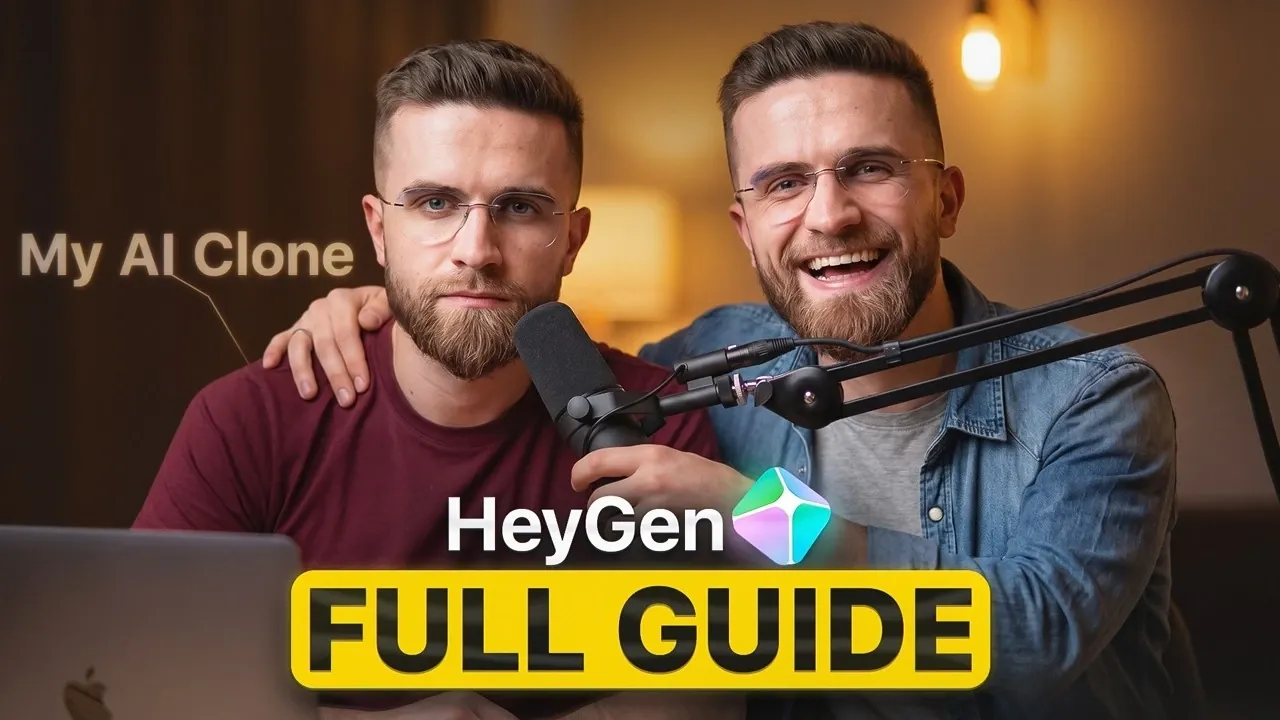
Creating a realistic talking AI avatar is now achievable in just 15 seconds with HeyGen Avatar V. According to AI Master, this platform enables users to upload a short video clip, which is analyzed to replicate their voice, gestures and facial expressions with precision. Users can further customize elements like the avatar’s background and clothing, making it suitable for scenarios such as virtual presentations or tailored marketing materials.
Dive into this beginner-friendly guide to learn how to create and personalize your own AI avatar using HeyGen Avatar V. Discover features like video-based avatar generation, photo-to-video conversion and multilingual localization to expand your content’s reach. Gain practical tips for achieving the best results, including advice on recording conditions and script preparation for natural communication.
How AI Avatar Creation Works
TL;DR Key Takeaways :
- HeyGen Avatar V uses advanced AI to create lifelike digital avatars from a 15-second video, replicating voice, gestures and expressions with high accuracy.
- The platform offers customizable features, including outfits, backgrounds and context, making it ideal for marketing, education and professional presentations.
- HeyGen simplifies video production with tools like “Video Agent” for scene design and “Instant Highlights” for repurposing content across platforms.
- Robust translation and localization features support over 175 languages, adjusting lip movements and emotional tone for natural multilingual communication.
- Data security is prioritized with identity verification, GDPR compliance and SOC 2 Type 2 certification, making sure user content ownership and ethical practices.
HeyGen Avatar V makes creating a personalized digital avatar straightforward and efficient. The process begins with uploading a short video, which the platform analyzes to replicate your unique voice, facial expressions, and gestures. The resulting avatar mirrors your natural communication style, offering a lifelike representation. You can further customize your avatar by modifying its outfit, background, and context to suit your specific needs. This flexibility makes it ideal for producing tailored content for marketing campaigns, educational materials, or professional presentations.
Streamlined Video Production Tools
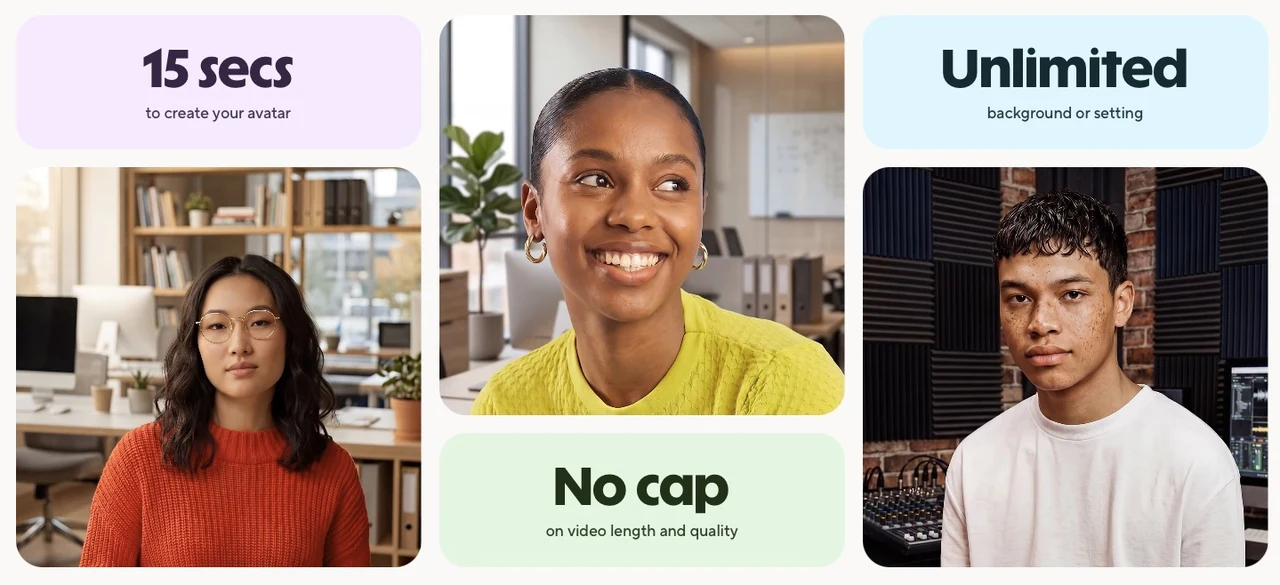
HeyGen offers a comprehensive suite of video production tools designed to simplify and enhance the creative process. A standout feature is the “Video Agent,” which functions as a virtual production assistant. This tool allows you to design detailed scene blueprints by integrating customizable avatars, scripts, and visuals. Additionally, you can enhance your videos with motion graphics and overlays, making sure a polished and professional finish. These tools enable you to produce high-quality content quickly, making the platform an efficient solution for creators aiming to save time without compromising on quality.

Learn more about AI avatar with other articles and guides we have written below.
Effortless Content Repurposing
Repurposing content is made seamless with HeyGen’s “Instant Highlights” feature. This tool automatically identifies key moments in long-form videos, allowing you to create short, engaging clips for platforms like Instagram, TikTok, or YouTube. The platform also supports reformatting videos for various aspect ratios and resolutions, making sure compatibility across devices and platforms. By streamlining this process, HeyGen helps you maximize the value of your content while saving significant time and effort.
Translation and Localization Made Simple
HeyGen excels in allowing global communication through its robust translation and localization features. Supporting over 175 languages, including regional dialects, the platform adjusts lip movements and preserves the emotional tone of the original video. This ensures that the multilingual content feels natural and engaging. By offering a cost-effective alternative to traditional localization methods, HeyGen enables users to connect with diverse audiences without compromising on quality or authenticity.
Photo-to-Video Conversion
In addition to video-based avatar creation, HeyGen provides a photo-to-video feature that allows users to generate speaking avatars from a single photo. By uploading an image, you can create an avatar capable of delivering scripted messages. This feature is particularly useful for creating brand mascots, customer testimonials, or spokesperson videos. It offers a fast and flexible solution for various content needs, making it a versatile tool for businesses and creators alike.
Data Security and Ownership
HeyGen places a strong emphasis on data security and ethical practices. The platform requires identity verification and consent before creating avatars, making sure responsible use of its technology. Users retain full ownership of the content they produce and HeyGen adheres to stringent compliance standards, including GDPR regulations and SOC 2 Type 2 certification. These measures provide peace of mind, making sure that your data remains secure and your intellectual property is protected.
Tips for Optimizing Your Results
To achieve the best results with HeyGen Avatar V, consider the following best practices:
- Record your video in consistent lighting with a neutral background to ensure optimal clarity and accuracy.
- Speak naturally and clearly to help the platform replicate your voice and gestures effectively.
- Use conversational and engaging scripts to enhance the authenticity of your avatar’s delivery.
Applications Across Industries
HeyGen Avatar V is a versatile tool with applications spanning multiple industries. Its adaptability makes it a valuable resource for professionals in various fields:
- Course Creators: Easily update and localize educational materials to cater to diverse audiences.
- Consultants: Scale content creation efforts and adapt materials for different client needs or markets.
- Businesses: Develop multilingual training videos and instructional content for global teams, making sure effective communication across borders.
Empowering Content Creation with HeyGen Avatar V
HeyGen Avatar V represents a significant advancement in video content creation, combining innovative AI with user-friendly tools. Whether you’re producing marketing campaigns, educational videos, or professional presentations, this platform offers a scalable and efficient solution. With its ability to create realistic avatars, streamline workflows and localize content for global audiences, HeyGen enables users to deliver impactful and tailored messages. By using this technology, you can enhance your communication strategies and connect with your audience in innovative and meaningful ways.
Media Credit: AI Master
Filed Under: AI, Guides
Disclosure: Some of our articles include affiliate links. If you buy something through one of these links, Geeky Gadgets may earn an affiliate commission. Learn about our Disclosure Policy.
Credit: Source link