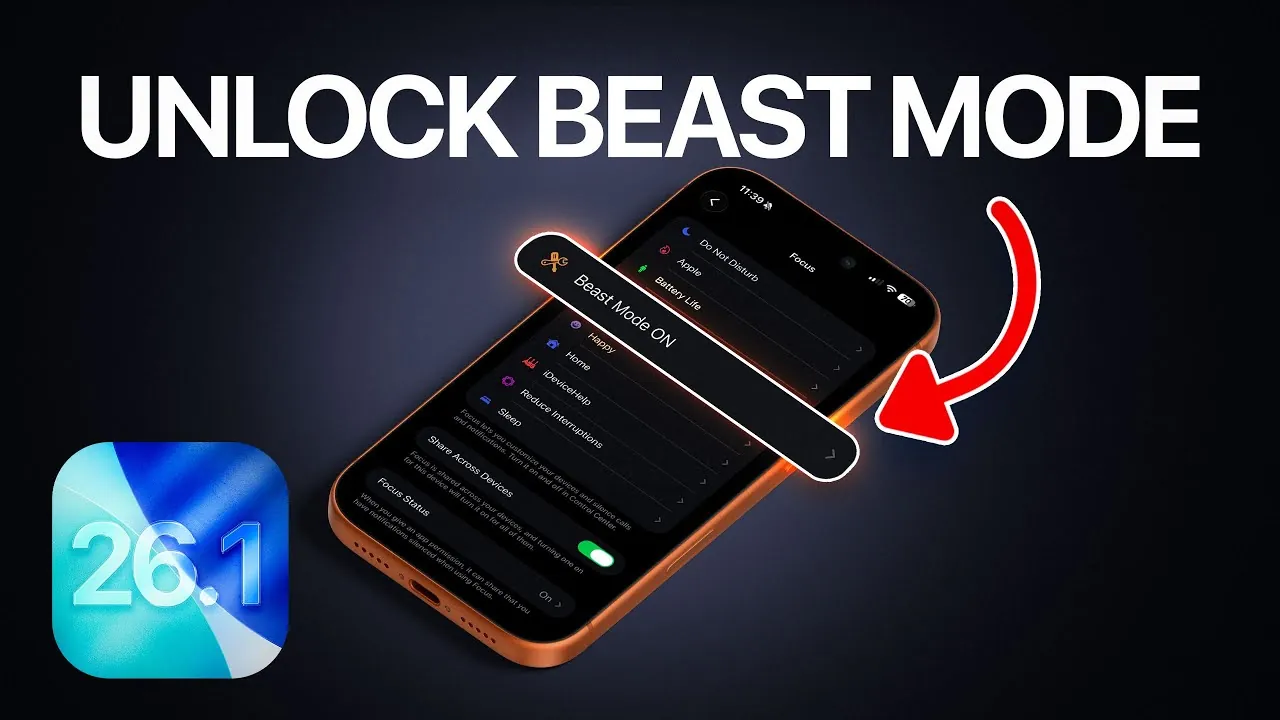
Apple’s iOS 26.1 brings a suite of enhancements designed to elevate your iPhone’s performance, security, and overall usability. Whether you’re aiming to extend battery life, customize your device’s interface, or bolster your privacy, this update provides a range of tools to help you make the most of your iPhone. In the video below, iDeviceHelp explores the key features and offers practical steps to maximize your device’s capabilities.

Advanced Accessibility and Dark Mode Refinements
iOS 26.1 introduces significant improvements to accessibility and dark mode, ensuring a more user-friendly and visually comfortable experience. These updates are particularly beneficial for users who prefer a highly customizable interface or require enhanced visibility.
- Show Borders: This feature, accessible under Accessibility > Display & Text Size, adds clear outlines to buttons and other interface elements, making them easier to identify and interact with.
- Reduce Transparency: Activating this option sharpens the dark mode interface by minimizing visual effects, which not only improves readability but also reduces strain on your device’s battery.
- Customizable Widgets and Clock Colors: Personalize your home screen by adjusting widget and clock colors to complement the dark mode aesthetic, creating a seamless and visually appealing interface.
These enhancements not only improve usability but also allow you to tailor your iPhone’s interface to suit your preferences and needs.
Enhanced Security and Privacy Features
With iOS 26.1, Apple continues to prioritize user security and privacy, introducing tools that give you greater control over your data. These features are designed to protect your personal information while maintaining a secure device environment.
- Background Security Updates: Found under Privacy & Security, this feature enables your iPhone to receive critical security patches automatically, making sure protection against emerging threats without requiring a full system update.
- Disable Unnecessary System Services: Turn off features such as “Improved Location Accuracy,” “iPhone Analytics,” and “Significant Locations” under Privacy & Security. Doing so reduces data sharing and can also contribute to better battery performance.
- Opt Out of Analytics Sharing: Under Analytics & Improvements, you can stop sending diagnostic data to Apple, giving you more control over how your information is used.
By using these features, you can enhance your privacy and ensure your device remains secure without compromising functionality.
Battery Optimization for Prolonged Use
Battery life remains a critical focus in iOS 26.1, with several features aimed at helping you get the most out of your device’s power. Small adjustments to your settings can lead to noticeable improvements in battery performance.
- Disable Keyboard Haptics: Found under Sound & Haptics, turning off this feature reduces the power consumed by the Taptic Engine, making it an effective way to conserve battery life.
- Adjust Background App Refresh: Navigate to General and set this feature to Wi-Fi only or disable it entirely. This prevents apps from consuming unnecessary power while running in the background.
- Enable Low Power Mode: Activate this feature under Battery to automatically adjust settings like screen brightness and background activity, extending your device’s runtime during critical moments.
These adjustments, when combined, can significantly extend your iPhone’s battery life, making sure it remains powered throughout your day.
Striking the Right Balance Between Performance and Usability
While iOS 26.1 offers a wealth of customization options, it’s important to strike a balance between optimizing performance and maintaining usability. Over-adjusting settings may save battery life or enhance privacy, but could also limit your device’s convenience and functionality.
For instance, disabling too many background processes might conserve power but could delay app updates or notifications. Similarly, turning off certain system services may enhance privacy but might reduce the accuracy of location-based features, such as navigation or weather updates.
By carefully selecting which settings to modify, you can create a personalized experience that aligns with your priorities without compromising the overall functionality of your iPhone. Thoughtful adjustments ensure that your device remains efficient, secure, and user-friendly.
Maximizing Your iPhone Experience
iOS 26.1 enables you to take full control of your iPhone’s performance, security, and usability. From advanced accessibility features and dark mode refinements to robust privacy tools and battery optimization settings, this update provides everything you need to enhance your device. By implementing these features strategically, you can enjoy a more efficient, secure, and personalized iPhone experience tailored to your unique needs.
Expand your understanding of iOS 26.1 features with additional resources from our extensive library of articles.
Source & Image Credit: iDeviceHelp
Filed Under: Apple, Apple iPhone, Guides, Top News
Latest Geeky Gadgets Deals
Disclosure: Some of our articles include affiliate links. If you buy something through one of these links, Geeky Gadgets may earn an affiliate commission. Learn about our Disclosure Policy.
Credit: Source link