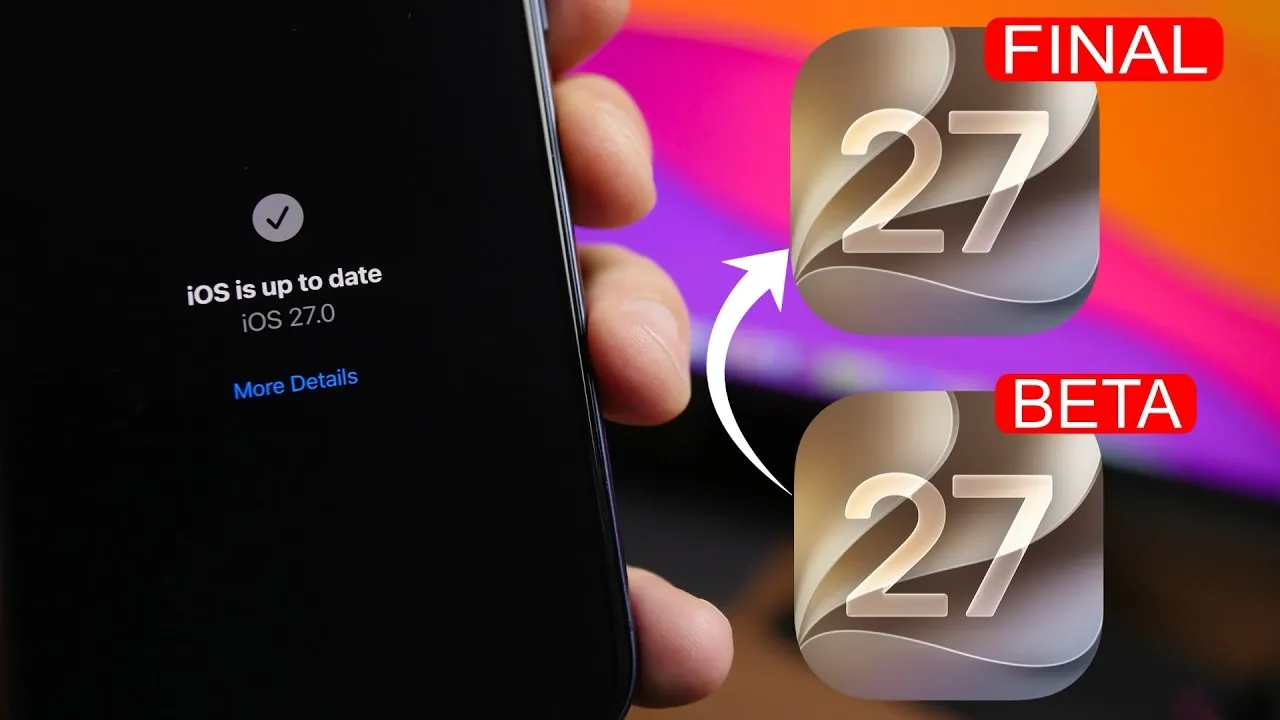
Upgrading from the iOS 27 beta to the final public release can be a seamless process when approached with proper preparation and understanding. Whether you are an early adopter exploring beta features or someone waiting for the polished final version, knowing the steps and timelines involved can help you avoid potential pitfalls. This guide provides a comprehensive roadmap, covering essential timelines, preparation steps, and key considerations to ensure a smooth transition. The video below from iReviews gives us more details.

When to Expect the Final Release
Apple is expected to release iOS 27 to the public in early September, with September 14th being a likely date. Prior to this, the Release Candidate (RC) version, essentially the final pre-release build, is anticipated around September 9th. These dates align with Apple’s annual iPhone event, where new devices and software updates are typically unveiled.
If you are currently using the beta version, these timelines are critical for planning your update. Staying informed about these key dates ensures you are ready to transition as soon as the final release becomes available.
Steps to Update from Beta to the Final Version
To ensure your device is ready for the final release, it is essential to stay current with beta updates. Follow these steps to prepare effectively:
- Verify your current beta version: Check that your device is running the latest beta version, such as beta 6 or later.
- Install subsequent beta updates: If beta 7 or beta 8 is released before the RC version, update your device accordingly to stay aligned with the latest improvements.
- Download the RC version: Once available, install the RC version. This version is identical to the final public release, allowing you to experience the completed software early.
By keeping your device updated through each beta iteration, you minimize the risk of compatibility issues and ensure a seamless transition to the final release.
For Those Waiting for the Public Release
If you prefer to avoid beta updates and only install the final public release, you can opt out of the beta program. This approach is ideal for users who want to avoid potential bugs or unfinished features present in beta versions. Here’s how to opt out and prepare for the public release:
- Open your device’s Settings app.
- Navigate to Software Update and disable beta updates by removing the beta profile.
- Wait for the public release of iOS 27 to appear in the Software Update section, then install it directly.
This method ensures you receive the final, stable version of iOS 27 without encountering the potential instability of beta software.
Key Considerations During the Update
Before proceeding with the update, there are several important factors to keep in mind to ensure a smooth and hassle-free experience:
- RC version and public release: If you install the RC version, you will not need to update again for the public release, as both versions are identical.
- Beta updates for testers: For users actively testing beta versions, installing all updates, including the RC, is recommended to experience the latest features and maintain compatibility.
- Device compatibility: Verify that your device supports iOS 27 by consulting Apple’s official compatibility list. This step ensures your device is eligible for the update.
- Backup your data: Before updating, create a complete backup of your device using iCloud or a computer. This precaution safeguards your data in case of unexpected issues during the update process.
- Stable internet connection: Ensure your device is connected to a reliable Wi-Fi network to avoid interruptions during the download and installation process.
By addressing these considerations, you can avoid unnecessary delays or complications and ensure a smooth transition to iOS 27.
Making the Most of the Transition
Transitioning from the iOS 27 beta to the final release is a straightforward process when you follow the right steps and stay informed about the timelines. Whether you choose to stay updated through the beta program or wait for the public release, proper preparation ensures a hassle-free experience. By keeping your device ready, staying current with updates, and understanding the process, you can fully enjoy the new features and enhancements of iOS 27 as soon as it becomes available.
Learn more about iOS 27 with other articles and guides we have written below.
Source & Image Credit: iReviews
Filed Under: Apple, Apple iPhone, Guides, Top News
Disclosure: Some of our articles include affiliate links. If you buy something through one of these links, Geeky Gadgets may earn an affiliate commission. Learn about our Disclosure Policy.
Credit: Source link