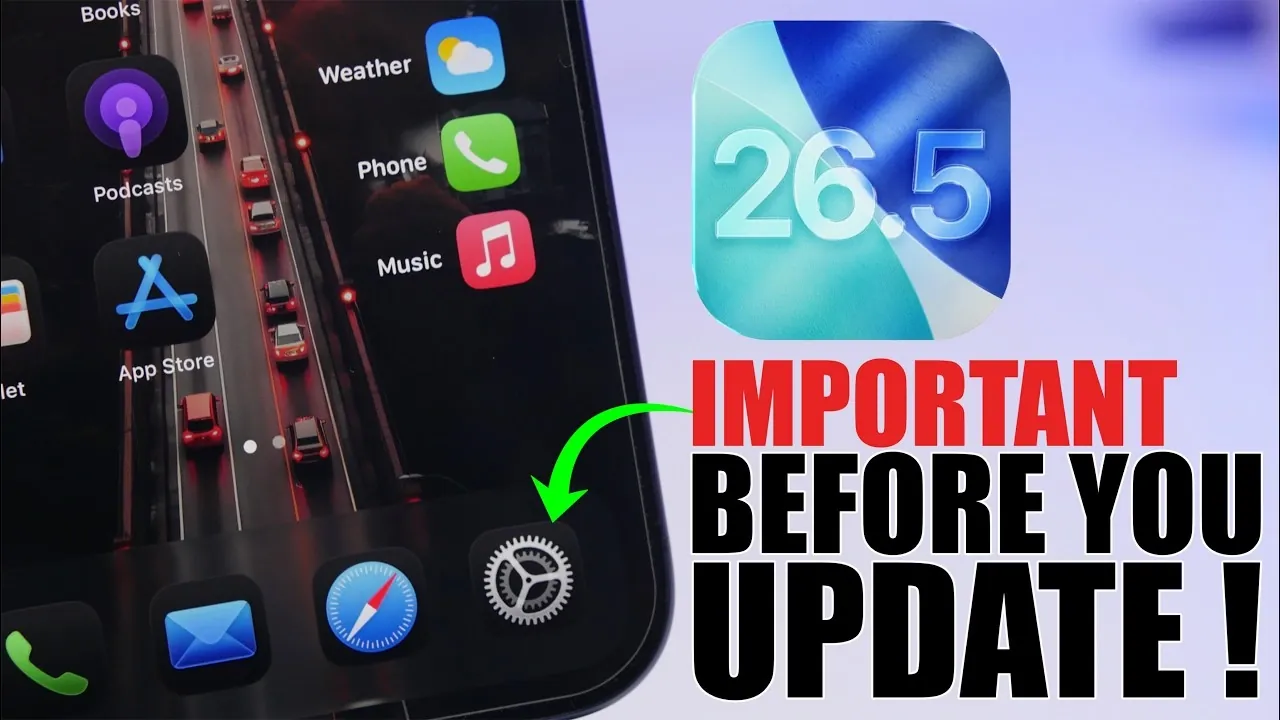
iOS 26.5 marks the final major update in the iOS 26 series, setting the stage for the highly anticipated iOS 27. This update brings a range of improvements, including enhanced performance, better battery optimization, and critical bug fixes. Before proceeding with the update, it’s essential to understand the key aspects to ensure a smooth and efficient upgrade process. Proper preparation can help you take full advantage of the benefits this update offers. The video below from iReviews gives us more details.

Release Date and Availability
The public release of iOS 26.5 is expected to roll out on May 11 or May 12, 2026. If your device is currently running iOS 26.4 or an earlier version, you will be able to update directly once the update becomes available. However, users on the iOS 26.5 Release Candidate (RC) may not see the update unless Apple issues a second RC version. For beta testers, transitioning to the public release requires disabling beta updates in your device’s settings.
To check for the update, navigate to your device’s settings and select the “Software Update” option under the General menu. Making sure your device is connected to a stable Wi-Fi network and has sufficient battery charge will help avoid interruptions during the download and installation process.
Storage Space Requirements
Updating to iOS 26.5 requires adequate storage space on your device. The update file itself is approximately 3-4 GB, but Apple recommends having at least 10-12 GB of free space to ensure the installation process runs smoothly. If your device is running low on storage, consider taking the following steps to free up space:
- Temporarily delete large apps, such as social media or gaming platforms and reinstall them after the update.
- Clear out unused files or apps that you no longer need.
- Transfer photos, videos, or other media to cloud storage services like iCloud or an external storage device.
These measures can help prevent potential interruptions during the update process and ensure your device has enough room for future updates and app installations.
Backup Your Data
Backing up your data is a crucial step before installing any software update. This ensures that your personal files, including photos, messages and app settings, remain safe in case of unexpected issues during the installation. You have two primary options for creating a backup:
- iCloud Backup: Use a wireless connection to back up your data to Apple’s cloud storage. This option is convenient and allows you to restore your data from anywhere with an internet connection.
- Local Backup: Connect your device to a computer and back up using Finder (on macOS) or iTunes (on Windows). This method provides a secure, offline backup option.
Taking a few minutes to back up your device can save you from potential data loss and make the transition to iOS 26.5 stress-free.
Device Compatibility
iOS 26.5 is compatible with all devices currently running iOS 26. However, if you own an older model, such as the iPhone 11 series, this update holds particular significance. With iOS 27 expected to drop support for certain older devices, iOS 26.5 may be the final update your device receives. Installing this update ensures your device remains secure, stable and optimized for as long as possible.
For users with newer devices, iOS 26.5 provides a solid foundation for the upcoming iOS 27, making sure a seamless transition when the next major update becomes available. Regardless of your device’s age, keeping your software up to date is essential for maintaining compatibility with apps and services.
Performance and Battery Enhancements
One of the key focuses of iOS 26.5 is improving overall performance and battery life. Since the release of beta 3, users have reported smoother operation and better responsiveness across various devices. While the battery life improvements are modest, they contribute to a more consistent and reliable daily experience.
Additionally, iOS 26.5 addresses several bugs that were present in earlier versions, enhancing system stability and reliability. These fixes ensure that your device runs efficiently, reducing the likelihood of crashes or other performance issues. Whether you use your device for work, entertainment, or communication, these enhancements can make a noticeable difference in your day-to-day usage.
Key Considerations for a Smooth Update
To make the most of iOS 26.5, it’s important to take the following steps before updating:
- Ensure sufficient storage space: Free up at least 10-12 GB of space to accommodate the update and avoid interruptions.
- Back up your data: Use iCloud or a local backup to safeguard your personal files and settings.
- Check device compatibility: Confirm that your device supports iOS 26.5 and consider the implications for older models.
By following these steps, you can ensure a seamless upgrade process and enjoy the benefits of iOS 26.5 without unnecessary complications.
Why Updating to iOS 26.5 Matters
iOS 26.5 is more than just a routine update; it’s a critical step in preparing your device for the future. With its performance and battery optimizations, bug fixes and compatibility improvements, this update enhances your device’s usability and longevity. For users of older devices, it represents an opportunity to maximize the lifespan of their hardware before support is discontinued.
By taking the time to prepare your device, back up your data, and understand the update’s features, you can make the most of what iOS 26.5 has to offer. Whether you’re using the latest iPhone or an older model, this update provides meaningful enhancements that keep your device running smoothly and securely.
Unlock more potential in iOS 26.5 by reading the previous articles we have written.
Source & Image Credit: iReviews
Filed Under: Apple, Apple iPhone, Guides, Top News
Disclosure: Some of our articles include affiliate links. If you buy something through one of these links, Geeky Gadgets may earn an affiliate commission. Learn about our Disclosure Policy.
Credit: Source link