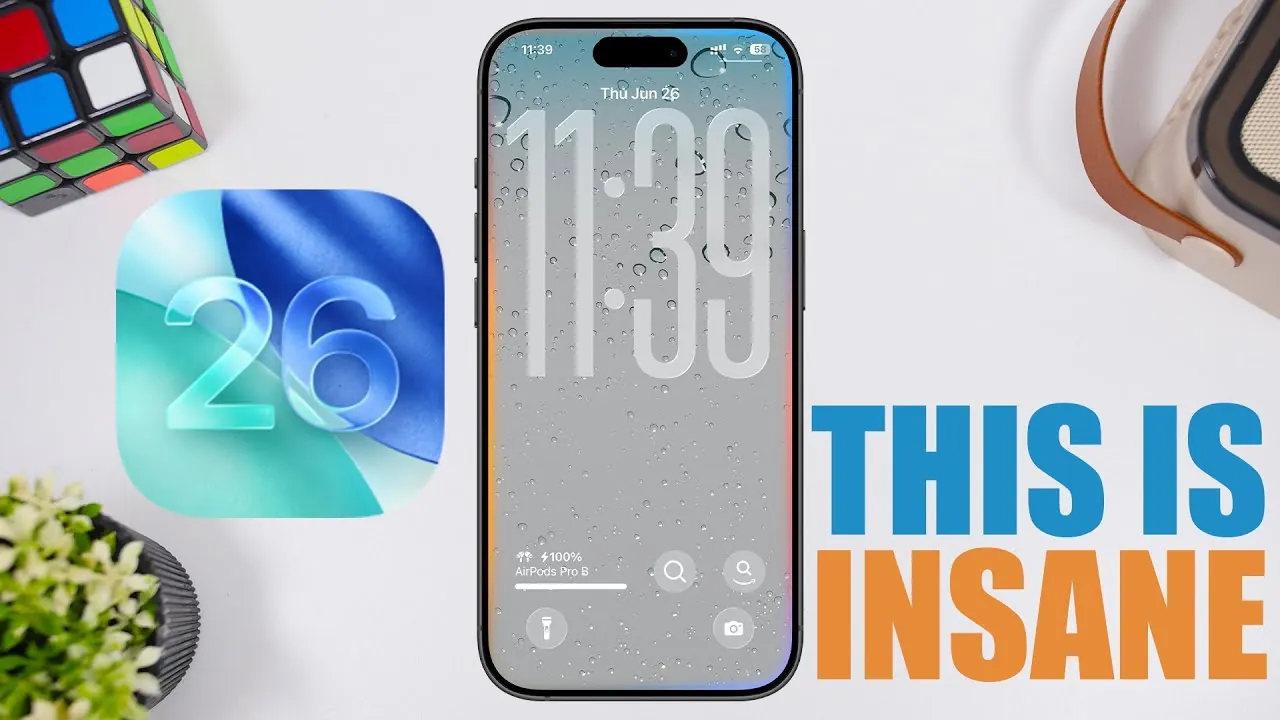
Apple’s iOS 26 introduces a comprehensive suite of updates aimed at improving customization, usability, and performance. With the second beta release now available, Apple continues to refine its mobile operating system, offering users a more seamless and personalized experience. Below is an in-depth look at the most notable features and enhancements in iOS 26. The video below from iReviews gives us more details on iOS 26.

Advanced Lock Screen Customization
iOS 26 takes lock screen personalization to the next level, allowing users to place widgets at the top or bottom of the screen. This flexibility enables you to create a layout that suits your preferences and enhances accessibility, especially for one-handed use. Whether you prioritize quick access to weather updates, calendar events, or fitness stats, this feature ensures that essential information is always within easy reach.
Proactive Liquid Detection Alerts
A standout safety feature in iOS 26 is the new liquid detection alert. If moisture is detected in the charging port, your device will emit an audible alarm—even when in silent mode. This proactive measure helps protect your device from potential damage by making sure you are immediately aware of the issue. It’s a practical addition that underscores Apple’s focus on device longevity and user safety.
Streamlined Missed Call Management
The Phone app now makes managing missed calls more intuitive. With a simple swipe on a missed call, you can set a reminder to follow up later. This small yet impactful feature simplifies communication management, making sure you never overlook an important call or forget to respond.
Enhanced Photo Search and Navigation
The Photos app has been upgraded with improved search functionality, allowing you to limit searches to specific albums or collections. This makes locating images faster and more efficient. Additionally, smoother animations enhance navigation within the app, and the syncing status is now displayed under the “Library” section, providing greater transparency and control over your photo library.
Type to Siri During Calls
iOS 26 introduces the ability to type to Siri during phone calls, a feature designed for situations where speaking aloud isn’t practical. Whether you’re in a quiet environment or need to maintain discretion, this update ensures Siri remains accessible and functional in all contexts.
Customizable Messaging Backgrounds
Messaging receives a visual upgrade with the option to customize backgrounds for SMS, RCS, and iMessage conversations. This feature allows you to create unique aesthetics for different chats, adding a personal touch to your messaging experience. Whether you prefer vibrant colors or subtle designs, the choice is yours.
Strengthened Privacy and Security Controls
Privacy and security remain a top priority in iOS 26. A new “Wired Accessories” section in the settings menu provides enhanced control over connected devices. This feature allows you to manage trust preferences for accessories, reinforcing Apple’s commitment to safeguarding user data and making sure secure connections.
Clearer Battery Usage Insights
The battery usage interface has been redesigned with color-coded indicators for easier interpretation. These visuals offer a detailed breakdown of your usage patterns, helping you identify areas where you can conserve battery life. This update provides a more intuitive way to monitor and manage your device’s power consumption.
Refinements in the Maps App
The Maps app has undergone subtle yet meaningful changes. The “Library” section has been renamed to “Places”, aligning the app’s terminology with its functionality. This adjustment simplifies navigation and enhances the overall user experience, making it easier to organize and access saved locations.
Performance and Efficiency Improvements
iOS 26 delivers noticeable performance enhancements, with higher Geekbench scores in both single-core and multi-core tests compared to its predecessor. These improvements translate to faster app launches, smoother multitasking, and overall better responsiveness. While battery life remains stable, further optimizations are expected in future updates, making sure a balance between performance and efficiency.
Release Schedule
The third beta of iOS 26 is expected to arrive on July 7, followed by the first public beta on July 14. These upcoming releases will likely include additional refinements and provide a clearer picture of the system’s full capabilities. For those eager to explore the new features, these dates mark key milestones in the rollout process.
iOS 26: A User-Focused Update
iOS 26 represents a thoughtful evolution of Apple’s mobile operating system. From enhanced lock screen customization to improved privacy settings, the updates cater to a diverse range of user needs. As the beta progresses, further refinements are anticipated, solidifying iOS 26 as a robust and user-friendly update. Whether you’re drawn to its practical enhancements or its focus on personalization, iOS 26 offers something for everyone.
Master iOS 26 features with the help of our in-depth articles and helpful guides.
Source & Image Credit: iReviews
Filed Under: Gadgets News
Latest Geeky Gadgets Deals
Disclosure: Some of our articles include affiliate links. If you buy something through one of these links, Geeky Gadgets may earn an affiliate commission. Learn about our Disclosure Policy.
Credit: Source link