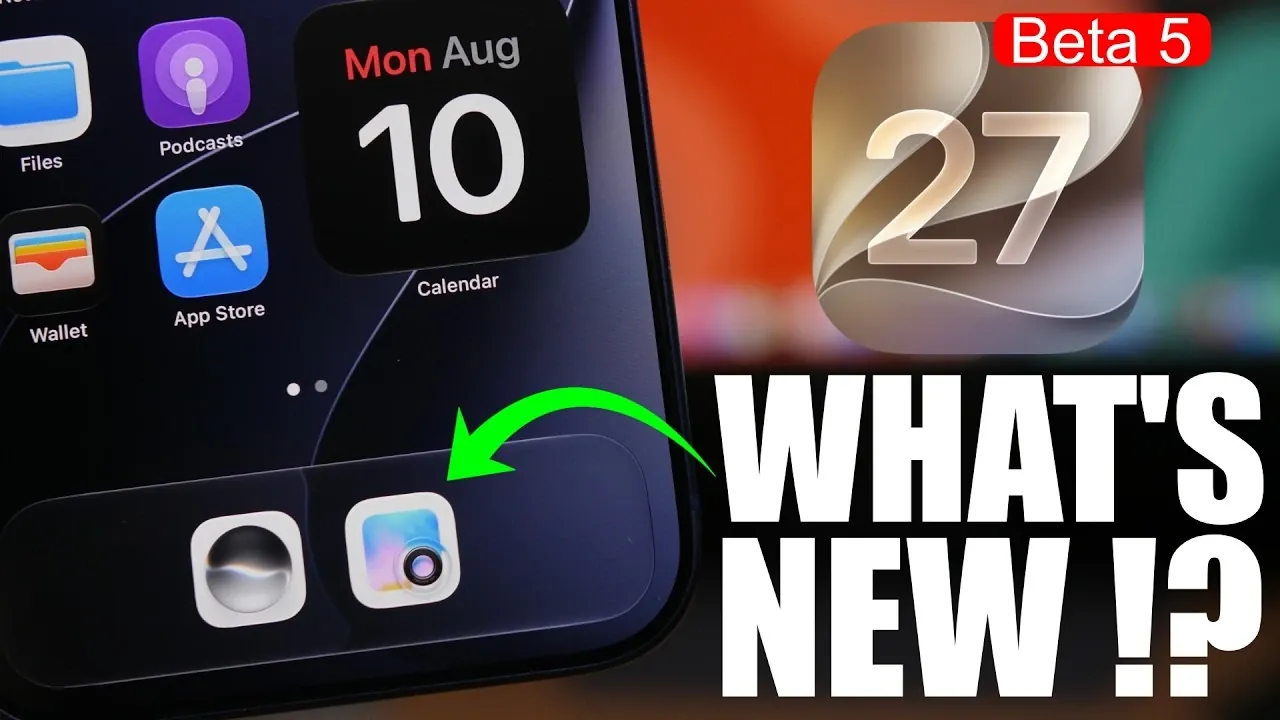
Apple’s iOS 27 Beta 5 introduces a variety of updates aimed at improving both functionality and design. From visually appealing app icon redesigns to practical system enhancements, this release focuses on refining your overall experience. Below, we explore the most notable changes and their implications for users in a new video from iReviews.

Redesigned App Icons: A Fresh Look
One of the standout updates in iOS 27 Beta 5 is the redesign of several app icons. Key apps such as Siri, Safari, Settings, Find My and Stocks now feature a liquid glass effect, giving them a sleek and polished appearance. This subtle yet impactful change enhances the visual appeal of your home screen, creating a more modern and cohesive interface. These updates reflect Apple’s ongoing commitment to visual refinement and attention to detail, making sure that even the smallest elements contribute to a more engaging user experience.
Enhanced System Settings for Better Usability
The system settings menu has received a practical update that improves transparency and usability. In the “About” section, you can now view the last update installation date, making it easier to track your device’s update history. This small but meaningful addition simplifies device management, especially for users who want to ensure their software is up to date. Additionally, the new build number, 24A540A, marks a significant step in the beta development process, signaling Apple’s progress toward a stable release.
Battery Percentage Display Comes to iPadOS
A long-requested feature has finally arrived for iPad users: the battery icon now displays the percentage of remaining battery life. This functionality, already familiar to iPhone users, provides a more precise way to monitor your device’s power levels at a glance. The addition of this feature enhances convenience and ensures that iPad users can better manage their device’s battery usage, especially during extended periods of use.
Music App Enhancements: A More Immersive Experience
The Music app has been updated with several features designed to improve how you discover and enjoy music. A new splash screen introduces “Concerts for You,” a feature that recommends live events based on your listening preferences. Artist pages have also been redesigned to offer a more engaging and informative layout, making it easier to explore your favorite artists and discover new ones. Additionally, the Automix feature has been fine-tuned to deliver smoother transitions and a more dynamic playback experience, making sure that your playlists flow seamlessly from one track to the next.
iPadOS: Unified Updates Across Devices
iPadOS benefits from many of the same updates introduced in iOS 27 Beta 5, making sure a consistent experience across Apple’s ecosystem. From the redesigned app icons to the improved battery percentage display, these changes create a more intuitive and unified interface. Whether you’re using an iPhone or an iPad, these updates work together to provide a seamless and polished user experience, reinforcing Apple’s commitment to ecosystem-wide consistency.
Why These Updates Are Significant
iOS 27 Beta 5 exemplifies Apple’s ability to balance aesthetic improvements with practical functionality. The redesigned app icons enhance the visual appeal of your device, while updates like the battery percentage display and system settings improvements make everyday tasks more intuitive. Music enthusiasts will particularly appreciate the enhanced features in the Music app, which make discovering and enjoying content more seamless and personalized.
Taken together, these updates demonstrate Apple’s dedication to delivering a platform that is both visually appealing and user-friendly. Whether you’re drawn to the refined design elements or the functional upgrades, iOS 27 Beta 5 offers a well-rounded experience that caters to a wide range of user needs. As you explore these changes, you’ll notice how they collectively elevate the overall usability and enjoyment of your device.
Unlock more potential in iOS 27 Beta 5 by reading previous articles we have written.
Source & Image Credit: iReviews
Filed Under: Apple, Apple iPhone, Technology News, Top News
Disclosure: Some of our articles include affiliate links. If you buy something through one of these links, Geeky Gadgets may earn an affiliate commission. Learn about our Disclosure Policy.
Credit: Source link