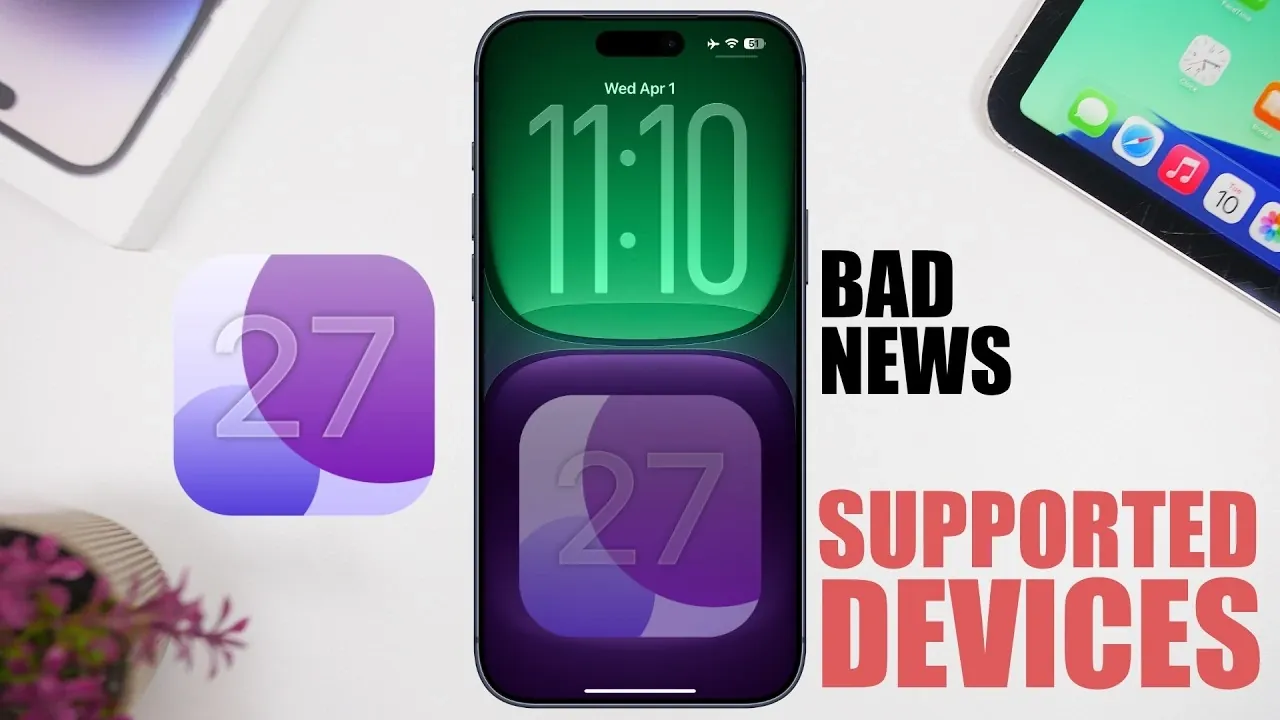
Apple’s iOS 27 update marks another step forward in its software evolution, bringing new features and improvements while redefining device compatibility. Announced during the Worldwide Developers Conference (WWDC) on June 8, 2026, this update introduces significant changes, particularly for users of older iPhones. If you own an iPhone 11 series or a second-generation iPhone SE, this update will directly impact you, as these models are set to lose support. Meanwhile, the iPhone 12 series will become the oldest devices eligible for the update, setting a new baseline for compatibility. The video below from iReviews gives us more details on which devices will be supported in iOS 27.

Key Dates for iOS 27
Apple’s release schedule for iOS 27 follows its well-established timeline, providing users and developers with clear milestones. Here’s what you can expect:
- June 8, 2026: The first beta version of iOS 27 will be unveiled at WWDC, offering developers and beta testers an early opportunity to explore the update.
- Late June 2026: A public beta is anticipated, allowing a broader audience to test the new features and provide feedback.
- Mid-September 2026: The final version is expected to roll out alongside Apple’s next-generation iPhone models, marking the official launch of iOS 27.
These dates provide a clear timeline for users to prepare, particularly if their current devices are nearing the end of their support lifecycle. Staying informed about these key milestones ensures you can plan effectively for the transition.
Devices Losing Support
Apple’s decision to discontinue support for certain older devices is a routine part of its strategy to optimize software for newer hardware. However, this change is significant for users of the following models:
- iPhone 11 series: This includes the iPhone 11, iPhone 11 Pro and iPhone 11 Pro Max.
- Second-generation iPhone SE: Released in 2020, this model will also no longer receive updates.
If you rely on one of these devices, you will lose access to new features, security updates and performance enhancements. While your device will remain functional, the absence of updates could expose it to security vulnerabilities and limit its compatibility with newer apps and services over time.
Supported Devices for iOS 27
The iPhone 12 series will serve as the baseline for iOS 27 compatibility, making sure that these models and newer devices will receive the update. Supported devices include:
- iPhone 12 mini
- iPhone 12
- iPhone 12 Pro
- iPhone 12 Pro Max
Owners of these models or newer iPhones can expect to access the update and enjoy most of its features. However, it’s important to note that even among supported devices, some advanced functionalities may be limited by hardware capabilities.
Feature Limitations on Older Supported Devices
While iOS 27 will be available for the iPhone 12 series and newer models, not all features will be universally accessible. Apple often designs its software to use the latest hardware advancements, which means older supported devices may miss out on certain enhancements. For instance:
- Features that rely on advanced machine learning algorithms may require newer chipsets for optimal performance.
- Augmented reality (AR) improvements might depend on updated sensors and hardware capabilities found in more recent models.
If you own an older supported device, you will still benefit from the update, but your experience may not be as comprehensive as it would be on newer hardware. Understanding these limitations can help you set realistic expectations for your device’s performance with iOS 27.
Why Apple Ends Support for Older Devices
Apple’s decision to phase out support for the iPhone 11 series reflects its broader strategy of focusing on devices with more advanced hardware. The iPhone 11 Pro and 11 Pro Max have already been classified as “vintage” by Apple, signaling their gradual phase-out from the ecosystem. This approach allows Apple to allocate its development resources more effectively, making sure that new software updates are optimized for the latest technologies. For users of vintage models, this serves as a reminder to evaluate their options and consider upgrading if staying current with Apple’s ecosystem is a priority.
How to Prepare for the Transition
If your device is among those losing support, it’s essential to plan ahead to ensure a smooth transition. Here are some practical steps you can take:
- Upgrade your device: Consider moving to a newer model, such as the iPhone 12 series or later, to maintain access to updates, features and security patches.
- Stay informed: Keep track of Apple’s announcements and update timeline to make the most of iOS 27 and its features.
- Evaluate your needs: If your current device meets your requirements, you can continue using it, but be mindful of potential security risks and compatibility issues over time.
By taking these steps, you can ensure that your transition to iOS 27, or a newer device, is seamless and aligns with your needs and priorities.
Understanding the Impact of iOS 27
The iOS 27 update highlights Apple’s commitment to advancing its software while balancing the trade-offs in device compatibility. Whether you’re planning to upgrade or continue using your current device, understanding these changes will help you make informed decisions. By staying proactive and preparing for the transition, you can ensure that your device remains aligned with your needs and continues to deliver a reliable and secure user experience.
Learn more about iOS 27 with other articles and guides we have written below.
Source & Image Credit: iReviews
Filed Under: Apple, Apple iPhone, Guides, Top News
Disclosure: Some of our articles include affiliate links. If you buy something through one of these links, Geeky Gadgets may earn an affiliate commission. Learn about our Disclosure Policy.
Credit: Source link