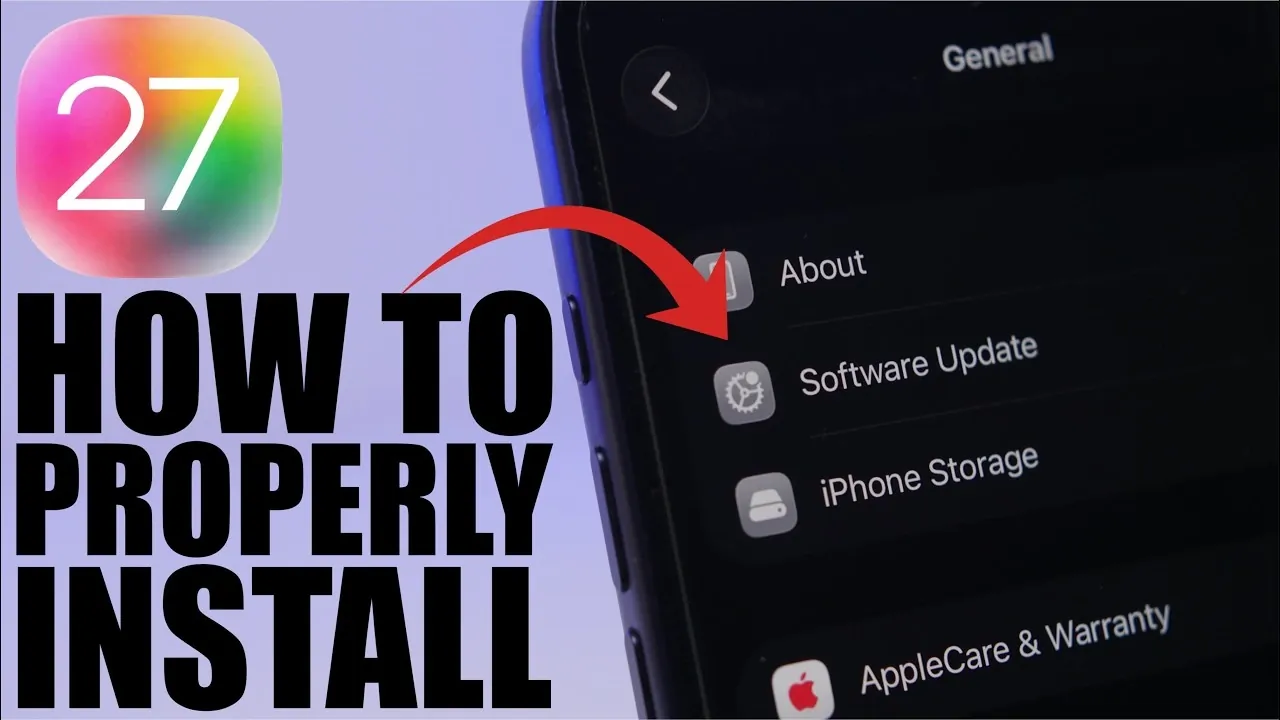
Installing iOS 27 Beta 1 on your device without relying on a computer is a straightforward process when approached with proper preparation and attention to detail. This guide provides a comprehensive walkthrough, from making sure your device is ready to troubleshooting potential issues, so you can explore the latest features of iOS 27 with confidence. The video below from iReviews gives us more details on how to install the iOS 27 beta 1.

Essential Preparations Before Installation
Before proceeding with the installation, it is crucial to confirm that your device meets the necessary requirements. Taking these preparatory steps will help minimize errors and ensure a smooth update process:
- Device Compatibility: Verify that your device supports beta updates. Navigate to Settings > General > Software Update > Beta Updates. If the option is unavailable, sign in to the Apple Feedback app or Apple Support app to enable beta updates.
- Current iOS Version: Ensure your device is running the latest stable version of iOS. This reduces the likelihood of compatibility issues during the beta installation.
By confirming these prerequisites, you set the stage for a seamless installation experience.
Preparing Your Device for iOS 27 Beta 1
Proper preparation is key to avoiding interruptions or complications during the update process. Follow these steps to ready your device:
- Free Up Storage: Ensure your device has at least 20 GB of free space. Remove unused apps, clear cache files, or transfer large media files to external storage or cloud services if necessary.
- Maintain Battery Life: Charge your device to at least 50% before starting the update. For optimal results, keep it connected to a power source throughout the installation process.
- Backup Your Data: Use iCloud or iTunes to create a full backup of your device. This step protects your personal files, settings and app data, allowing you to restore them if needed or if you decide to revert to the stable iOS version.
Taking these precautions ensures your device is fully prepared for the beta installation, reducing the risk of data loss or interruptions.
Step-by-Step Guide to Installing iOS 27 Beta 1
Once your device is ready, follow these instructions to install iOS 27 Beta 1 without a computer:
- Open the Settings app and navigate to General > Software Update > Beta Updates.
- Select the iOS 27 Beta 1 option when it becomes available.
- Follow the on-screen instructions to download and install the update.
- Allow the installation to proceed without using or interrupting your device until the process is complete.
The installation duration may vary depending on your internet speed and device performance. Ensure your device remains connected to a stable Wi-Fi network throughout the process.
Troubleshooting Common Installation Issues
If you encounter any issues during the installation, these troubleshooting tips can help resolve them:
- Verify Wi-Fi Connection: Ensure your device is connected to a reliable and stable Wi-Fi network. Unstable connections can disrupt the download or installation process.
- Restart Your Device: If the update fails to download or install, restart your device and attempt the process again.
- Clear Additional Storage: If your device lacks sufficient storage, free up more space by deleting unnecessary files or apps and retry the installation.
- Seek Assistance: For persistent issues, use the Apple Support app to contact Apple for professional guidance and support.
These solutions address the most common problems users face during beta installations, making sure a higher likelihood of success.
Accessing iOS 27 Beta 1
The iOS 27 Beta 1 update will be available starting Monday, June 8, 2026. Once released, you can access it through the Beta Updates section in your device settings. Keep in mind that beta software is designed for testing purposes and may contain bugs or incomplete features. It is recommended to install beta updates on secondary devices rather than your primary device to avoid disruptions in daily use.
Maximizing Your Beta Experience
Installing iOS 27 Beta 1 without a computer is a manageable process when you take the time to prepare your device and follow the outlined steps. By making sure adequate storage, maintaining a stable power source and backing up your data, you can enjoy early access to the latest iOS features with minimal risk. Additionally, participating in the beta program allows you to provide valuable feedback through the Apple Feedback app, contributing to the refinement of the final iOS 27 release.
Explore further guides and articles from our vast library that you may find relevant to your interests in iOS 27.
Source & Image Credit: iReviews
Filed Under: Apple, Apple iPhone, Guides, Top News
Disclosure: Some of our articles include affiliate links. If you buy something through one of these links, Geeky Gadgets may earn an affiliate commission. Learn about our Disclosure Policy.
Credit: Source link